


Keyword research in 2026 is less about chasing search volume and more about understanding intent, competition, and how search results are actually built. Google surfaces more SERP features, AI summaries, videos, forums, and brand-heavy results than ever before. That means picking the right keyword research tool matters more than simply picking the most popular one.
This guide breaks down the 10 best keyword research tools in 2026, what each tool does well, where it falls short, who it’s best for, and how much it actually costs. Whether you’re doing SEO for a personal site, clients, or a growing product, this list focuses on tools that help you make decisions, not just export spreadsheets.
Quick Comparison of Top Keyword Research Tools
| Tool | Best For | Free Plan | Starting Price |
|---|---|---|---|
| Google Keyword Planner | Baseline keyword ideas | Yes | Free |
| Google Search Console | Real performance data | Yes | Free |
| Ahrefs | Competitive SEO research | No | $129/month |
| Semrush | All-in-one SEO workflows | No | $129.95/month |
| Moz Keyword Explorer | Simpler SEO teams | Limited | $99/month |
| Keywords Everywhere | Fast volume checks | Yes | Pay-as-you-go |
| AnswerThePublic | Question-based keywords | Limited | $9/month |
| KeywordTool.io | Long-tail keyword expansion | Limited | $69/month |
| LowFruits | Low-competition keywords | Yes | $25/month |
| Ubersuggest | Budget-friendly SEO | Yes | $29/month |
1. Google Keyword Planner
Best for baseline keyword volume data
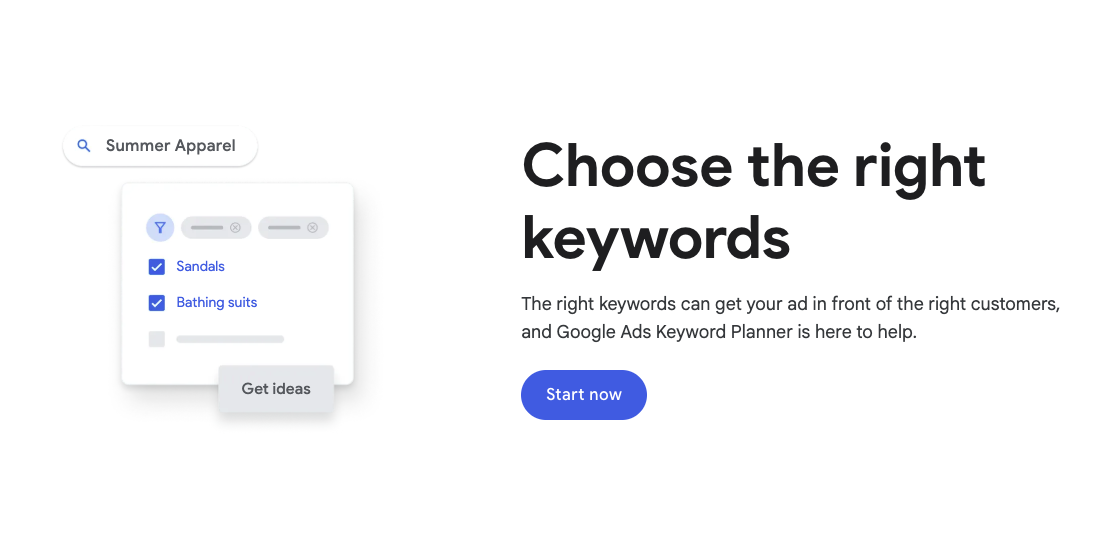
Google Keyword Planner is still one of the most widely used keyword research tools, mainly because it pulls data directly from Google. It’s designed for advertisers, but SEO professionals still use it to validate search demand and discover keyword variations.
Pros
- Direct Google data source
- Completely free to use
- Good for seed keyword expansion
Cons
- Volume ranges instead of exact numbers
- Limited SEO-specific insights
- Requires a Google Ads account
Pricing
Free
Best use case
Validating whether a keyword has real demand before deeper analysis.
2. Google Search Console
Best for finding keywords you already rank for
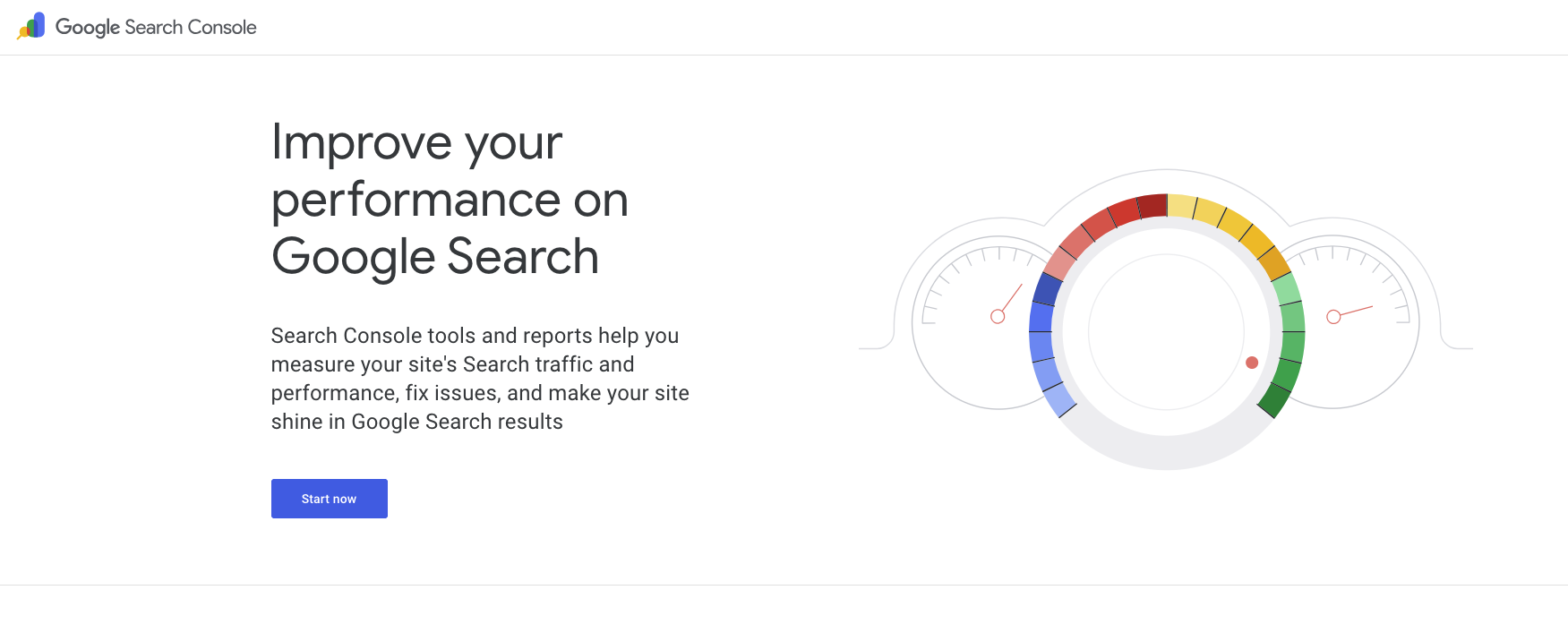
Google Search Console doesn’t generate keyword ideas from scratch, but it shows exactly how your site appears in search. In 2026, this is still one of the most underused SEO tools, especially for content optimization.
Pros
- Real impressions, clicks, and CTR data
- Identifies keywords ranking on page two or three
- Completely free
Cons
- No competitor data
- No keyword discovery features
Pricing
Free
Best use case
Optimizing existing content and finding quick-win keywords.
3. Ahrefs
Best for competitive keyword research

Ahrefs remains one of the strongest keyword research tools for SEO professionals who care about competition. Its keyword difficulty model, SERP analysis, and backlink data make it ideal for planning content that can realistically rank.
Pros
- Strong keyword difficulty metrics
- Excellent competitor analysis
- Reliable backlink and SERP data
Cons
- No free plan
- Expensive for solo users
Pricing
Starts at $129/month
Best use case
Competitive SEO and content planning at scale.
4. Semrush
Best all-in-one SEO keyword research tool
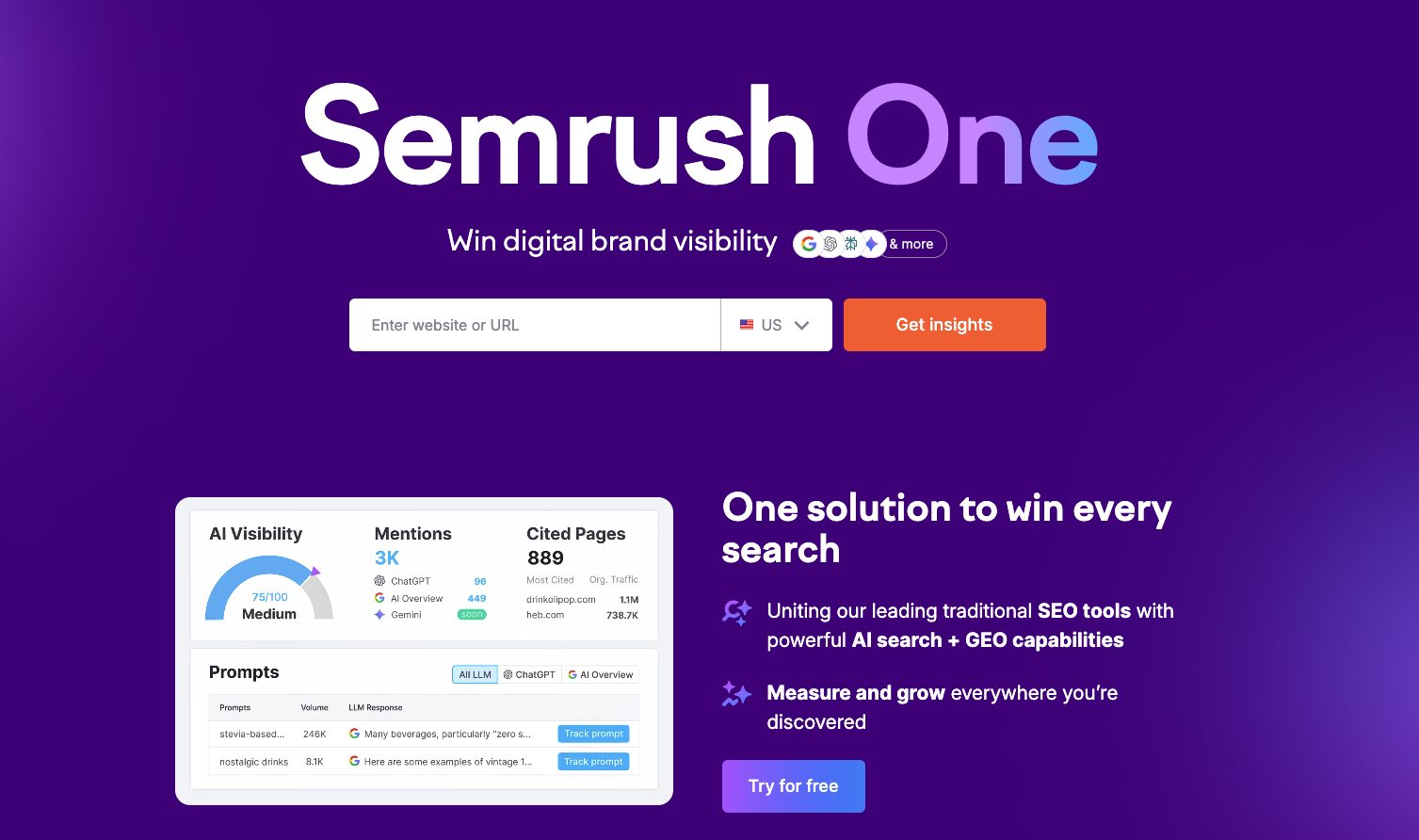
Semrush is often chosen by teams that want everything in one platform. Keyword research, content planning, site audits, and rank tracking all live under one roof.
Pros
- Extensive keyword databases
- Strong intent classification
- Good reporting features
Cons
- Can feel overwhelming
- Pricing increases quickly
Pricing
Starts at $129.95/month
Best use case
Agencies and in-house SEO teams managing multiple projects.
5. Moz Keyword Explorer
Best for simplicity and clarity
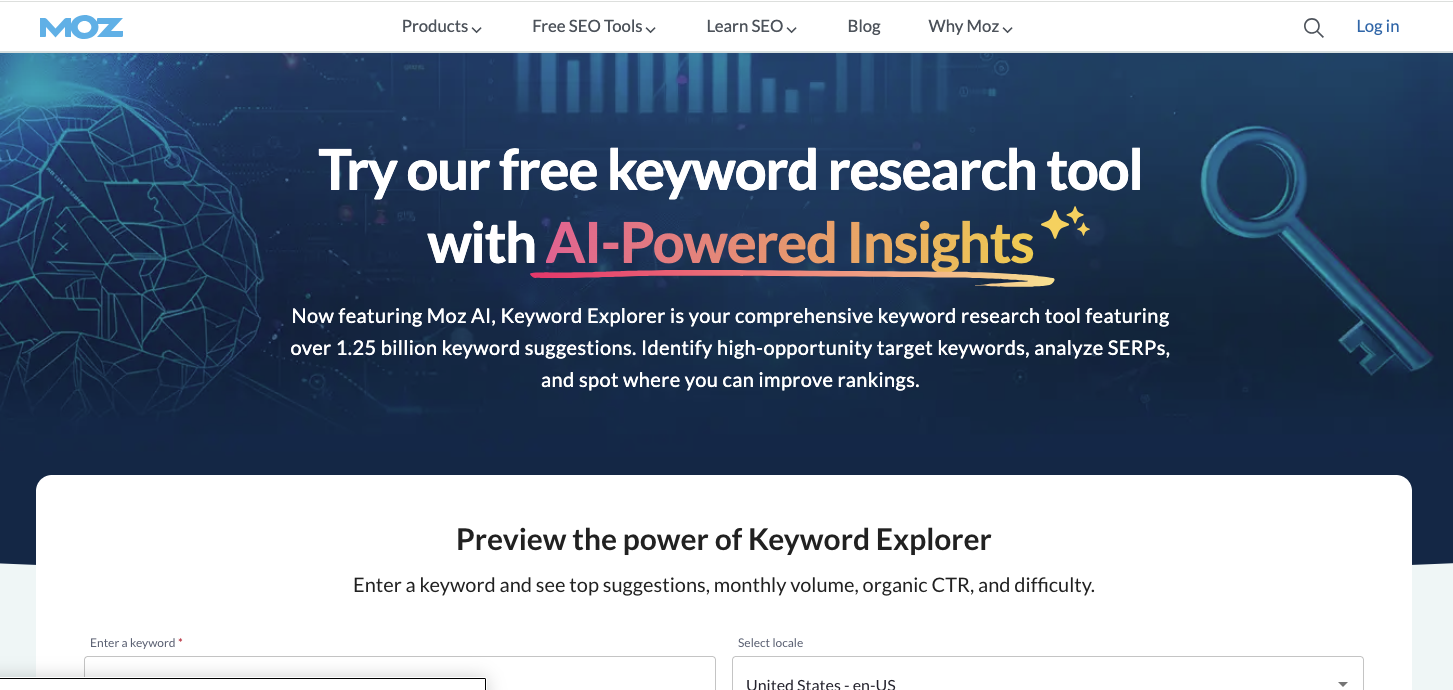
Moz focuses on making keyword research easier to understand. Its priority score combines volume, difficulty, and CTR potential into a single metric that helps beginners avoid analysis paralysis.
Pros
- Clean interface
- Easy-to-understand metrics
- Strong educational resources
Cons
- Smaller keyword database
- Less competitive data than Ahrefs or Semrush
Pricing
Starts at $99/month
Best use case
Small teams or marketers newer to SEO.
6. Keywords Everywhere
Best lightweight keyword research tool

Keywords Everywhere works directly in your browser and overlays keyword data into Google search results, YouTube, and other platforms.
Pros
- Extremely fast keyword checks
- Affordable pricing model
- No complex dashboards
Cons
- Limited advanced analysis
- Credit-based pricing can add up
Pricing
Pay-as-you-go credits, starting around $15
Best use case
Quick keyword validation during research sessions.
7. AnswerThePublic
Best for question-based keywords
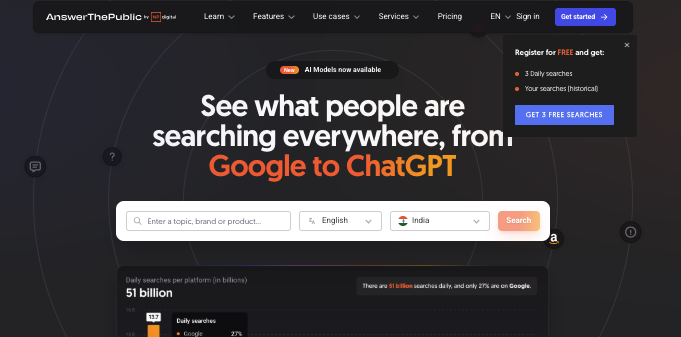
AnswerThePublic is designed to surface the questions people actually ask around a topic. It’s especially useful for blog content, FAQs, and informational pages.
Pros
- Excellent for content ideation
- Visual keyword grouping
- Useful for long-tail queries
Cons
- Limited volume data
- Not ideal for competitive analysis
Pricing
Limited free searches
Paid plans start at $9/month
Best use case
Creating blog outlines and informational content.
8. KeywordTool.io
Best for long-tail keyword expansion
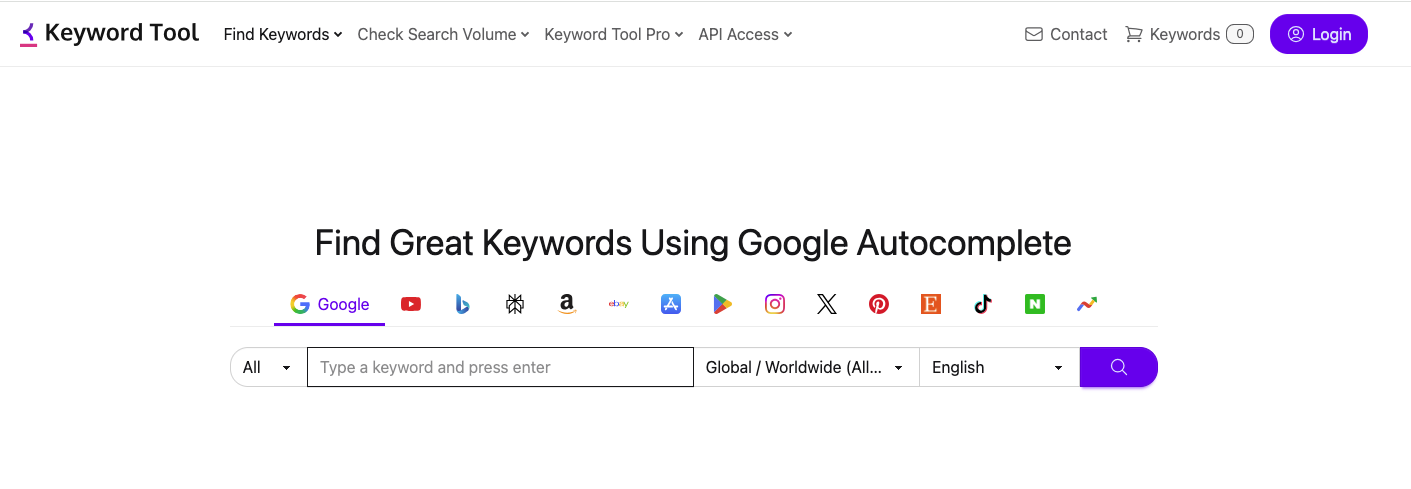
KeywordTool.io pulls autocomplete suggestions from Google, YouTube, Amazon, and more. It’s useful when you want to expand a topic deeply.
Pros
- Strong long-tail keyword discovery
- Works across multiple platforms
- Simple interface
Cons
- Limited metrics on free plan
- Pricing is high for full access
Pricing
Starts at $69/month
Best use case
Finding long-tail keywords for niche content.
9. LowFruits
Best for low-competition keyword opportunities
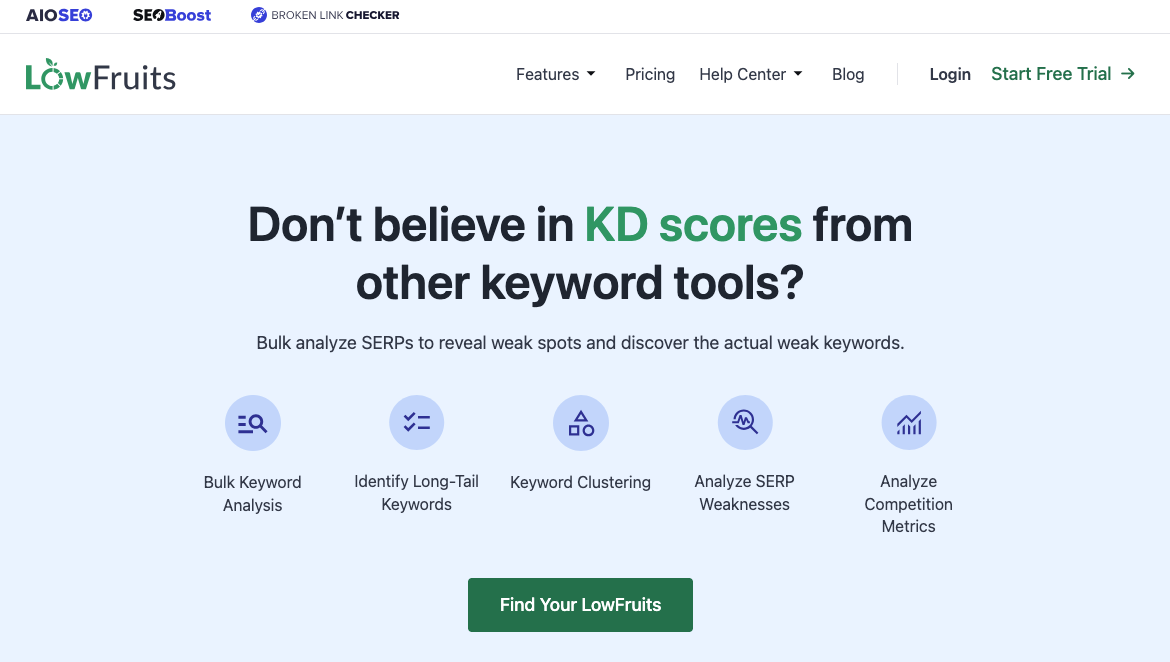
LowFruits focuses on identifying keywords where weak domains already rank. This makes it especially useful for newer sites or content-led growth strategies.
Pros
- SERP-based competition analysis
- Affordable pricing
- Focused on ranking feasibility
Cons
- Smaller feature set
- Not a full SEO suite
Pricing
Starts at $25/month
Best use case
Finding keywords with realistic ranking potential.
10. Ubersuggest
Best budget keyword research tool
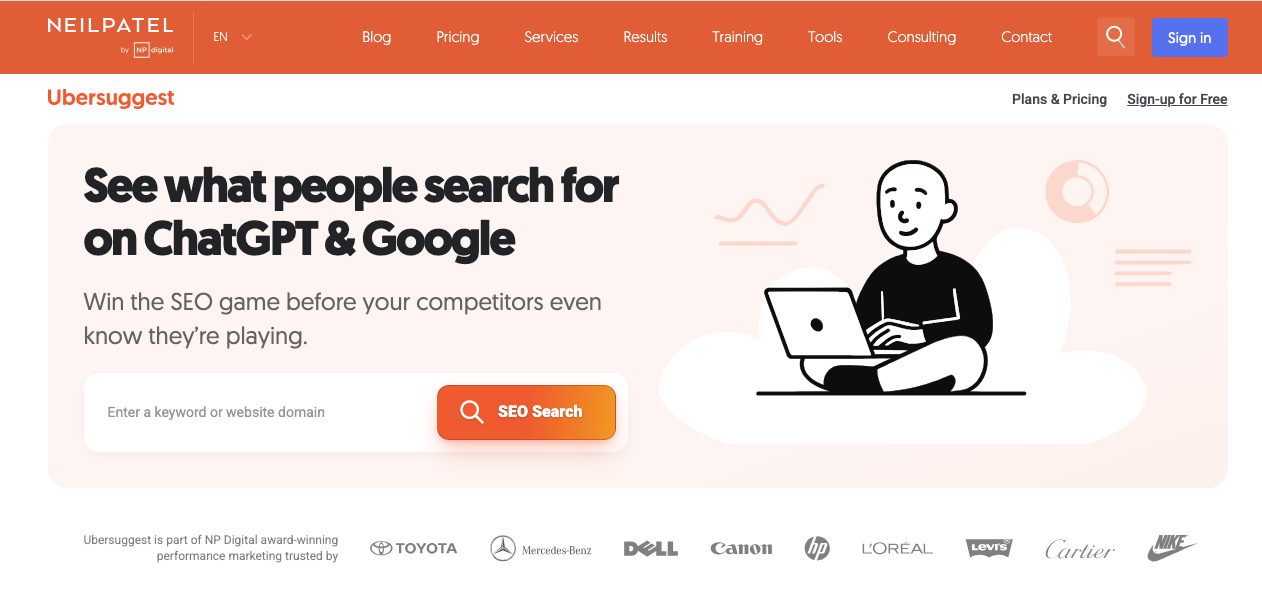
Ubersuggest offers keyword research, content ideas, and basic site audits at a much lower price point than most competitors.
Pros
- Affordable pricing
- Easy to use
- Decent keyword suggestions
Cons
- Data accuracy can vary
- Limited advanced features
Pricing
Free limited plan
Paid plans start at $29/month
Best use case
Solo creators and small businesses on a budget.
Keyword Research Trends in 2026
- More than half of searches now show mixed SERPs with videos, forums, and AI summaries
- Long-tail keywords continue to outperform head terms for conversion-focused content
- Search intent classification matters more than raw volume
- Keyword research tools that show SERP context outperform those that only show numbers
How to Choose the Right Keyword Research Tool
Ask yourself:
- Do I need competitor data or just ideas?
- Am I optimizing existing content or creating new pages?
- Do I need a full SEO suite or a focused tool?
- What can I realistically afford long term?
Most teams use more than one keyword research tool, combining free tools like Google Search Console with one paid platform and a few lightweight helpers.
Final Thoughts
There’s no single “best keyword research tool” in 2026. The best tool is the one that helps you make clearer decisions, faster. Start with free tools, layer in paid tools as your needs grow, and avoid paying for features you’ll never use.
Strong keyword research isn’t about having more data. It’s about asking better questions and choosing keywords that align with real search intent.
