
Free Online tools and
link in bio page worth creating.
Start for Free!
Content Anchor is a privacy-first toolkit with 50+ free utilities for creators, marketers, developers and more! With an AI-enabled Link in Bio page builder, and Font Studio, which turns your handwriting into a real font.
QR · Compress · Convert · Hashtags · AI · & more
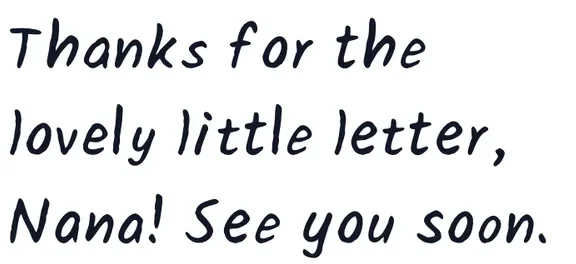
Made in Font Studio
@yourname
Link in bio
Latest drop
IG
TT
📬 Newsletter
50+ free tools, no signup required
Most tools run in your browser, no uploads
Loved by creators, marketers, and developers
New: your handwriting as a real fontAll your tools, one place
Tools you'll actually use,
all in one place.
Whatever the task, there's a good chance we already built the tool for it. Pick one and go. No signup, no waiting.
Browse by category
Find your tool by what you're working on.
Working with images, wrangling PDFs, fixing your SEO, or planning a post? Start with the category that fits, then grab the exact tool you need.
Social Media Tools
Hooks, hashtags, and thumbnails that actually get clicks.
View all social media toolsFont Tools
Copy and paste fonts, font conversion, pairings, and your own handwriting as a font.
View all font toolsMarketing Tools
QR codes, short links, UTM tracking links and review sections that bring people in.
View all marketing toolsOne link that finally does your work justice.
You have an Instagram, a TikTok, a newsletter, a shop, and a portfolio. But your profile only gives you one link. So you either pick a favorite or send people to a boring stack of buttons that looks like everyone else's.
The Link in Bio builder fixes that. You build a bento-style page where each block earns its place, your links, a short intro, your latest drop, an embedded post, whatever matters most. Drag the blocks into place, choose your fonts and colors, and it looks designed, not dumped.
- Drag-and-drop bento grid · 1 to 4 column layouts
- 160+ designer fonts (Pacifico, Bebas, Abril Fatface…)
- Animation blocks · 11 effects like typing, scramble, aurora, word rotate
- 22 templates that ship looking polished
- Click analytics for every link on Premium
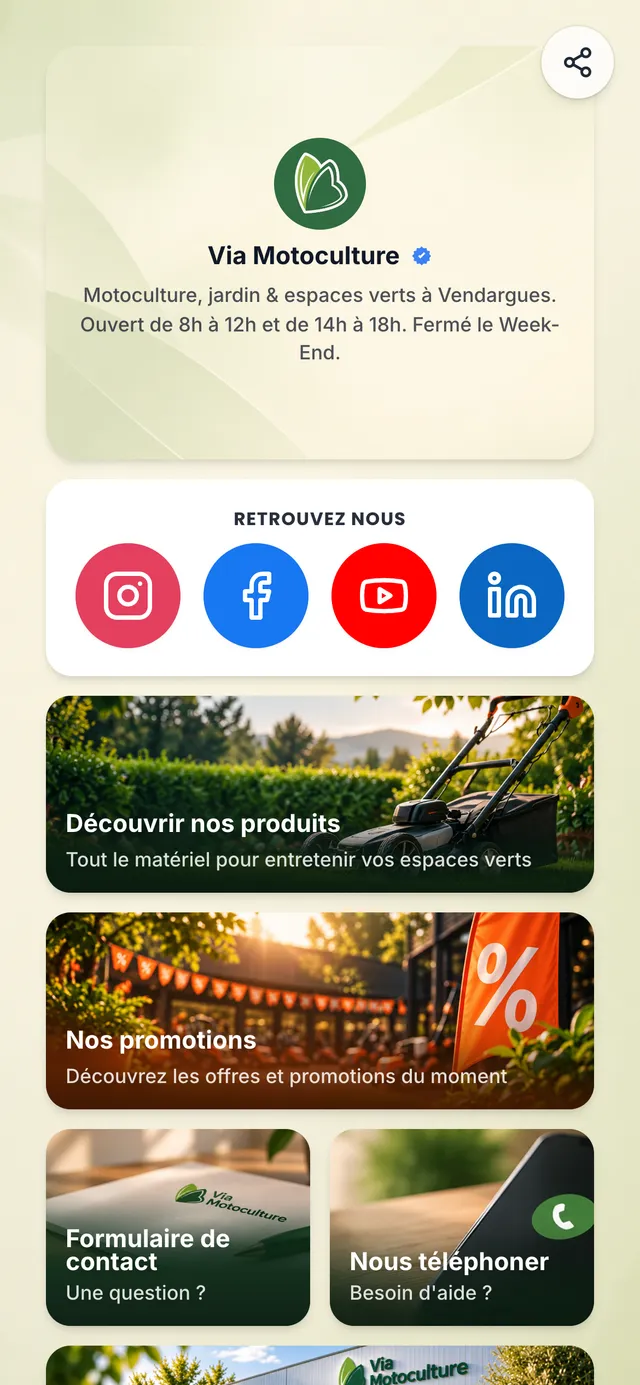
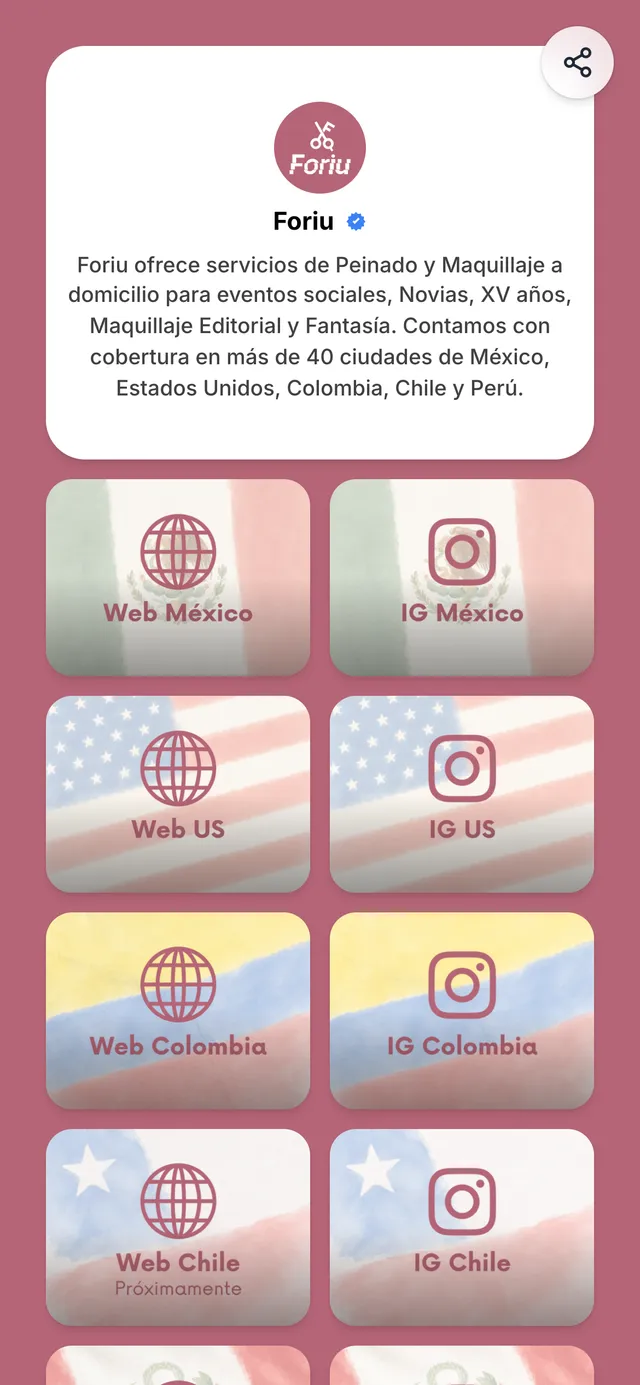
Real pages made with ContentLinks. Tap one to see it live.
Your handwriting, as a real font.
Write the alphabet on a printed sheet, take a photo, and Font Studio turns it into a font you can type with. Install it on your computer for Word or Cricut, put it on your website, or add it to your link pages in one click.
- 1
Print the template
Start with the main sheet: A to Z, a to z, numbers and punctuation. Extra sheets add letter variations and accents.
- 2
Write it and upload a photo
Fill the boxes with a dark pen, then upload photos or scans. Each sheet is recognized automatically, right in your browser.
- 3
Download it or publish it
Get a TTF for Mac and Windows, a WOFF2 for the web, or send it straight to your link pages.
Build your first font free, with every tool. Downloading it and using it on your pages comes with Premium, the same plan as the Link in Bio builder.

TTF and WOFF2
For your computer and the web
Inside Font Studio
It looks handwritten, not stamped.
A plain handwriting font repeats the exact same letter every time, and that is what gives it away. Font Studio keeps the little differences that make your writing yours.
Up to three versions of every letter
Fill in the variation sheets and repeated letters take turns between your versions, so the two l's in hello come out different on your link pages and the web.

Accents built for you
Write the accent marks once, or let Font Studio draw them to match your pen, and it builds 161 accented letters, from é and ñ to ü, ç and š.

Redraw any letter on screen
A smudge or a missed box is no problem. Draw that letter again in the editor with a mouse, finger or stylus.

Spacing and kerning
Set letter and word spacing, then tighten pairs like AV or To so every word sits naturally.


Font Studio + Link in Bio
Put your handwriting on your link page.
With Premium, click "Use on my link pages" and your font appears under Your fonts in the ContentLinks font picker, right next to the 168 free fonts. A page in your own handwriting feels personal in a way no template can.
Use on my link pages: one click, and the font is ready in the editor.
TrueType (.ttf): install it on Mac or Windows for Word and Cricut, or upload it to Canva on a plan with custom fonts.
Web font (.woff2): for your own website, with @font-face.
Why Content Anchor
One toolkit, zero distractions.
Browser fast
Most tools run right in your browser. There is no upload bar to watch, no queue to wait in, and no spinner that never ends. You do the task and you get your file, usually before you have finished your coffee.
Privacy first
On most free tools, your files stay on your machine and nothing gets uploaded. The few AI tools that need a server send your file to our AI provider to make the result, and we don't keep it. Your work is your business.
No fluff
Clean pages, no banner ads, and no popup begging you to upgrade halfway through a task. We respect your time, so the tools just do the thing you came to do and then get out of your way.
How it works
From task to done in three steps.
No manual, no learning curve. Here is the whole thing.
Pick a tool
Browse by category or search for the task in front of you. There is no signup wall standing between you and the tool.
Do the task
Drop in your file or type your input. Most tools run right in your browser and show you the result right away.
Download and go
Save your file or copy your output. No watermark, no catch, no email asking how it went.
FAQ
Questions people ask before they start.
If your question is not here, the tools page is the fastest way to just try one.
Start free, stay focused.
The free tools are free for good. When you are ready for more link pages, premium blocks, an AI page builder that designs for you, or a handwriting font to download and use everywhere, Premium is right there waiting.