


Chrome plugins are part of almost every marketer’s daily workflow, but most people either use too many or miss the ones that actually save time.
The right Chrome extensions can help with SEO checks, keyword research, content optimization, technical audits, and competitive analysis without slowing you down or forcing paid upgrades.
This list covers free Chrome plugins marketers actively use in 2026, focusing on tools that provide real value for SEO, content, and marketing workflows.
Quick Comparison: Free Chrome Plugins for Marketers
| Tool | SEO Tasks | Keyword Research | Technical SEO | Content Optimization | Free & Useful |
|---|---|---|---|---|---|
| Google Lighthouse | ✔️ | ✖️ | ✔️ | ✖️ | ✔️ |
| Detailed SEO Extension | ✔️ | ✖️ | ✔️ | ✖️ | ✔️ |
| Keywords Everywhere | ✔️ | ✔️ | ✖️ | ✖️ | ✔️ |
| Meta SEO Inspector | ✔️ | ✖️ | ✔️ | ✖️ | ✔️ |
| Wappalyzer | ✖️ | ✖️ | ✔️ | ✖️ | ✔️ |
| Grammarly | ✖️ | ✖️ | ✖️ | ✔️ | ✔️ |
| GoFullPage | ✖️ | ✖️ | ✖️ | ✔️ | ✔️ |
| Check My Links | ✔️ | ✖️ | ✔️ | ✖️ | ✔️ |
| Web Developer | ✔️ | ✖️ | ✔️ | ✖️ | ✔️ |
1. Google Lighthouse
Best for: Performance, SEO, and UX audits
Category: Website auditing & performance analysis
Common uses
- Measuring page speed and Core Web Vitals
- Auditing SEO best practices
- Evaluating accessibility compliance
- Checking Progressive Web App (PWA) readiness
- Identifying render-blocking resources
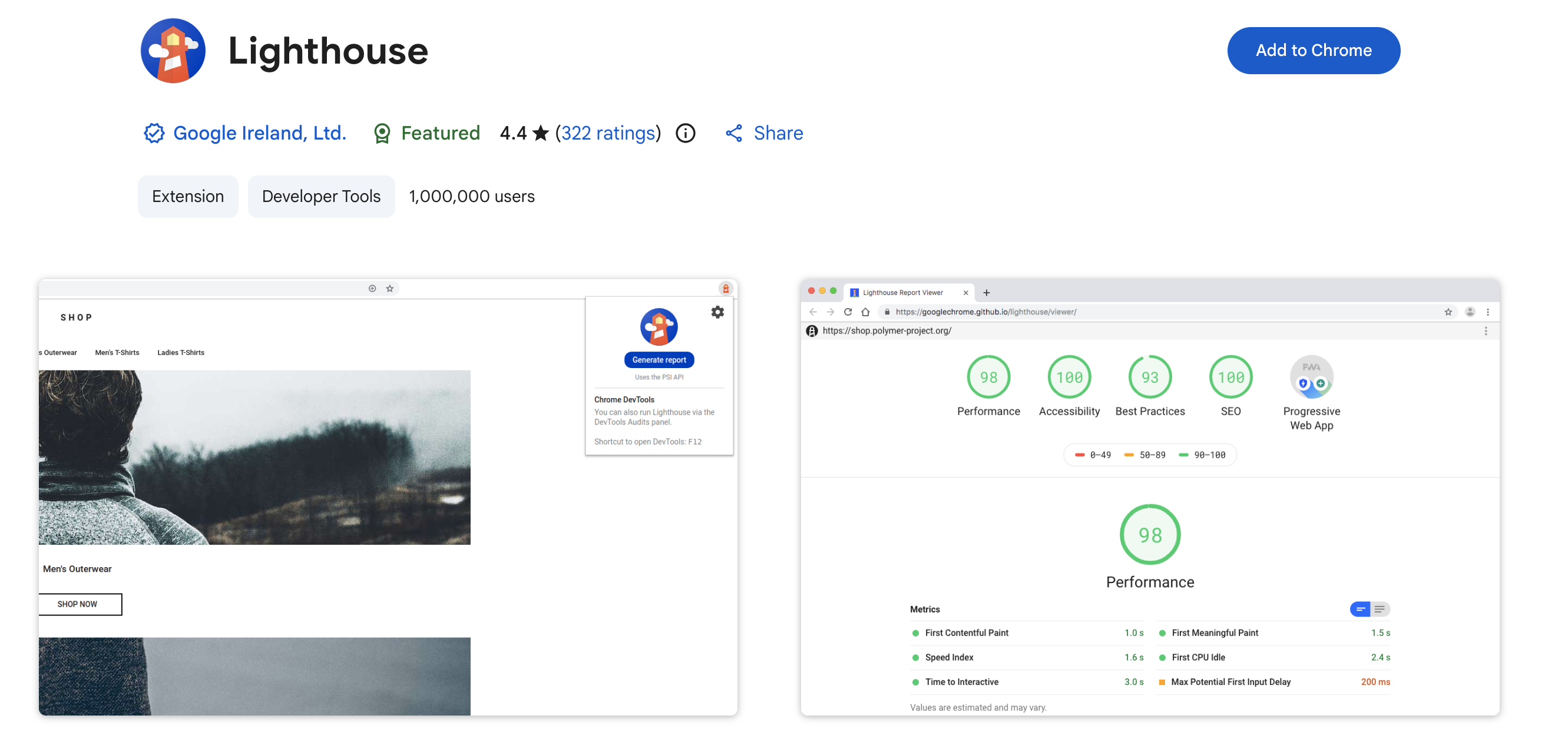
Google Lighthouse is an open-source auditing tool built directly into Chrome DevTools. It provides detailed reports on how well a web page performs across key areas like performance, SEO, accessibility, and best practices.
The tool generates clear scores and actionable insights, making it ideal for developers, SEO specialists, and product teams who want to improve site quality without relying on external tools. Lighthouse is especially useful for debugging slow pages, validating technical SEO signals, and preparing sites for real-world performance metrics like Core Web Vitals.
Pros
- Built into Chrome (no setup required)
- Covers performance, SEO, accessibility, and best practices
- Actionable recommendations with explanations
- Supports mobile and desktop audits
Cons
- Lab data only (not real-user data)
- Can feel technical for non-developers
- Results may vary between runs
Pricing
Free. Open-source and available directly in Chrome DevTools.
2. Detailed SEO Extension
Best for: On-page SEO inspection
Best for: On-page SEO inspection
Category: SEO analysis
Common uses
- Reviewing title tags and meta descriptions
- Checking heading structure
- Validating canonical tags
- Spotting indexation signals
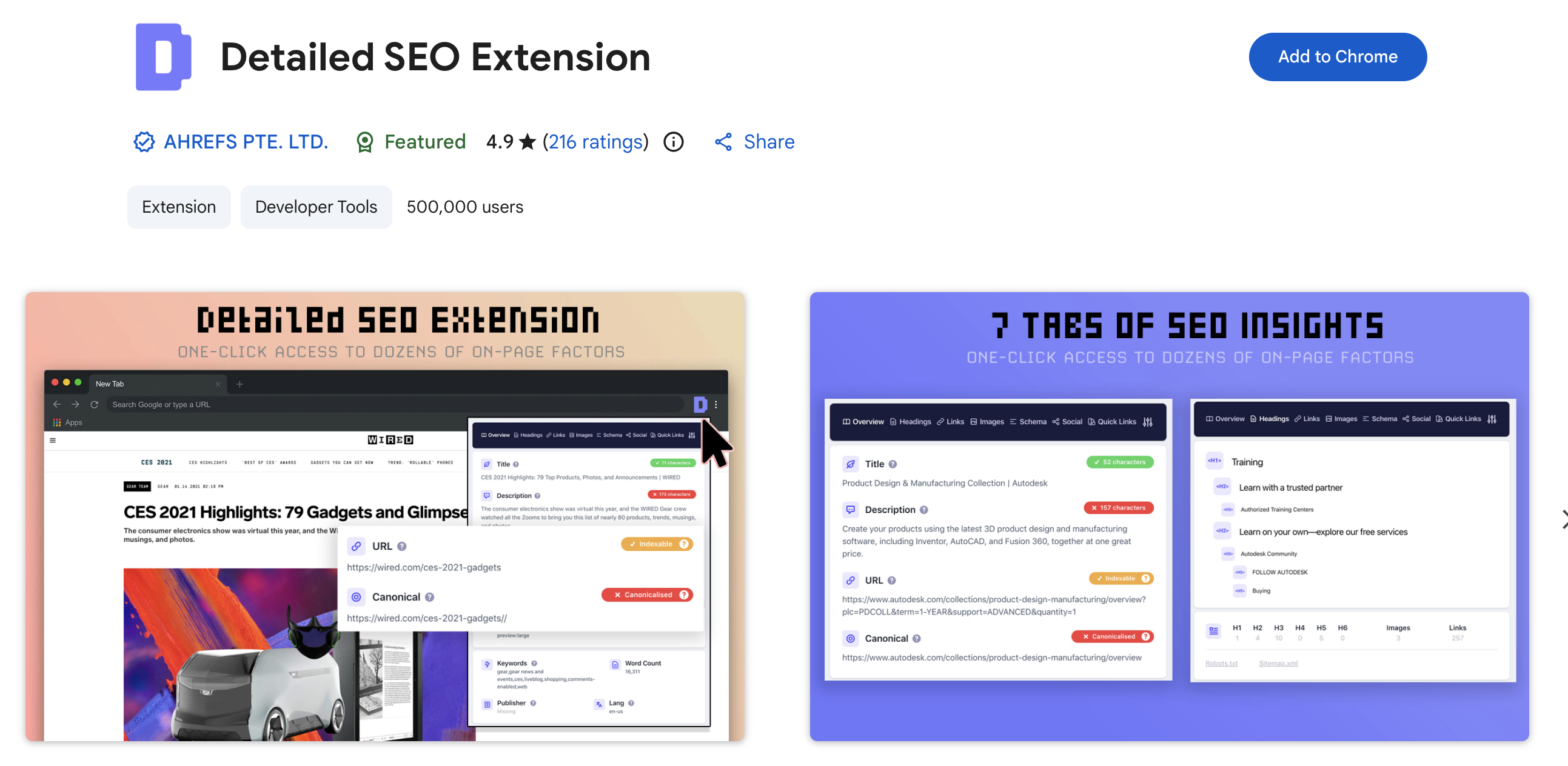
The Detailed SEO Extension is a lightweight Chrome plugin. It gives marketers a fast overview of on-page SEO elements.
It avoids unnecessary clutter and focuses on what matters, such as headings, meta tags, structured data, and indexing signals. This makes it especially useful when reviewing content drafts, auditing competitor pages, or doing quick SEO checks without opening full audit tools.
Pros
- Clean overview of on-page SEO elements
- No account or setup required
- Useful for quick audits and content reviews
Cons
- Limited to on-page analysis
- No scoring or recommendations
Pricing
Free. Fully functional without paid upgrades.
3. Keywords Everywhere (Free Version)
Best for: Keyword context and SERP insights
Category: Keyword research
Common uses
- Finding related keywords
- Analyzing search intent
- Reviewing keyword usage on pages
- Supporting content ideation
Brief
Keywords Everywhere is a popular Chrome extension for keyword research and SERP analysis. While advanced metrics are paid, the free version still provides valuable keyword context, including related terms and search intent clues.
Marketers often use it during content planning and SEO research to validate topics and identify supporting keywords without switching tools.
Pros
- Shows related keywords and SERP context
- Useful during content ideation
- Works directly on search result pages
Cons
- Search volume and CPC data require paid credits
- Free version offers limited metrics
Pricing
Free with limited features. Paid credits available for advanced data.
4. Meta SEO Inspector
Best for: Meta tags and technical signals
Category: On-page SEO
Common uses
- Checking meta tags
- Reviewing Open Graph data
- Validating robots directives
- Spotting missing SEO elements
Brief
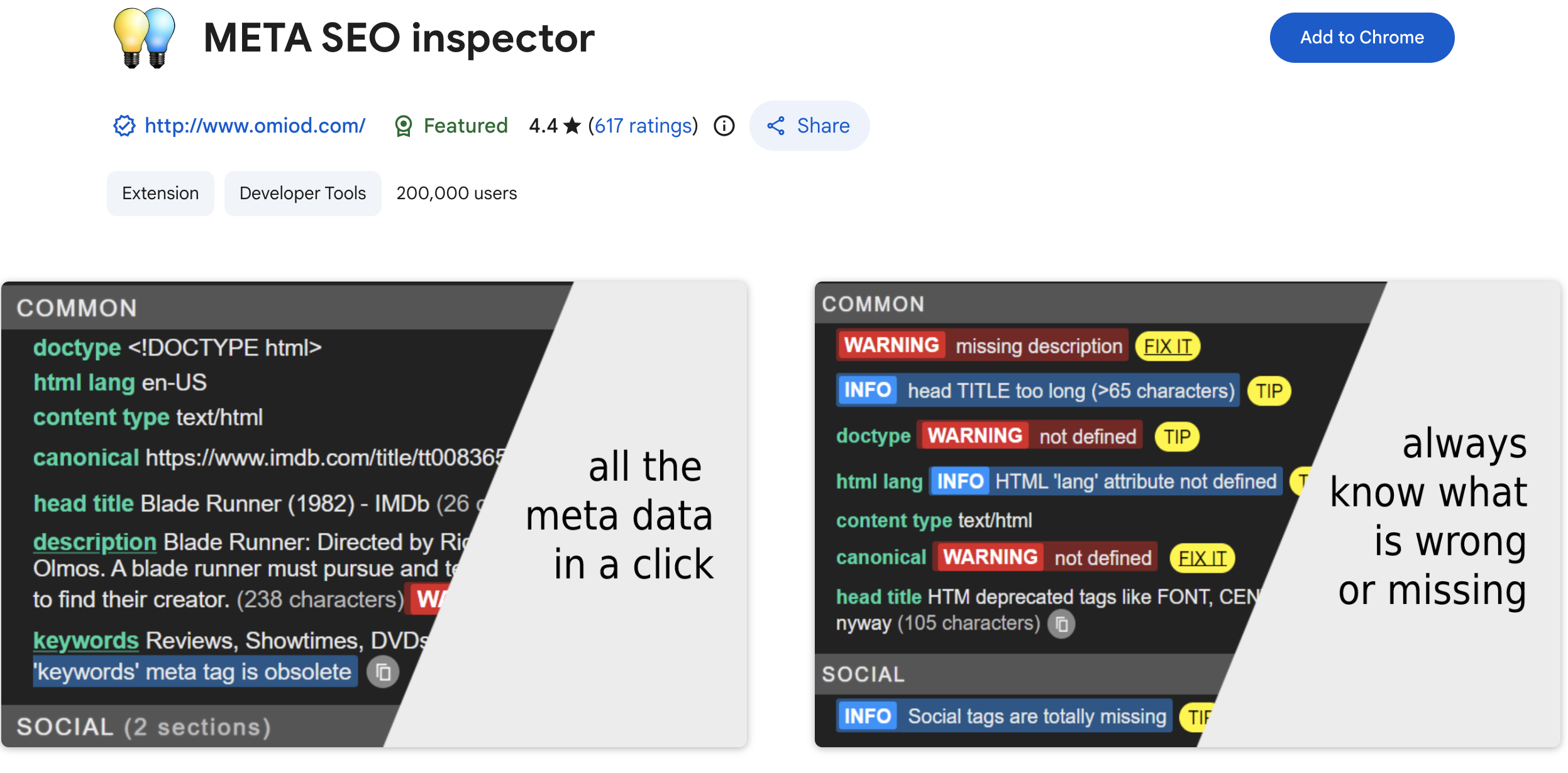
Meta SEO Inspector is a practical Chrome plugin for marketers who want to verify on-page SEO and technical metadata quickly.
It highlights missing or incorrect meta tags, social sharing data, and indexing signals. This makes it useful during content reviews, campaign launches, and quality checks before publishing new pages.
Pros
- Highlights missing or incorrect meta tags
- Shows Open Graph and social metadata
- Helpful for quality checks before publishing
Cons
- Not a full SEO audit tool
- Limited beyond metadata inspection
Pricing
Free. No paid version.
5. Wappalyzer
Best for: Tech stack analysis
Category: Competitive research
Common uses
- Analyzing competitor technology stacks
- Identifying CMS and analytics tools
- Researching marketing automation platforms
- Supporting partnership evaluations
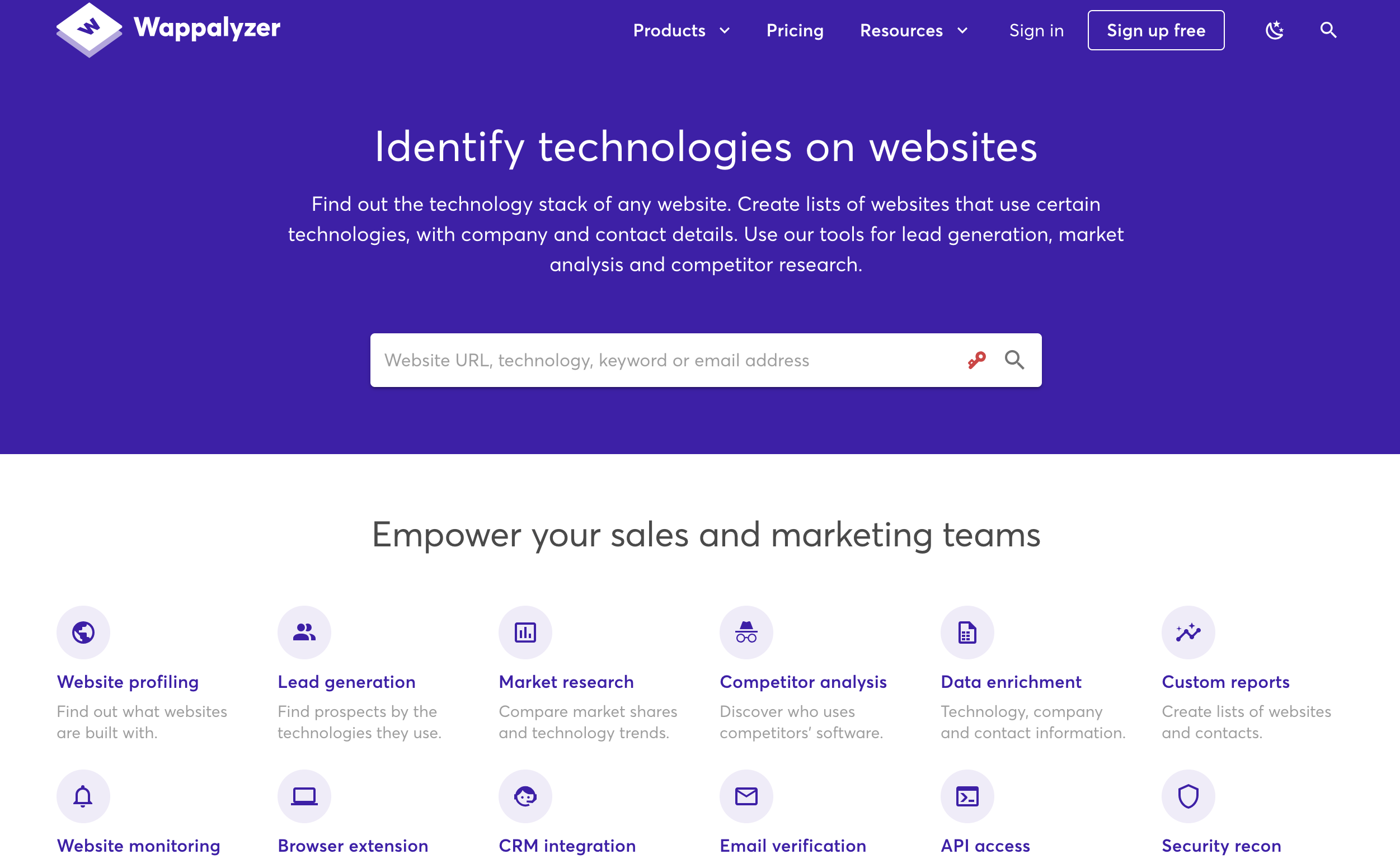
Wappalyzer helps marketers understand what technologies power a website.
From CMS platforms to analytics and marketing tools, it provides quick insights that support competitive research and market analysis. It’s widely used by SEO professionals and growth teams to study how high-performing sites are built.
Pros
- Identifies website technology stacks
- Useful for competitive and market research
- Covers analytics, CMS, and marketing tools
Cons
- Not focused on SEO or content optimization
- More insight-oriented than action-oriented
Pricing
Free browser extension. Paid plans available for advanced and historical data.
6. Grammarly (Free Version)
Best for: Writing clarity and grammar
Category: Content optimization
Common uses
- Catching grammar errors
- Improving sentence clarity
- Reviewing blog drafts
- Polishing landing page copy
Brief
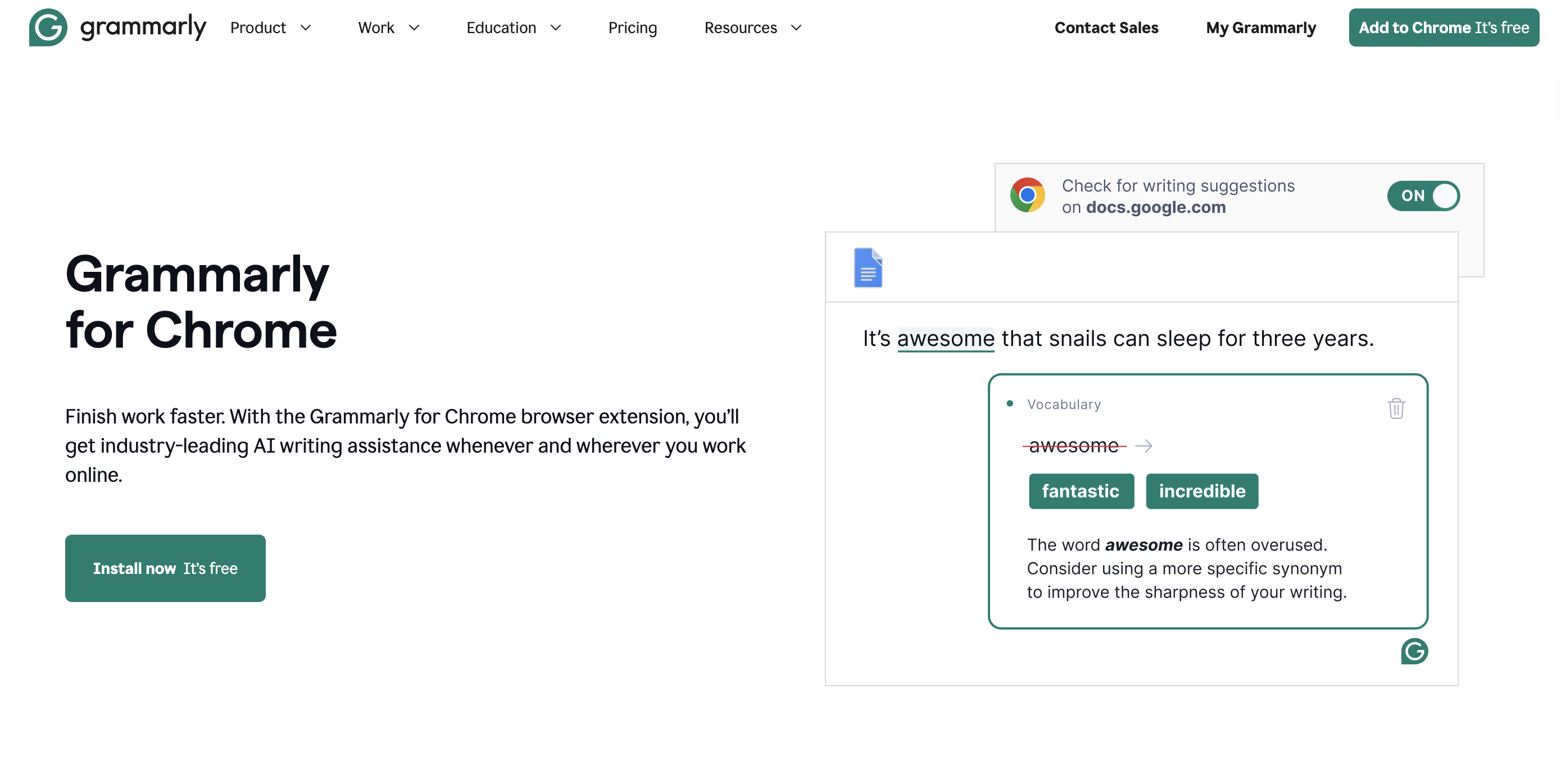
Grammarly’s free Chrome plugin helps marketers improve writing quality by catching grammar mistakes and clarity issues.
While it doesn’t replace editing, it’s a useful final check for SEO content, emails, and marketing copy. Many teams use it to reduce errors and maintain consistency across written assets.
Pros
- Catches grammar and spelling errors
- Improves clarity in everyday writing
- Works across most browser text fields
Cons
- Advanced suggestions require a paid plan
- Not designed for SEO-specific writing
Pricing
Free basic version. Optional paid upgrade for advanced features.
7. GoFullPage – Full Page Screen Capture
Best for: Visual documentation
Category: Reporting and audits
Common uses
- Capturing full-page screenshots
- Creating SEO audit reports
- Documenting UX issues
- Recording competitor layouts
Brief
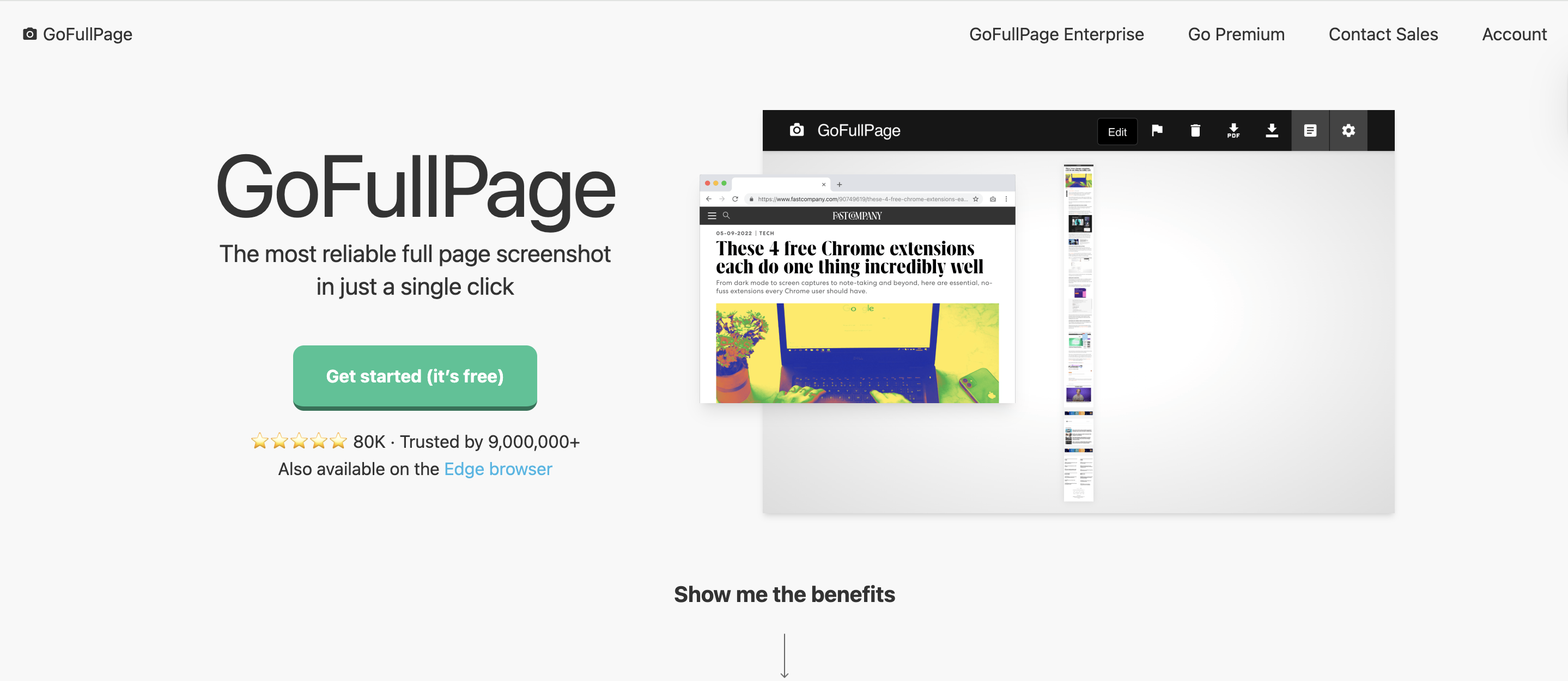
GoFullPage allows marketers to capture full-page screenshots without stitching images manually. It’s commonly used in SEO audits, UX reviews, and client reports where visual documentation is required.
The tool is simple, reliable, and works well for both technical and non-technical users.
Pros
- Captures full-page screenshots in one click
- Useful for audits, reporting, and documentation
- No manual image stitching required
Cons
- Limited built-in editing features
- Advanced options require a paid upgrade
Pricing
Free with optional paid features depending on version.
8. Check My Links
Best for: Broken link checks
Category: Technical SEO
Common uses
- Finding broken links
- Auditing resource pages
- Reviewing long-form content
- Improving user experience
Brief
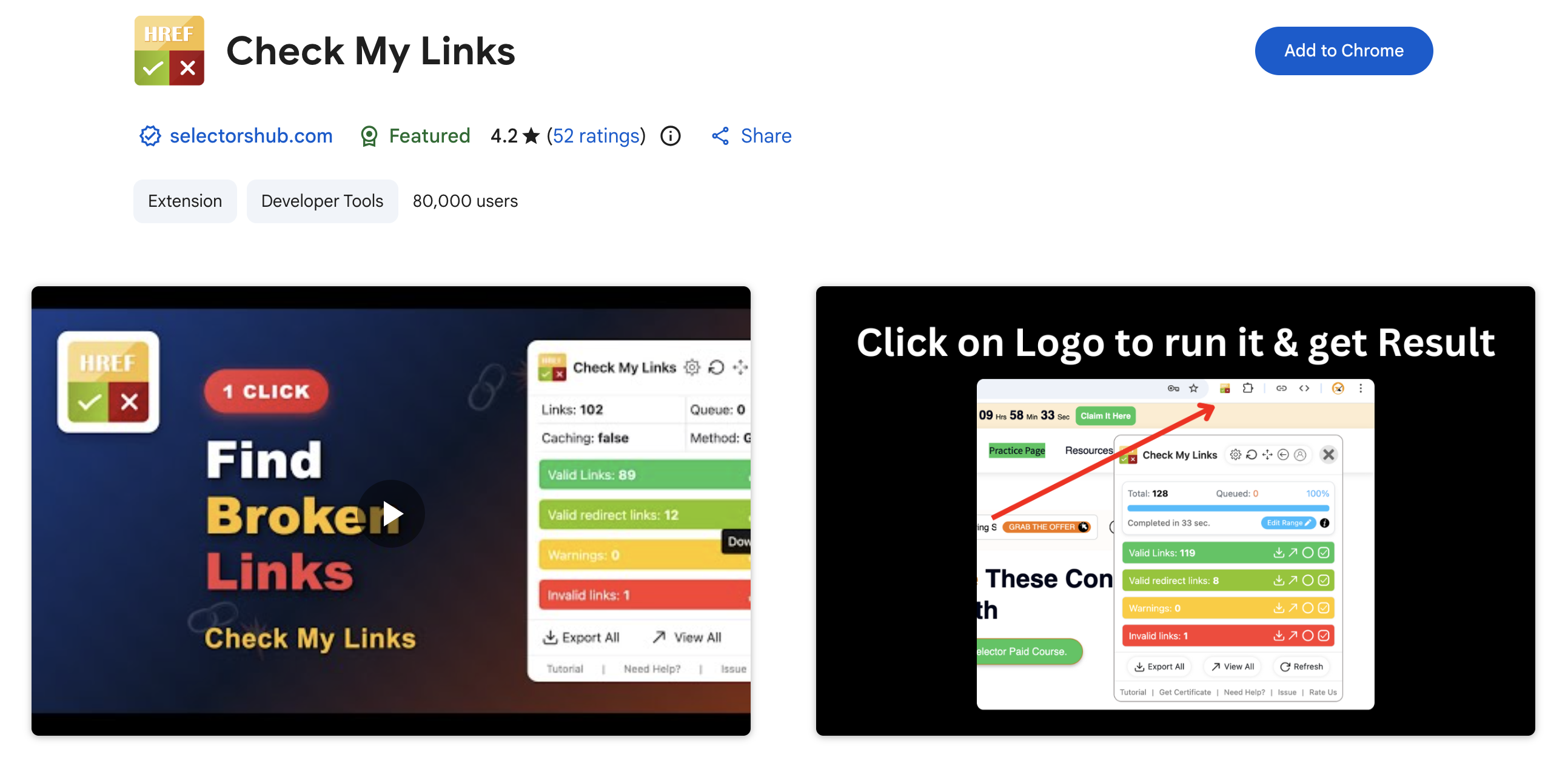
Check My Links scans web pages for broken and redirected links, making it a valuable Chrome plugin for technical SEO and content audits.
Marketers use it to maintain link quality on blogs, landing pages, and resource-heavy content. Fixing broken links helps improve usability and credibility.
Pros
- Quickly identifies broken and redirected links
- Lightweight and fast
- Useful for large pages and content audits
Cons
- Does not provide exportable reports
- Only highlights issues without fixing them
Pricing
Free. Fully functional.
9. Web Developer Extension
Best for: Page inspection and testing
Category: Technical marketing
Common uses
- Inspecting page structure
- Testing responsive layouts
- Reviewing image usage
- Debugging CSS issues
Brief
The Web Developer extension adds a toolbar with tools that help marketers understand how pages are built and rendered. It’s especially useful for testing layouts, inspecting images, and identifying technical issues without deep development knowledge.
Many marketers rely on it for quick diagnostics during SEO and UX reviews.
Pros
- Adds inspection and testing tools to the browser
- Helps analyze page structure and layout
- Useful for technical and UX reviews
Cons
- Interface may feel technical for some marketers
- Not focused solely on SEO
Pricing
Free. No paid version.
Final thoughts
Free Chrome plugins can significantly improve productivity when chosen carefully. The best extensions support SEO, keyword research, content optimization, and technical analysis without slowing down workflows.
By focusing on tools that solve specific problems, marketers can build a lean, effective Chrome setup that supports real results.
