Hashtags aren’t dead, but they’re definitely not simple anymore. I still use them, but not the way I used to. You can’t just drop a block of popular tags and expect reach to follow. Instagram looks at what your post is about, how people react to it, and whether it makes sense to show it to others. Hashtags only help when they fit naturally into that picture.
The annoying part is the tools. Most hashtag generators promise “better reach” and then give you the same generic tags everyone else is using. Or worse, they let you do all the work and then ask you to sign up or pay just to copy the list. I’ve lost count of how many times that’s happened.
This list is based on tools I’ve actually tried while posting, testing, and fixing my own mistakes. Some are fast and simple. Some are better if you want data. A few are honestly more trouble than they’re worth. If you’re a creator, marketer, or running a small brand account, these are the hashtag generators that make the process easier instead of getting in the way.
Quick Comparison: Best Hashtag Generators in 2026
| Tool | Platform Focus | Free to Use | No Sign-Up | Best For |
|---|---|---|---|---|
| ContentAnchor | Instagram, general social | Yes | Yes | Fast, no-friction hashtag generation |
| MetaHashtags | Limited | No | Filtering and hashtag analytics | |
| Inflact | Limited | No | AI-assisted hashtag suggestions | |
| All Hashtag | Instagram, X | Yes | Yes | Simple, quick hashtag lists |
| Hashtagify | Instagram, X | Limited | No | Hashtag trend research |
| RiteTag | Instagram, X | Trial | No | Real-time hashtag feedback |
| Display Purposes | Yes | Yes | Clean, relevant hashtags | |
| Keyword Tool | Limited | No | Long-tail hashtag discovery | |
| TagsFinder | Yes | Yes | Quick hashtag sets | |
| Flick | No | No | Professional creators and teams | |
| Toolzu | Yes | Yes | Beginners and casual users |
1. ContentAnchor Hashtag Generator
Best overall free hashtag generator with no sign-up
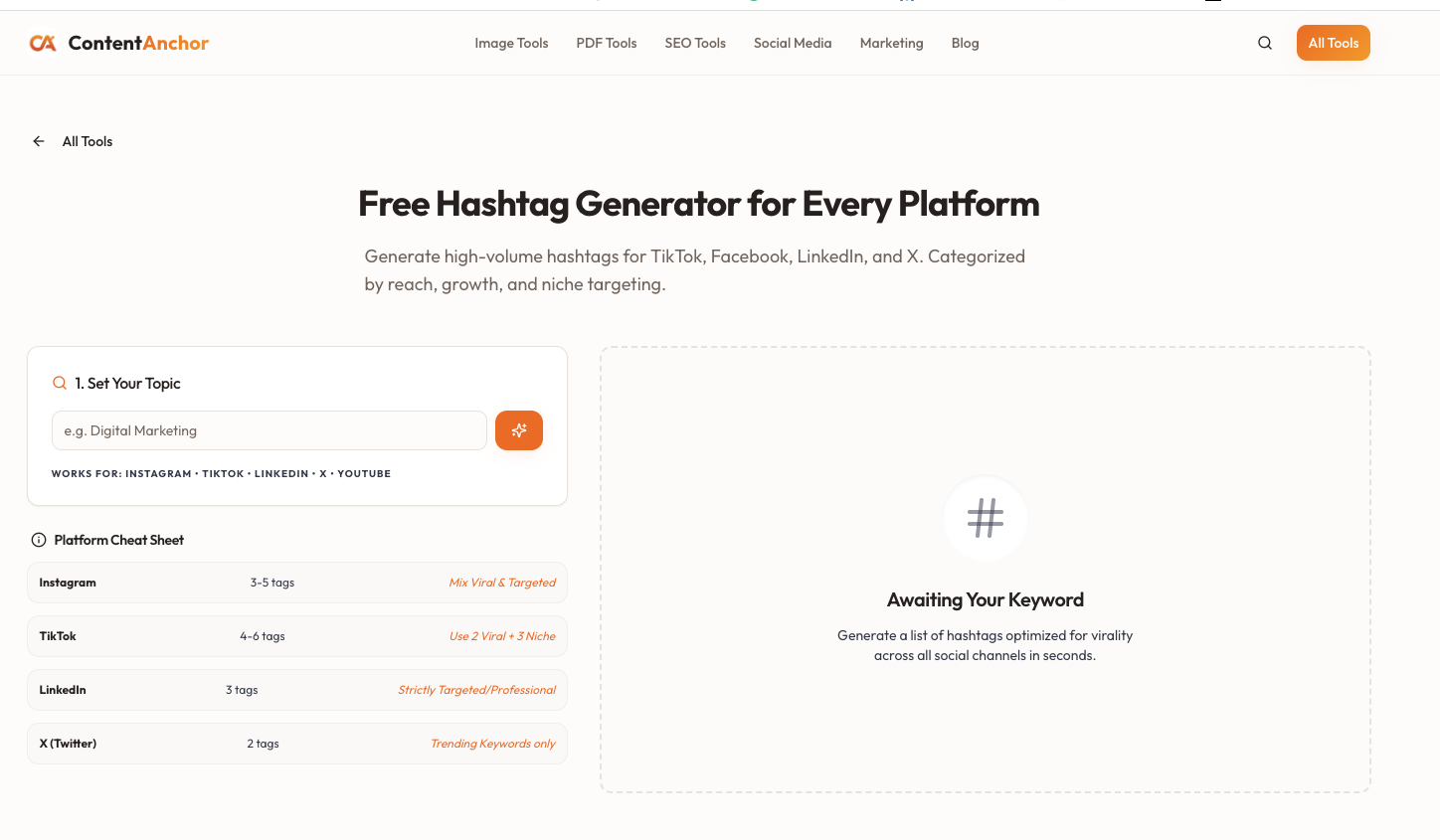
ContentAnchor’s hashtag generator was built by a friend and me after repeatedly running into the same issue with other tools. They claimed to be free, let you do all the work, and then asked you to sign up or pay at the final step just to copy or download the results. We wanted to remove that friction entirely.
With ContentAnchor, you enter a keyword or topic and instantly get relevant hashtags. There are no accounts to create, no usage caps, and no hidden paywalls at the end.
Why it stands out
- Completely free hashtag generator
- No sign-up required
- Clean, fast, and distraction-free
- Works well for Instagram and general social posts
Best for
Creators, small brands, and marketers who want a reliable Instagram hashtag generator without friction.
Pricing
Free
2. MetaHashtags
Best for hashtag filtering and analytics
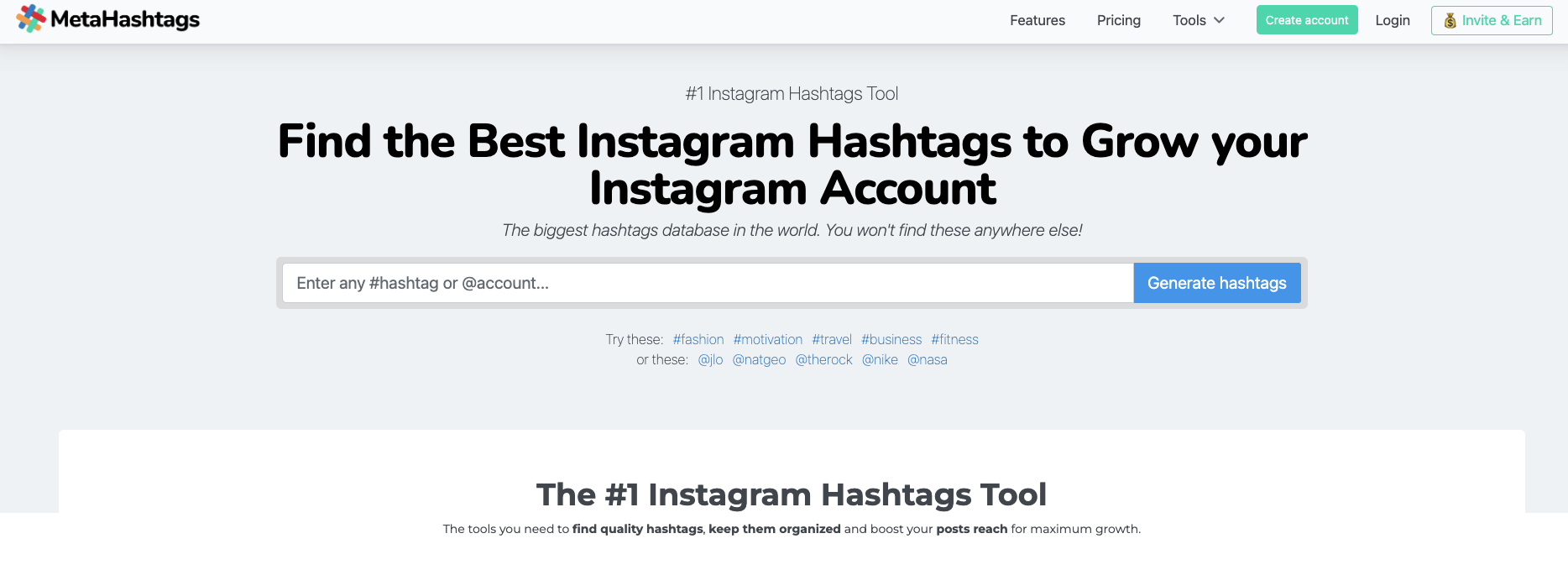
MetaHashtags focuses on helping you refine hashtag lists instead of dumping random suggestions. It allows filtering by popularity and relevance, which helps avoid overly competitive tags.
Pros
- Useful filtering options
- Decent hashtag analytics
- Good balance of popular and niche tags
Cons
- Free plan is limited
- Requires account for full access
Pricing
Free with limits
Paid plans start around $9 per month
3. Inflact Hashtag Generator
Best AI-assisted hashtag generator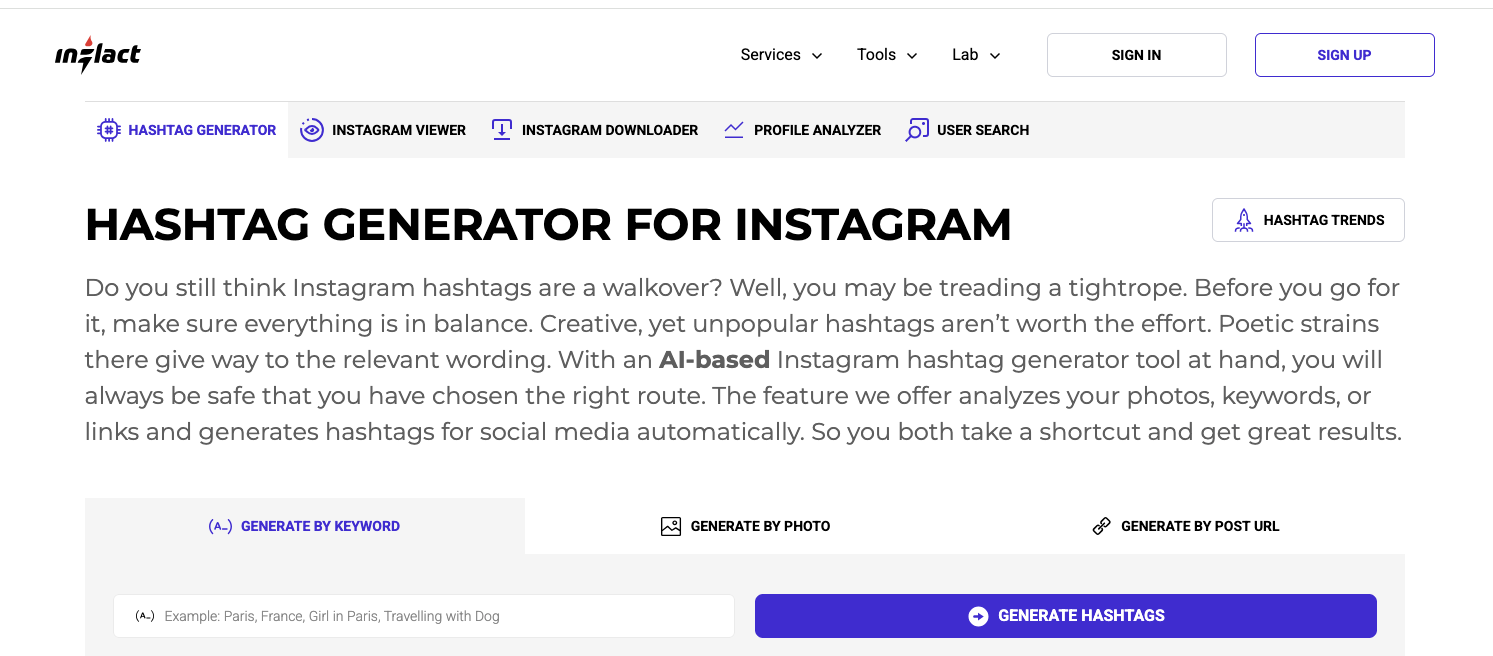
Inflact uses AI-based clustering to generate hashtags from keywords, images, or URLs. It’s one of the more advanced Instagram hashtag generators, but it leans heavily toward volume.
Pros
- Multiple input methods
- Large hashtag database
- Useful for influencers and ecommerce
Cons
- Limited free usage
- Often suggests overly competitive hashtags
Pricing
Limited free searches
Paid plans start around $54 per month
4. All Hashtag
Best simple hashtag generator
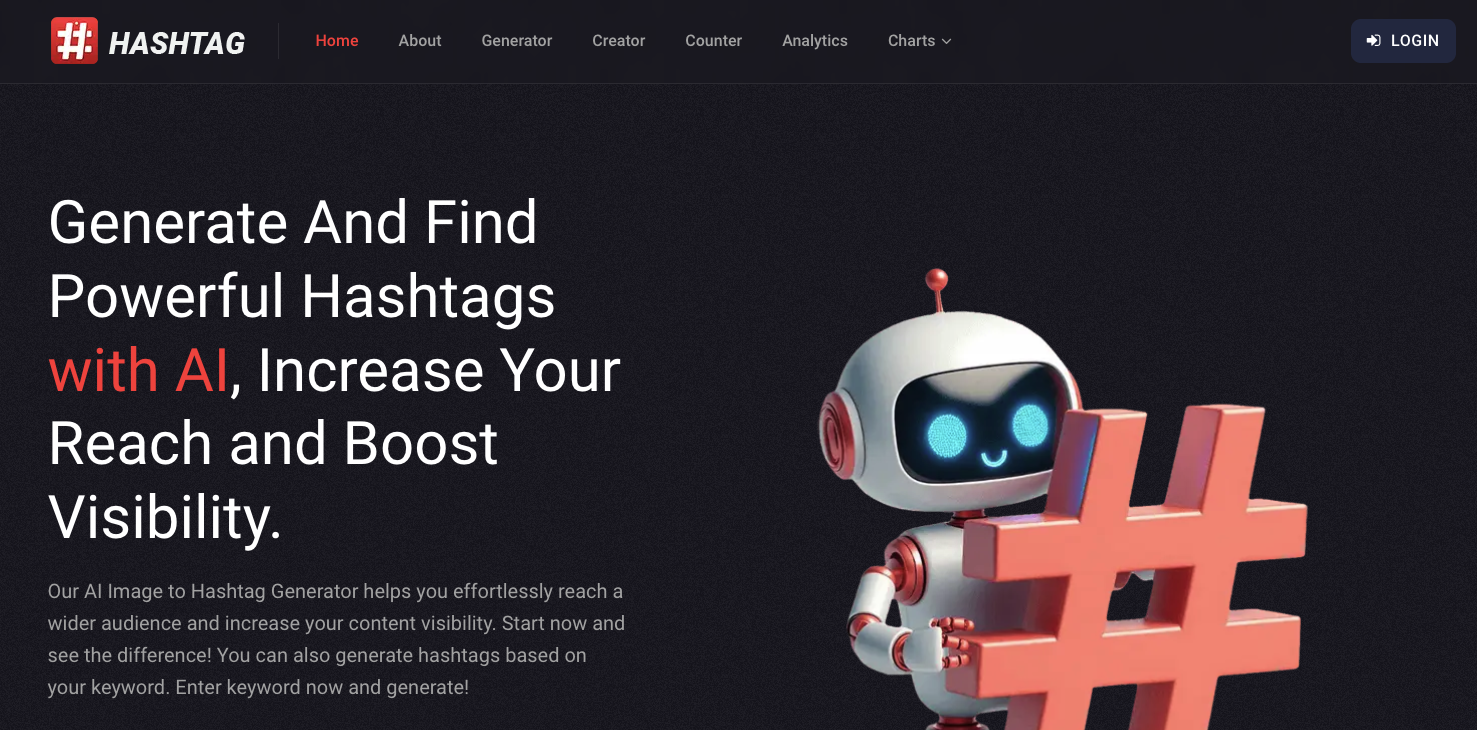
All Hashtag keeps things basic. You enter a keyword and get a list of top, random, and live hashtags without extra layers or analytics.
Pros
- Easy to use
- No sign-up required
- Fast results
Cons
- No filtering or analytics
- Results can feel generic
Pricing
Free
Optional paid plan for advanced features
5. Hashtagify
Best for hashtag trend research
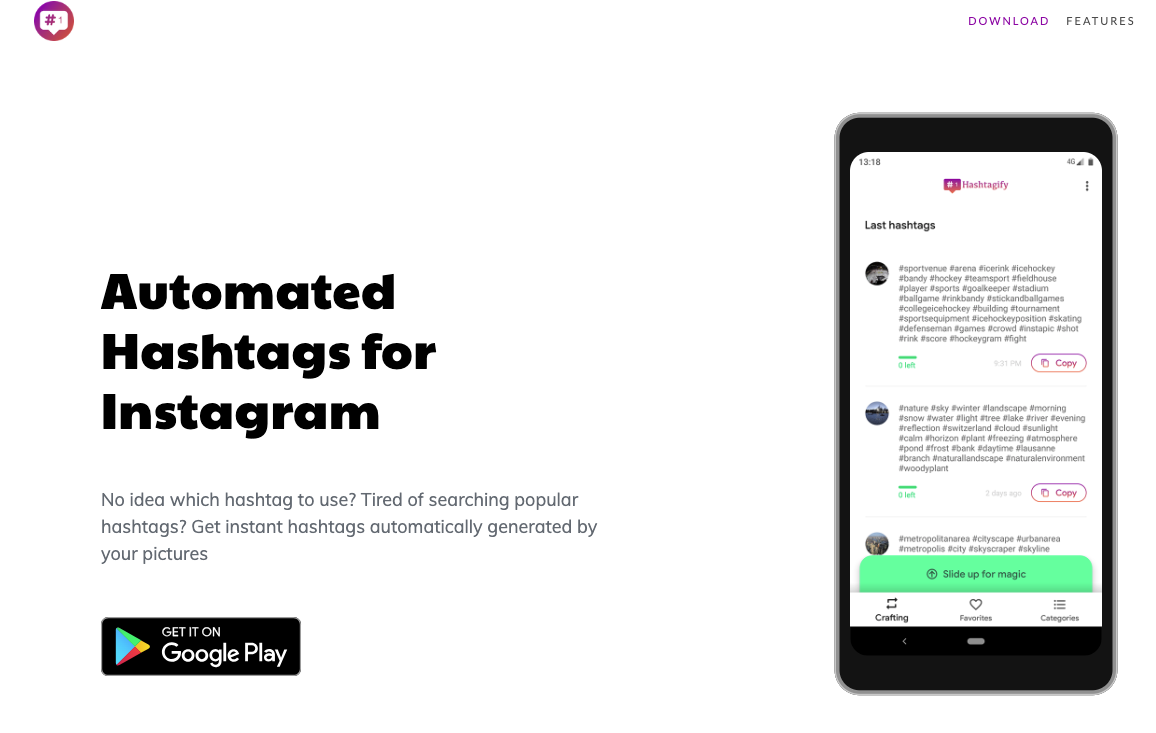
Hashtagify is more of a research tool than a quick generator. It shows hashtag popularity, trends, and related hashtags over time.
Pros
- Strong trend data
- Useful for campaign planning
- Historical insights
Cons
- Not ideal for quick posting workflows
- Paid plans are expensive
Pricing
Limited free usage
Paid plans start around $49 per month
6. RiteTag
Best for real-time hashtag feedback
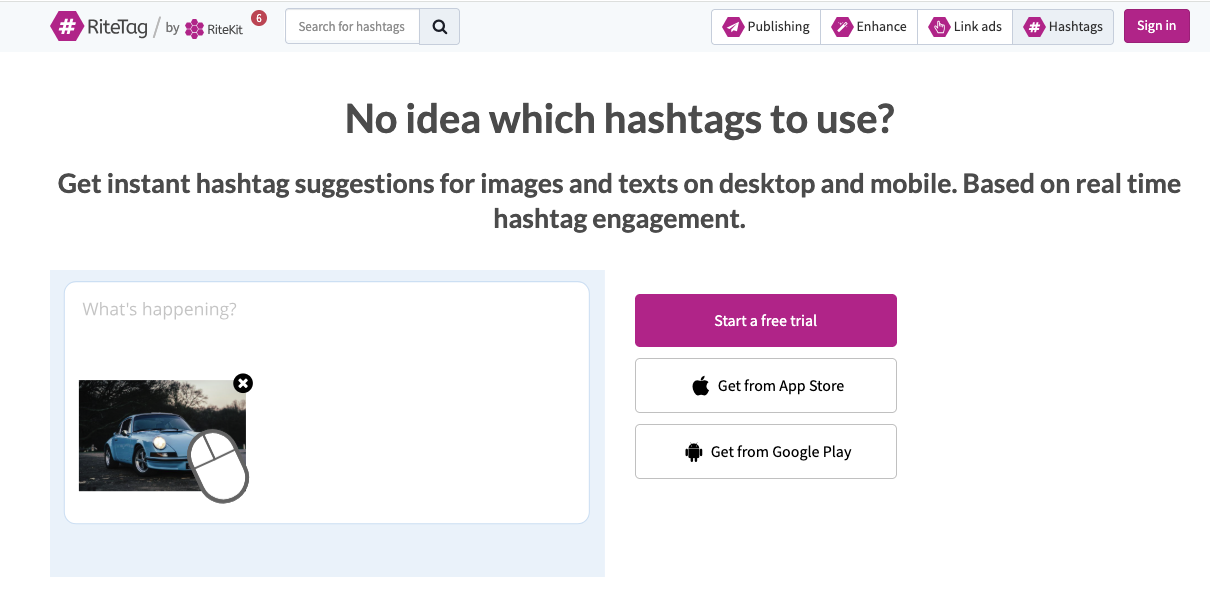
RiteTag suggests hashtags based on real-time engagement data and labels them to indicate competition levels.
Pros
- Real-time insights
- Clear indicators for hashtag competition
- Useful during posting
Cons
- Requires account
- Less customization control
Pricing
Free trial
Paid plans start around $49 per year
7. Display Purposes
Best for clean and relevant hashtags
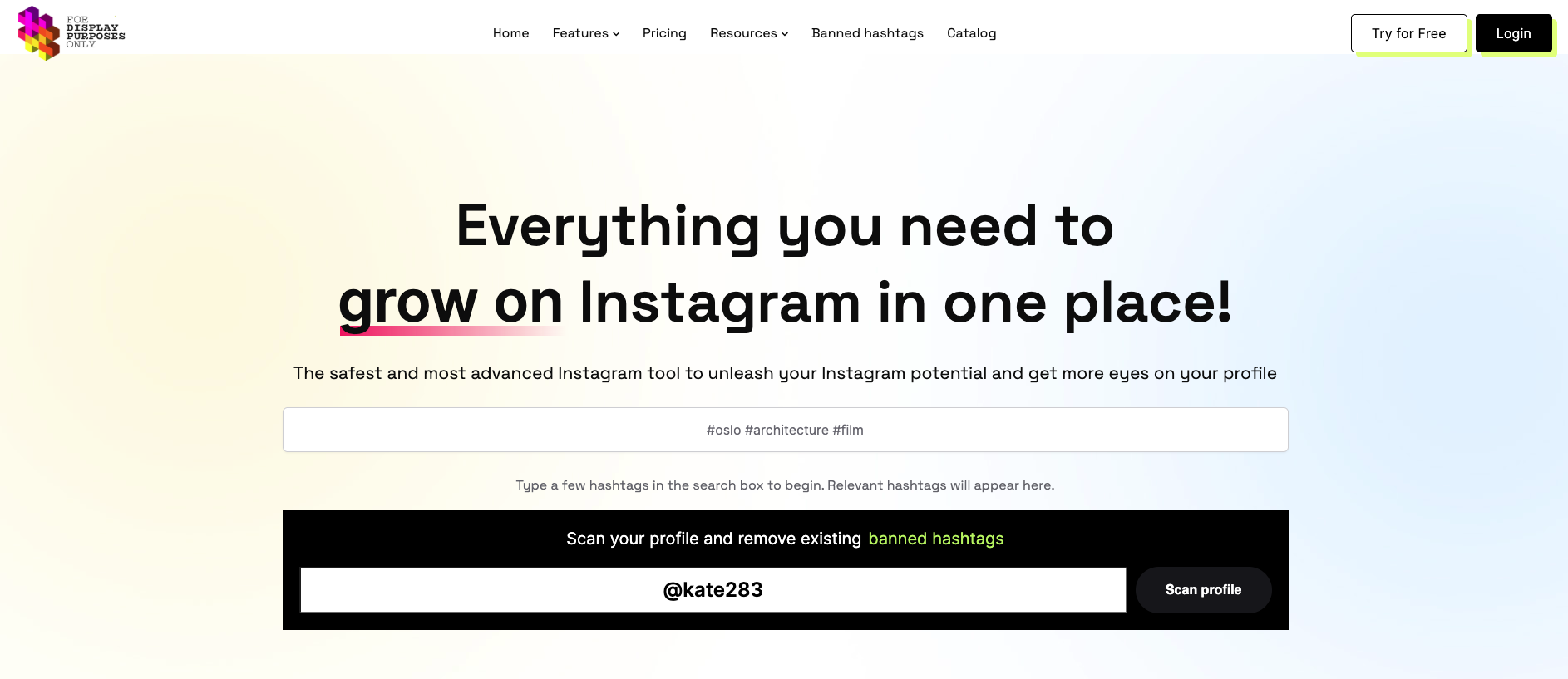
Display Purposes prioritizes relevance and removes spammy or banned hashtags automatically. It’s a good option if you want safer hashtag sets.
Pros
- Filters low-quality hashtags
- Simple interface
- No sign-up required
Cons
- Limited advanced data
- No performance metrics
Pricing
Free
8. Keyword Tool (Instagram Hashtag Generator)
Best for long-tail Instagram hashtags
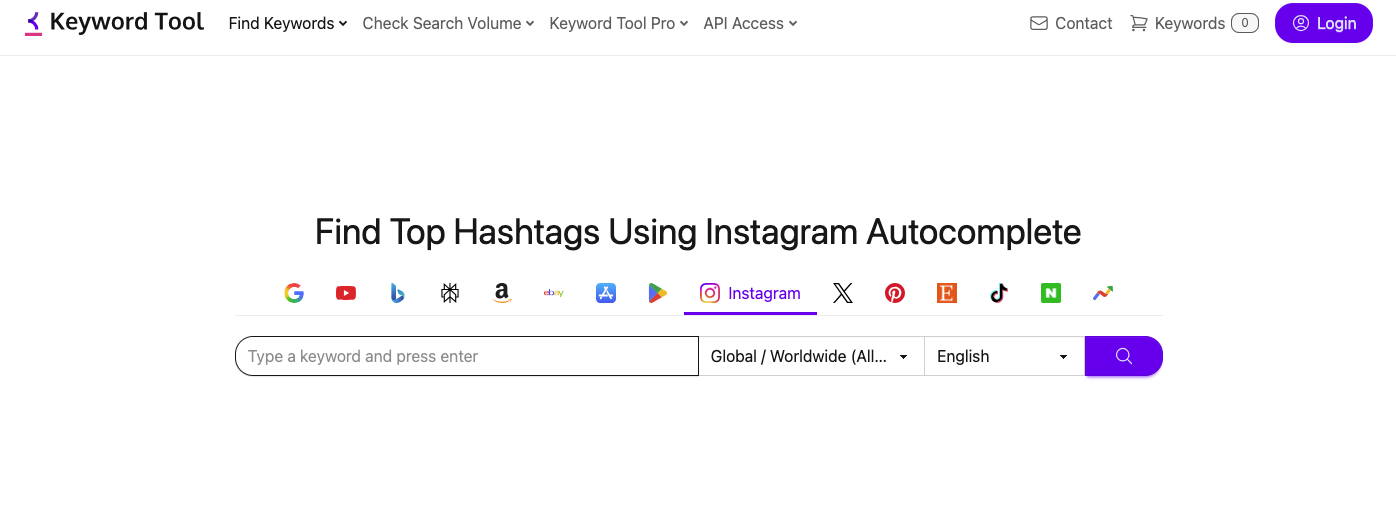
Keyword Tool pulls hashtag suggestions from Instagram autocomplete, making it useful for discovering long-tail hashtags.
Pros
- Strong long-tail discovery
- Useful for niche content
- Familiar workflow
Cons
- Limited data on free plan
- Paid version is expensive
Pricing
Free limited access
Paid plans start around $69 per month
9. TagsFinder
Best for quick hashtag lists
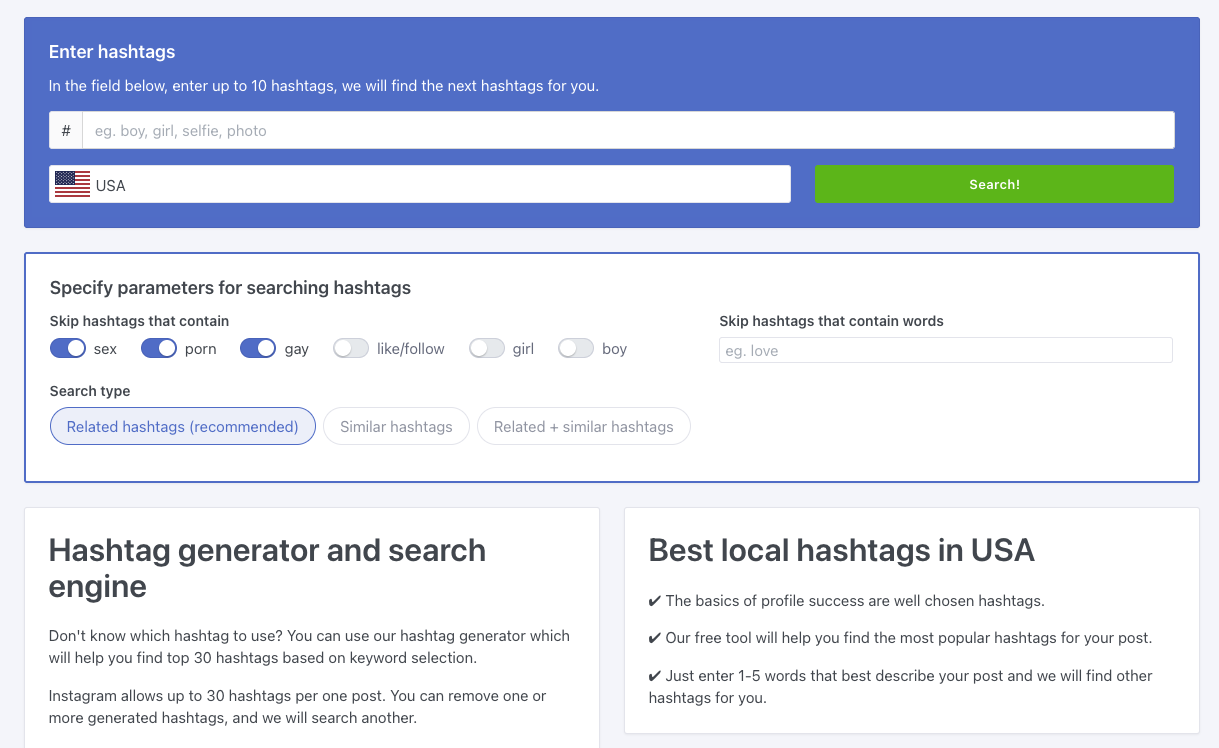
TagsFinder generates hashtag lists quickly with basic popularity insights.
Pros
- Fast and easy
- No sign-up required
- Useful for casual posting
Cons
- Minimal filtering
- Relevance can vary
Pricing
Free
10. Flick
Best for professional Instagram creators
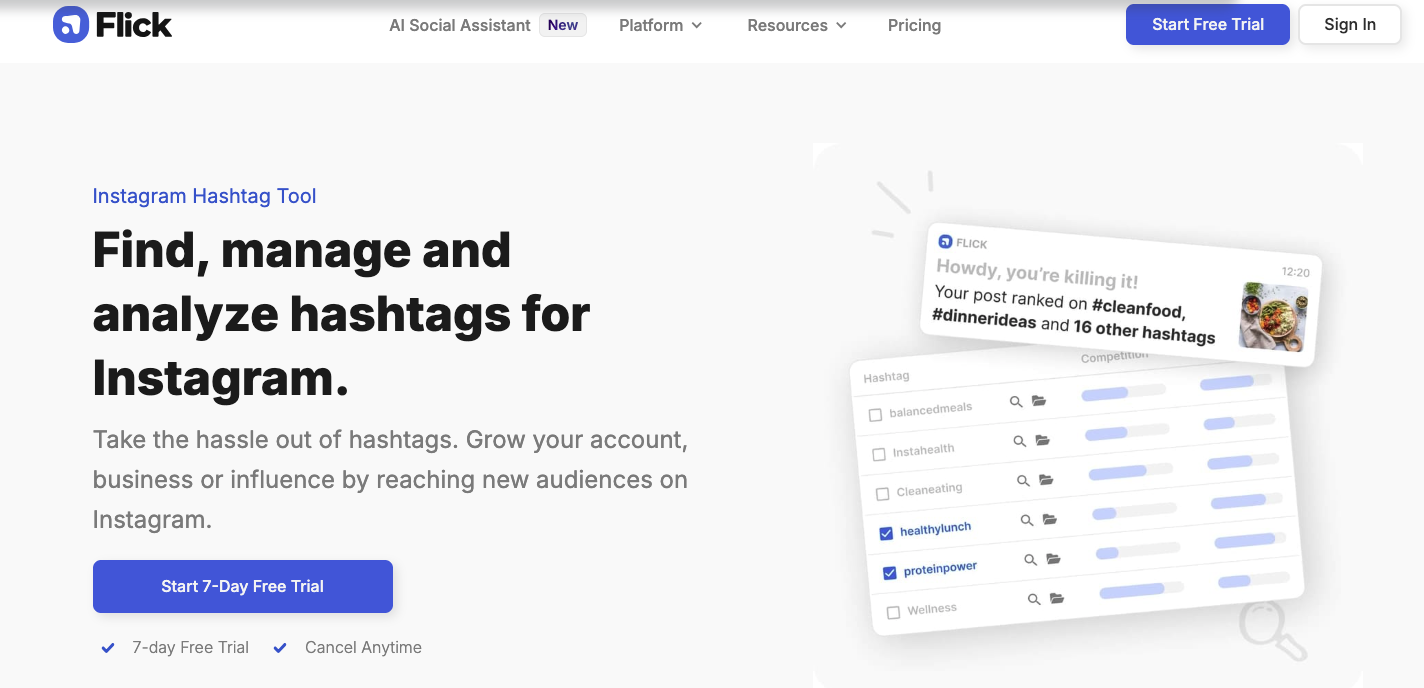
Flick combines hashtag generation with analytics and performance tracking. It’s built for creators who manage Instagram as a serious growth channel.
Pros
- Strong hashtag performance data
- Educational resources
- Built for Instagram growth
Cons
- Not free
- Overkill for simple needs
Pricing
Starts around $14 per month
11. Toolzu Hashtag Generator
Best for beginners
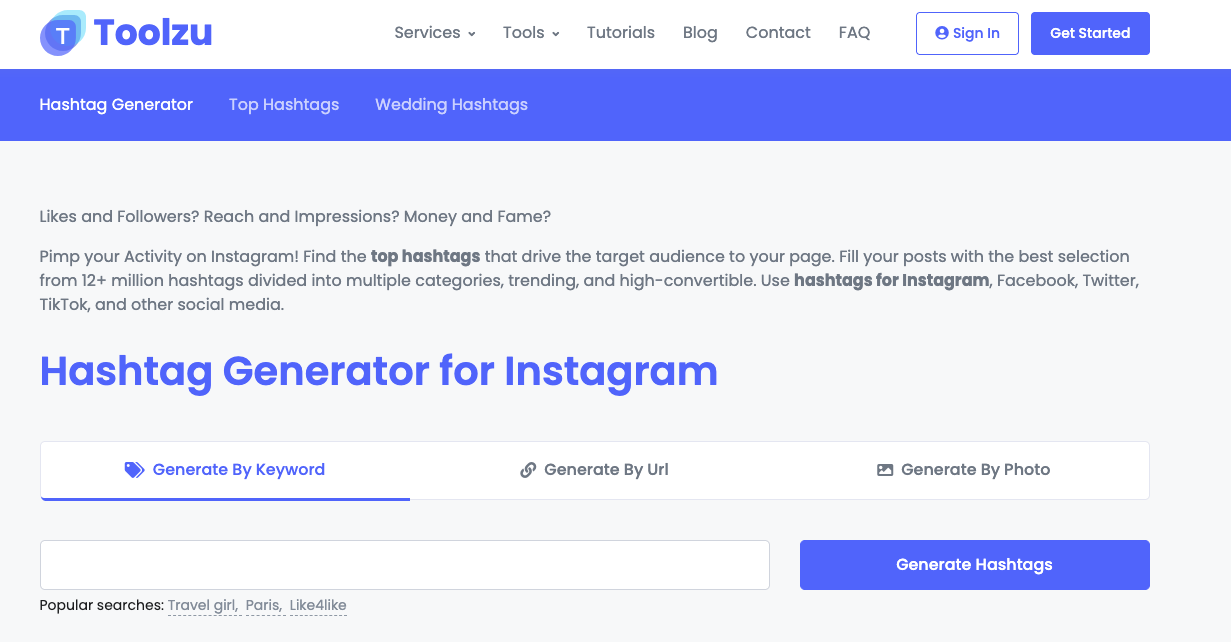
Toolzu offers a basic hashtag generator with a clean interface and no setup requirements.
Pros
- Easy to use
- Free access
- Decent suggestions for beginners
Cons
- Limited depth
- No analytics
Pricing
Free
How I Use a Hashtag Generator Without Overthinking It
I get clear on the exact post first
Before opening a hashtag generator, I make sure I’m clear on what the post is actually about. Not the overall niche, but that specific piece of content. A post about editing mistakes needs different hashtags than a post about content ideas, even if they come from the same account. When I use vague inputs, the hashtags I get back are usually vague too and not very helpful.
I treat the results as suggestions, not answers
When the tool gives me a list of hashtags, I don’t use all of them. Most generators mix very large hashtags with smaller, more specific ones. Using only big hashtags usually means the post disappears quickly. Using only tiny ones limits reach. What’s worked better for me is mixing them. I keep a few broader hashtags for context, several mid-sized ones where the post has a chance to stick around, and a handful of niche hashtags that clearly describe the content.
I rotate hashtags instead of copying the same set
I avoid using the exact same hashtag block on every post. It’s tempting to copy and paste, but over time it makes posts feel repetitive and less relevant. I keep a few variations saved and adjust them depending on what I’m posting. Even small changes help keep things aligned.
I focus on relevance more than volume
If a hashtag doesn’t clearly describe what someone will see when they tap on it, I don’t use it. High-volume hashtags look attractive, but they rarely help if they don’t match the content closely. Relevance keeps people engaged, and that matters more than raw reach.
I don’t stress about hashtag placement
I’ve never seen a meaningful difference between putting hashtags in the caption or in the first comment. I decide based on how the caption reads. If the text flows better without hashtags, I move them to the first comment. If not, I add them at the end of the caption. Consistency matters more than placement.
I look at what actually performs
Instead of guessing, I occasionally check which posts get saves, profile visits, or longer reach. Over time, patterns show up. Certain hashtags work better for certain types of posts. The generator helps me get ideas quickly, but the real signal comes from my own data.
Common Hashtag Generator Mistakes
- Using only high-volume hashtags
- Copy-pasting the same hashtags across posts
- Chasing trending tags that are not relevant
- Treating hashtags as a growth shortcut
Hashtags help with discovery, but relevance always comes first.
Final Thoughts
The best hashtag generator is simply the one that fits how you actually post. If you just want to get in, generate a solid set of hashtags, and move on without sign-ups or distractions, ContentAnchor does that well. When you’re running campaigns or need deeper insights into trends and performance, tools like Hashtagify or Flick can make sense, but only if you’ll actually use the data.
At the end of the day, hashtag generators only support the work. They don’t replace good content, clear positioning, or consistency. Used properly, they save time. Used blindly, they don’t change much at all.