

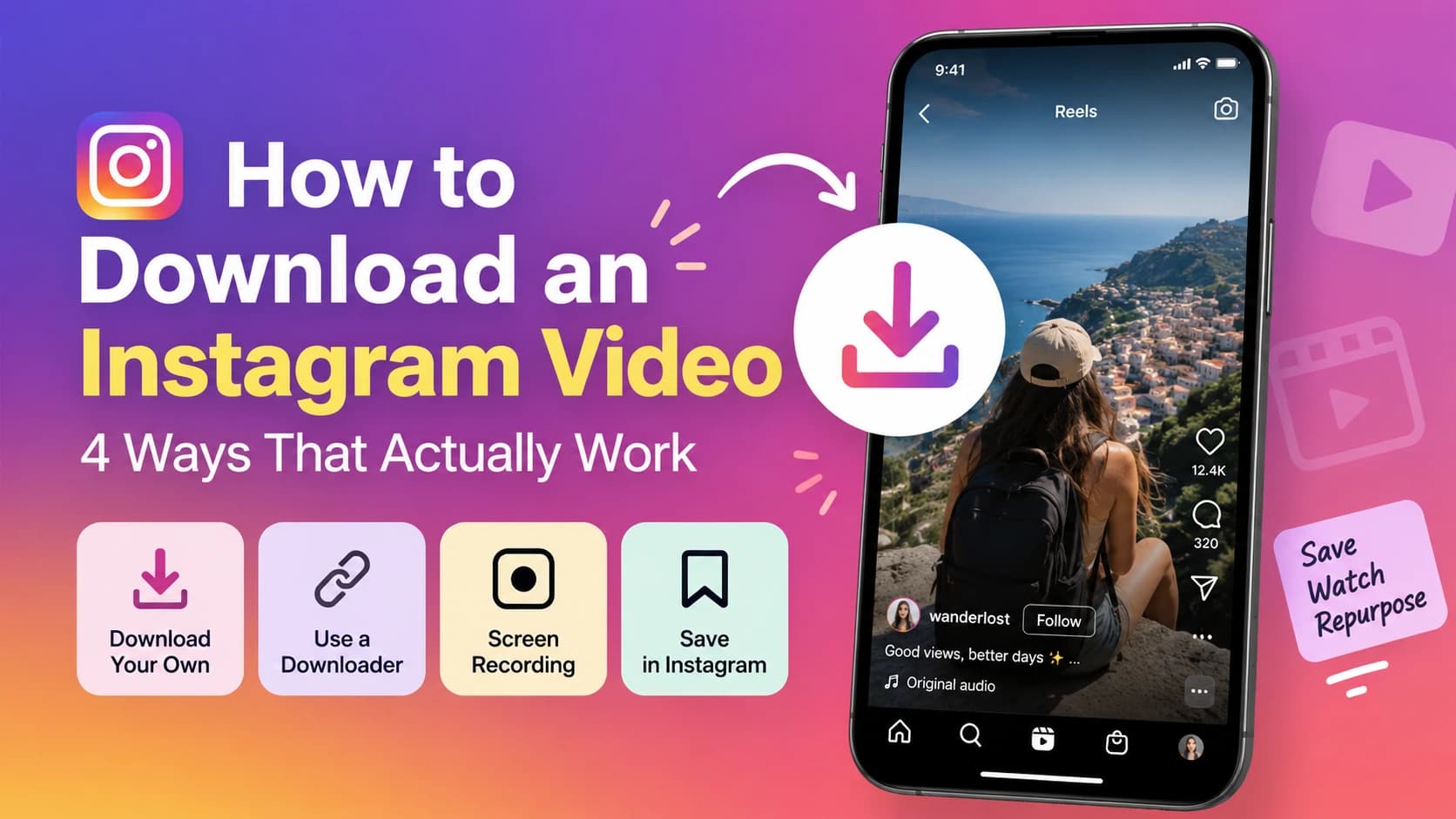
Need to get an Instagram video onto your phone or computer? The right method depends on what you want to do with it. For your own videos, Instagram gives you built-in download options. For videos you can’t download directly, you can use screen recording or an Instagram video downloader.
How to download an Instagram video
The easiest ways are:
- Download your own Reel or video directly from Instagram.
- Use an Instagram video downloader.
- Save the video to an Instagram collection for later viewing.
Method 1: Download your own videos from Instagram
If the video is yours, you don't need a third-party tool. Instagram can let you save your own Reels and posts directly to your device, depending on the content and account settings.
To download your own Reel or video
- Open Instagram and find the Reel or video you posted.
- Open the post menu.
- Look for the option to download or save the video to your device.
- Let Instagram finish saving the video to your camera roll or gallery.
The exact menu wording can change as Instagram updates the app, so look for the download option in the post's menu rather than relying on a fixed sequence of buttons.
For lots of your content, Instagram also provides an account information export through Accounts Center. You can request a copy of your Instagram information and download your content in bulk. This is useful when you're trying to recover older posts or keep an archive of your content.
Method 2 : Download an Instagram video with a downloader
When Instagram doesn't provide a direct download option, an online downloader can be more convenient than recording your screen.
The Instagram video downloader from Content Anchor lets you download Instagram videos by using the video's link. It works for Instagram videos you want to save to your device without installing another app.
How to use it
- Open Instagram and find the video you want to download.
- Copy the link to the Instagram video.
- Open the Instagram video downloader.
- Paste the Instagram video link into the tool.
- Download the video to your device.
This can be especially useful when you're saving a video for offline reference or working with your own content that you want to keep as a local copy.
Remember that being able to download a video doesn't automatically give you permission to republish it. See the permission section below before using someone else's content publicly.
Method 3: Use screen recording
Screen recording is another option and doesn't require a separate downloader app. It works on both iPhone and Android.
On iPhone
- Open Instagram and get the video ready to play.
- Start Screen Recording from Control Centre.
- Play the video from beginning to end.
- Stop recording when it finishes.
- Open the recording in Photos and trim the beginning or end.
On Android
- Open Instagram and prepare the video.
- Start your phone's built-in screen recorder.
- Play the video.
- Stop the recording when you're done.
- Trim the recording from your gallery.
Turn the volume up before recording if you want the video's audio captured. The downside is that screen recordings can look worse than the original video and may include Instagram's interface or other elements on screen.
Method 4: Save the video inside Instagram
Sometimes you don't actually need a file. You just want to find the video again later.
Instagram's bookmark feature lets you save posts to private collections inside the app. Open the post and tap the save or bookmark option. You can then find it again from your saved posts.
This isn't an Instagram video download. The video stays on Instagram, so you won't have a copy in your phone's gallery.
A note on permission
Downloading your own Instagram videos is straightforward.
For someone else's video, downloading it and reposting it without permission can create copyright problems. If you want to reuse another creator's video, ask them first and give proper credit.
Also be careful about where you download from. Some third-party downloader sites are packed with aggressive ads, redirects, or questionable download buttons. Stick with a tool you trust and avoid entering your Instagram password into any downloader.
What to do with the video once you have it
Creators often download their own Instagram videos because they want to repurpose them elsewhere. Before posting the same footage on another platform, you can add a watermark to protect your branding, create a cover with the Thumbnail Generator, or compress still images pulled from the video with the Image Compressor.
FAQs
Can you download Instagram videos without an app?
Yes. You can download your own Instagram videos directly through Instagram where the download option is available. You can also use an online Instagram video downloader or your phone's built-in screen recording feature without installing an app.
How do I download my own Instagram Reel?
Open your Reel, open its post menu, and look for the download option. For older or multiple videos, you can also request your Instagram information through Accounts Center and download your content as an export.
Can people tell if you download their Instagram video?
Instagram does not generally notify someone simply because you download their video. Saving a post with Instagram's bookmark feature is also private.
Is it legal to download an Instagram video?
Downloading your own content is fine. Downloading someone else's content for personal reference is different from reposting it, but copyright can still apply. Get the creator's permission before reusing or republishing their video.
How do I download an Instagram video on a laptop?
You can use Instagram's available download features for your own videos. For videos that aren't directly downloadable, you can use an online Instagram video downloader from your browser or your computer's built-in screen recording feature.
The best method depends on what you're trying to do. For creators, downloading your own videos gives you a local copy that you can edit and repurpose for TikTok, YouTube Shorts, websites, and other platforms.
