Your social media bio gives you one tiny space to direct people to everything you do online. Your latest post, portfolio, products, website, newsletter- a lot is competing for that one link. That’s where link-in-bio tools come in. They help organize all those links and content on a single landing page. The tricky part is choosing one tool when several options seem to do the same thing. To make that choice easier, we have put together a list of the 10 best link-in-bio tools, covering what they offer, where they fall short, and how much they cost.
Quick Comparison: Best Link in Bio Tools
Before we take a closer look at each tool, here’s a quick comparison to show how they differ and which one might be the right fit for you.10 Best Link In Bio Tools
Let’s take a closer look at what each of these tools offers. Below, we have broken down their features, pros, cons, and pricing that will help you find the right fit.1. Content Anchor
Pros
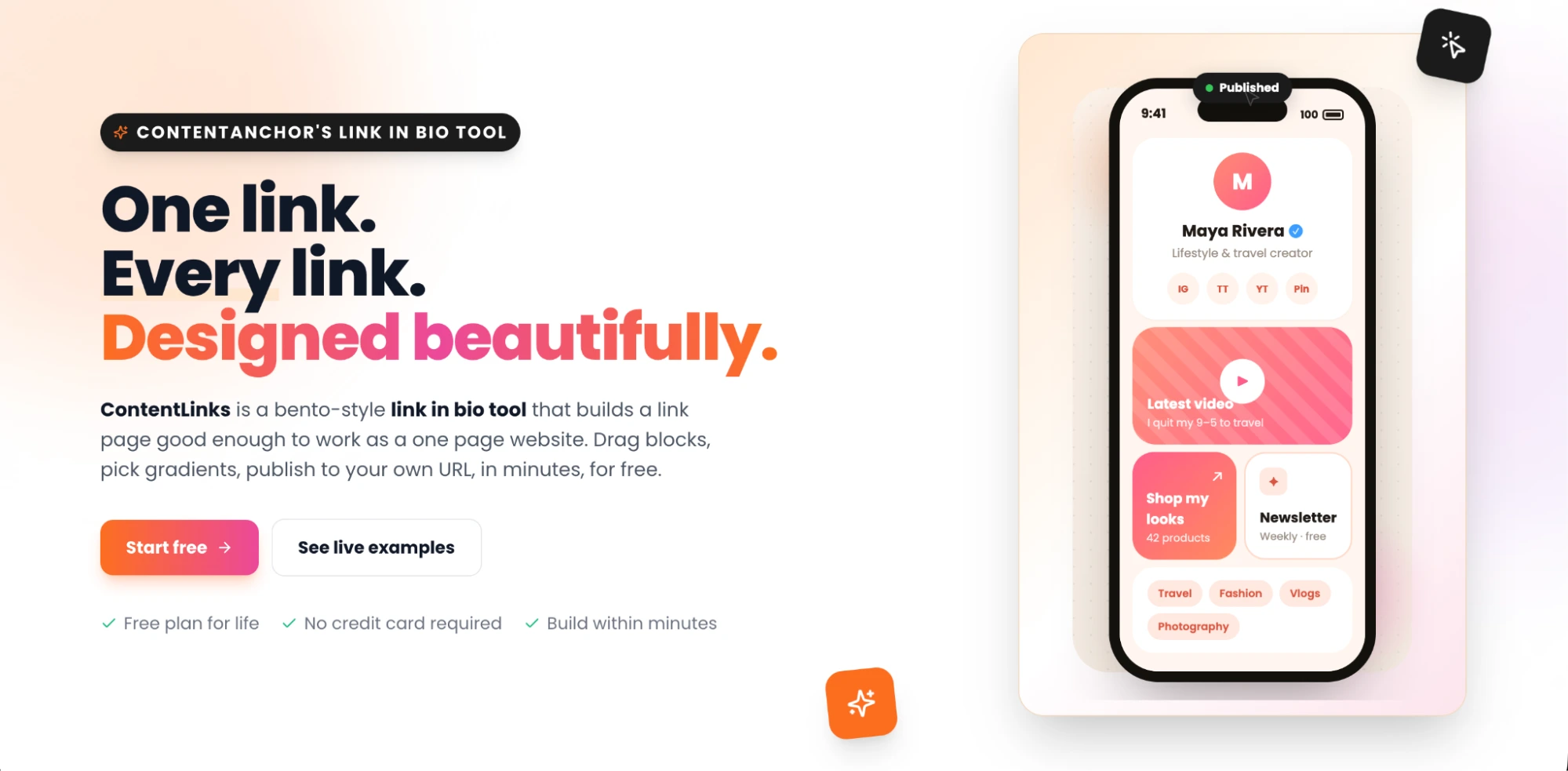
- The bento-style layout gives you more control over how to display your links and content.
- Offers plenty of customization, including multiple fonts, colors, gradients, and separate mobile and desktop layouts.
- Embed social posts from any platform.
Cons
- Certain advanced features require to be subscribed to the paid plan
- Custom domain support isn't currently available
2. Linktree
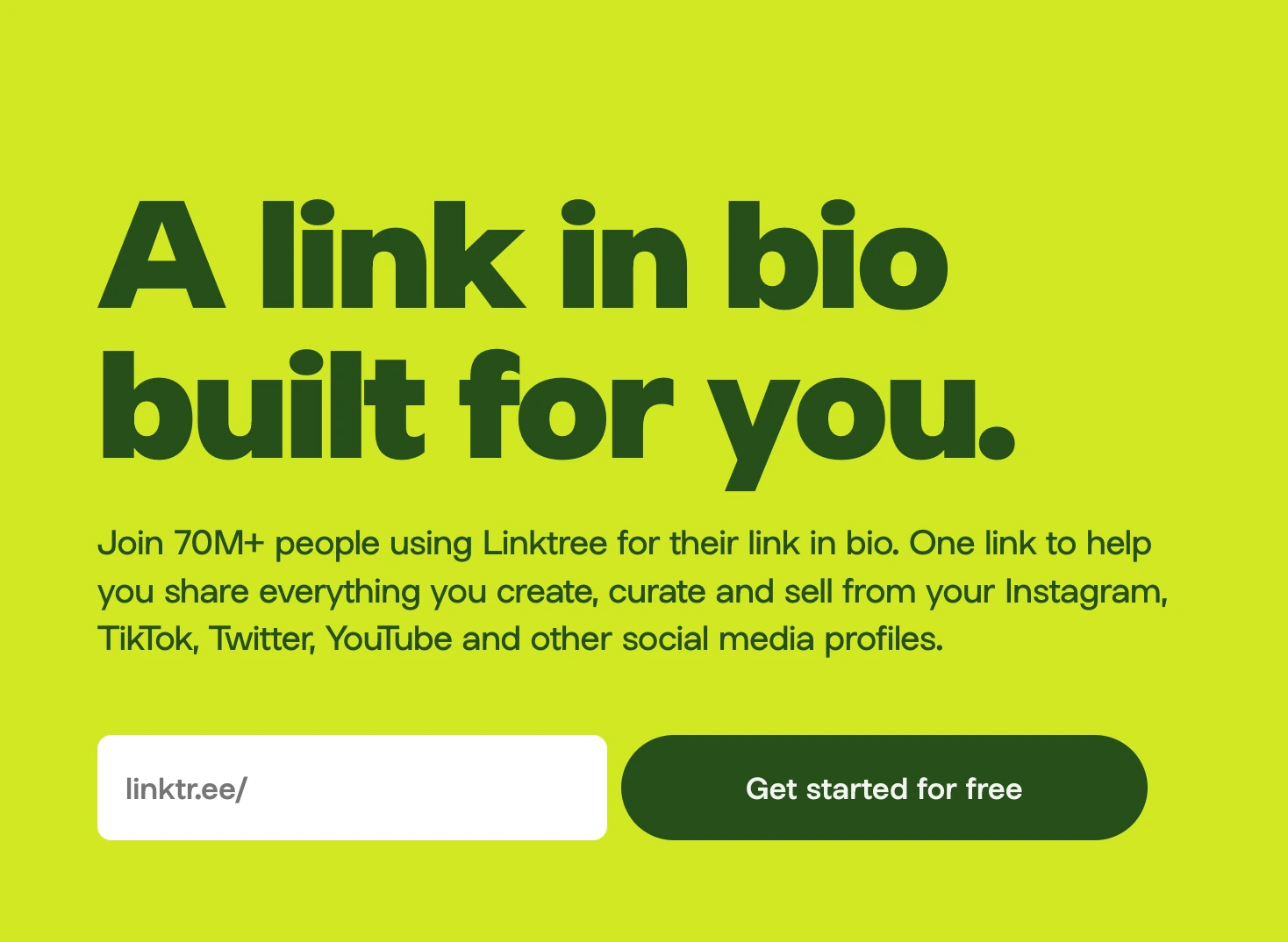
Pros
- Free plan available
- Simple interface with beginner-friendly setup
- Wide range of integrations
Cons
- Advanced features can be unlocked with a paid plan
- Fewer customization options on the free plan
- Limited flexibility for creating a fully branded experience
3. Beacons
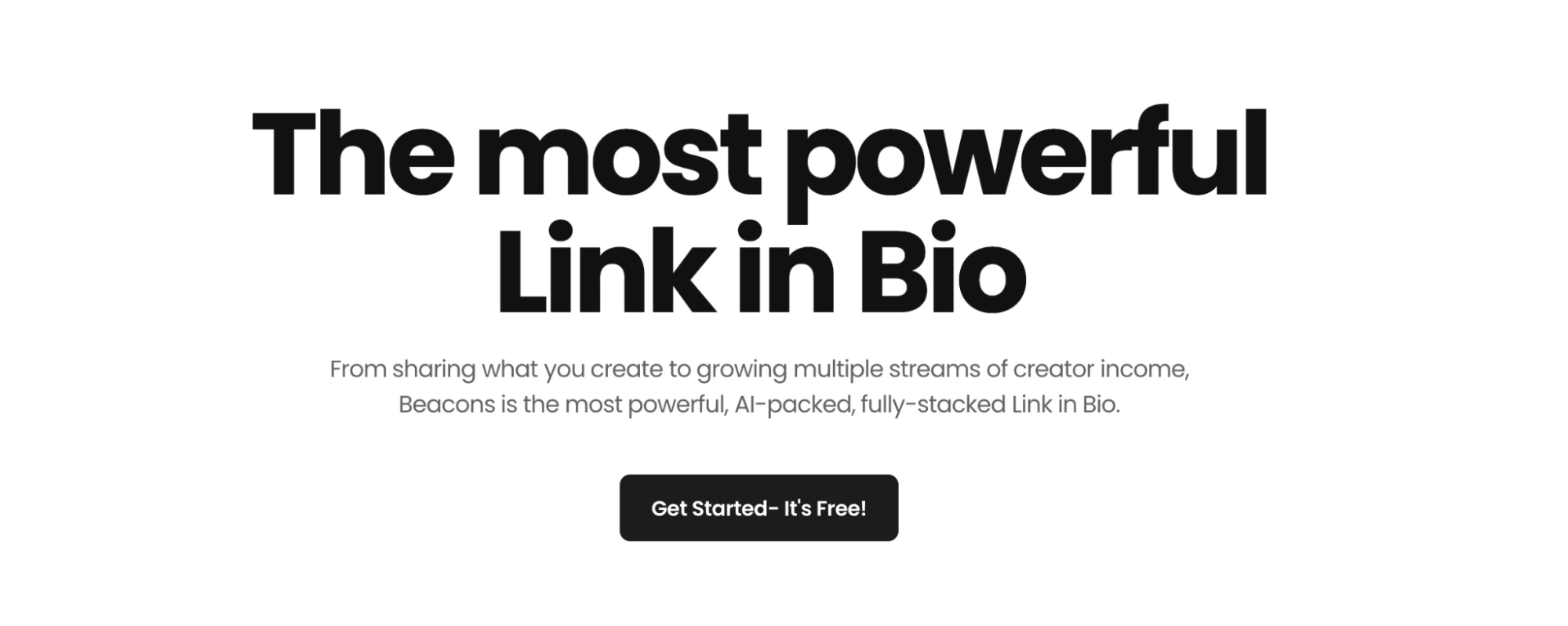
Pros
- Helps creators monetize their work
- Highly customizable link-in-bio page
- Comes with a range of tools, including sales and lead generation
Cons
- The range of features may overwhelm users who only need a simple link page.
- Some advanced selling and marketing features require the paid plan
- The tool and its features mostly cater to creators
4. Lnk.Bio
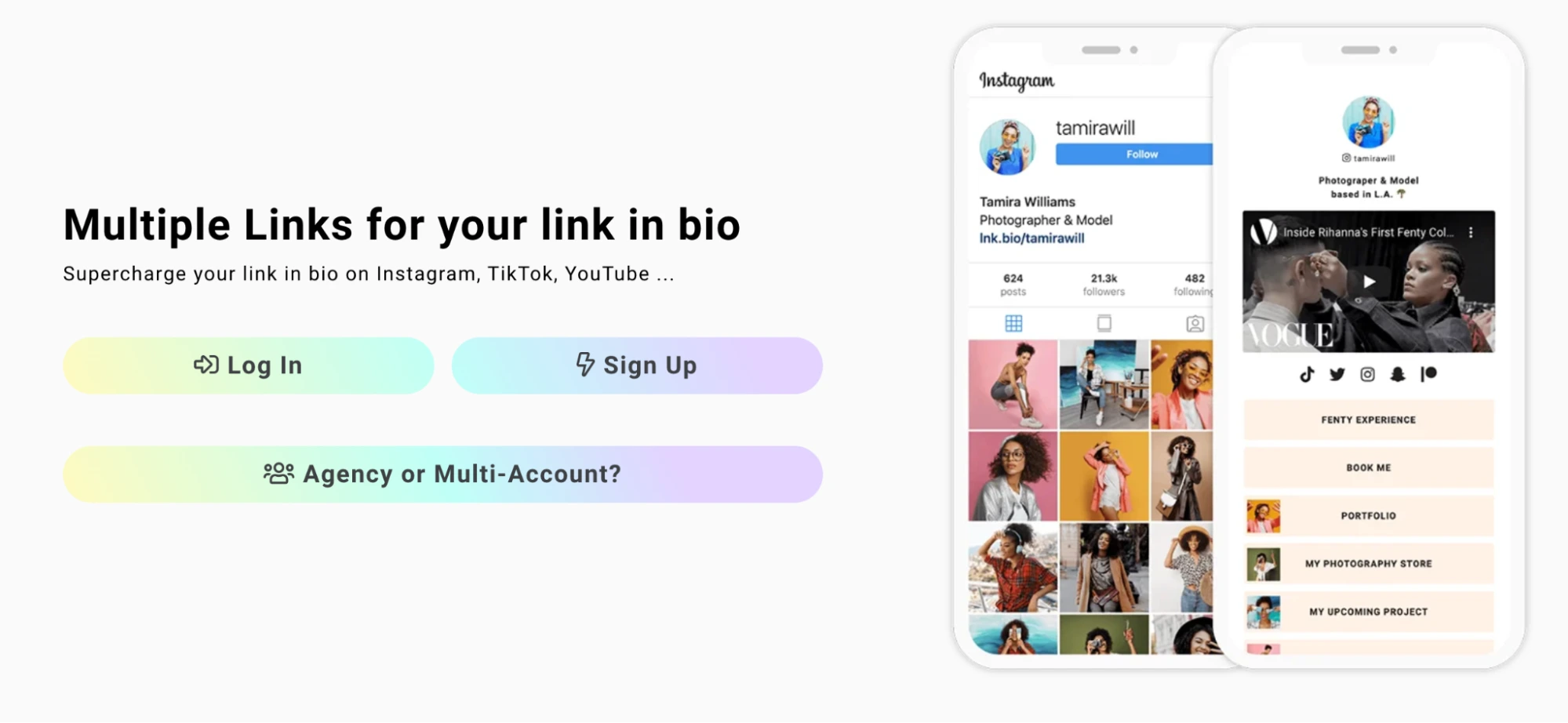
Pros
- Unlimited links even with the free plan
- Its one-time payment option is quite good value for money
- Its quick setup makes it perfect for those looking for just a link-in-bio tool for their socials
Cons
- Removing Lnk.Bio branding requires the Unique plan
- Most features beyond adding basic links, media embeds, and free templates are limited to the paid plans.
- Comes with very limited advanced features compared to other tools
5. Later
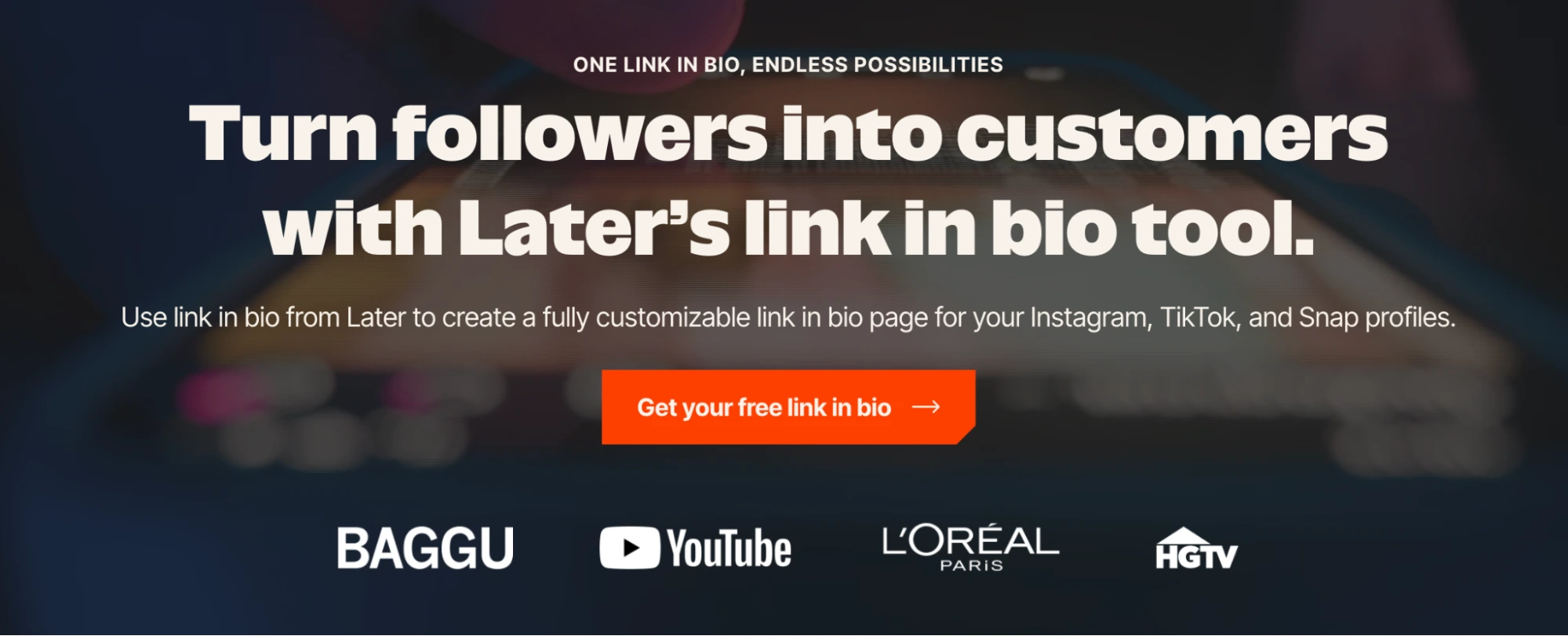
Pros
- Helps track visits and link clicks with its built-in analytics
- Offers a social media-like interface that lets you add social media posts as clickable links
- The link in bio tool works alongside Later’s social media tools.
Cons
- Advanced features and social media management tools aren't included in the free plan.
- The tool doesn't offer Shopify integration anymore
- Removing Lnk.Bio branding requires the Unique plan.
6. Campsite
Pros
- Multiple customization options make it easier to create a page that feels like your own
- The free plan allows you to add unlimited links.
- Supports carousels, embedded media, and more. So your page feels like more than just a list of links.
Cons
- You’ll need to upgrade if you want to use your own custom domain
- More detailed analytics are only available with the paid plans
- The free plan may feel limiting for businesses that need more advanced marketing features.
7. Hoo.be
Pros
- Unlimited links are included even with the free plan
- Supports products, photo carousels, social embeds, and other content alongside regular links
- Built-in monetization features let creators sell products or collect tips
Cons
- hoo. be branding can only be removed with a paid plan
- Features like advanced analytics, custom SEO settings, and page scheduling require an upgrade
- Custom domains are only available with the highest-priced Premium plan
8. Milkshake
Pros
- The free plan allows unlimited links and cards to be added
- Offers plenty of templates and customization options
- The swipeable cards feature makes the bio page feel more visually appealing and interactive.
Cons
- Paid plan required to remove the milkshake branding
- Doesn’t let you add multiple links on a single vertical scrollable page
- Advanced features like contact form cards, SEO tools, and year-round data insights require a paid plan.
9. Taplink
Pros
- Offers several ready-made designs and templates
- Useful business features like forms and payments let visitors take action directly from your page.
- The yearly Pro subscription costs around $2 per month, which is a great deal.
Cons
- Does not allow customization of templates on a free plan
- A user simply looking for a link in bio tool may find several settings and features slightly overwhelming
- More advanced features like maps, forms and payments may require subscribing to the paid plan
10. Shorby
Pros
- Visitors can directly get in touch once they click the link and choose their preferred messaging platform.
- Allows you to add unlimited links
- Offers tracking and retargeting options for businesses running campaigns
Cons
- Pricing may feel steep if you only need a simple link-in-bio page
- Design customization is somewhat limited compared with more flexible page builders
- More advanced tracking and analytics features require a higher-tier plan
How To Choose The Right Link In Bio Tool
Choosing the right link-in-bio tool comes down to what you need from the page. A creator, for example, may care more about showcasing content and social platforms, while a business may want to capture leads or promote products. So, before picking a tool based on its feature list alone, think about how you plan to use it. Here’s a simple way to narrow down your options.
If you are a creator or an individual building a personal brand: Find a tool that makes it easy to integrate all your social content, recent work, projects, collaborations, and links into one page. Customization and analytics let you personalize your page to your style and understand which links visitors engage with.
If you’re an individual looking to showcase your work, your link-in-bio page works as a mini portfolio. A tool that supports images, videos, multiple content formats, and flexible layouts can help you show your work instead of simply linking to it. This can work particularly well for designers, photographers, writers, freelancers, and other creatives.
If you’re a business: The landing page you need may require more than directing people from one link to another. Elements such as forms, product links, payment, analytics, and integrations can help convert a visit into an inquiry or even a sale. Review what each package includes before subscribing to a paid option.
Conclusion
Making the most of your social media bio space can lead your audience to almost everything that you want them to see. So, the right tool depends on what you want to share, how much control you need over your page's look, and whether features like analytics, forms, or selling tools matter. The tools on this list take different approaches to making that one link more useful. Take time to explore the options, try the free plans where available, and see which one feels right for how you want to show up online.
FAQs
What is the best link in bio tool?
The best link in bio tool depends on what you need it for. Whether you need features like customization, analytics, content sharing, or selling products. Content Anchor, Linktree, Later, and others let you bring all your important links together in one place.
Are link-in-bio tools free?
Yes, there are several link-in-bio tools that offer free plans. These include basic features like customizing your page, viewing analytics, and embedding media from other platforms. However, more advanced features and additional customization options require a paid plan.
What should I look for in a link in bio tool?
A good link-in-bio tool should let you bring all your important links together under a single URL. Look for features like page customization, analytics, media embeds, and product links. Also look for a simple setup and a design that works well on both mobile and desktop.