Every time you come across a creator’s or brand’s social media profile on Instagram, TikTok, or X, you have probably noticed a link at the bottom of their bio. That small link can take you to almost anything from an online store to a portfolio, website page, or even a page containing multiple links.
Now, do you need one on your social media profile?
In this blog, we will take you through what a link in bio is, why people and brands use one, features to look for in a link in bio tool, and how to add one to your profile.
What Is A Link In Bio
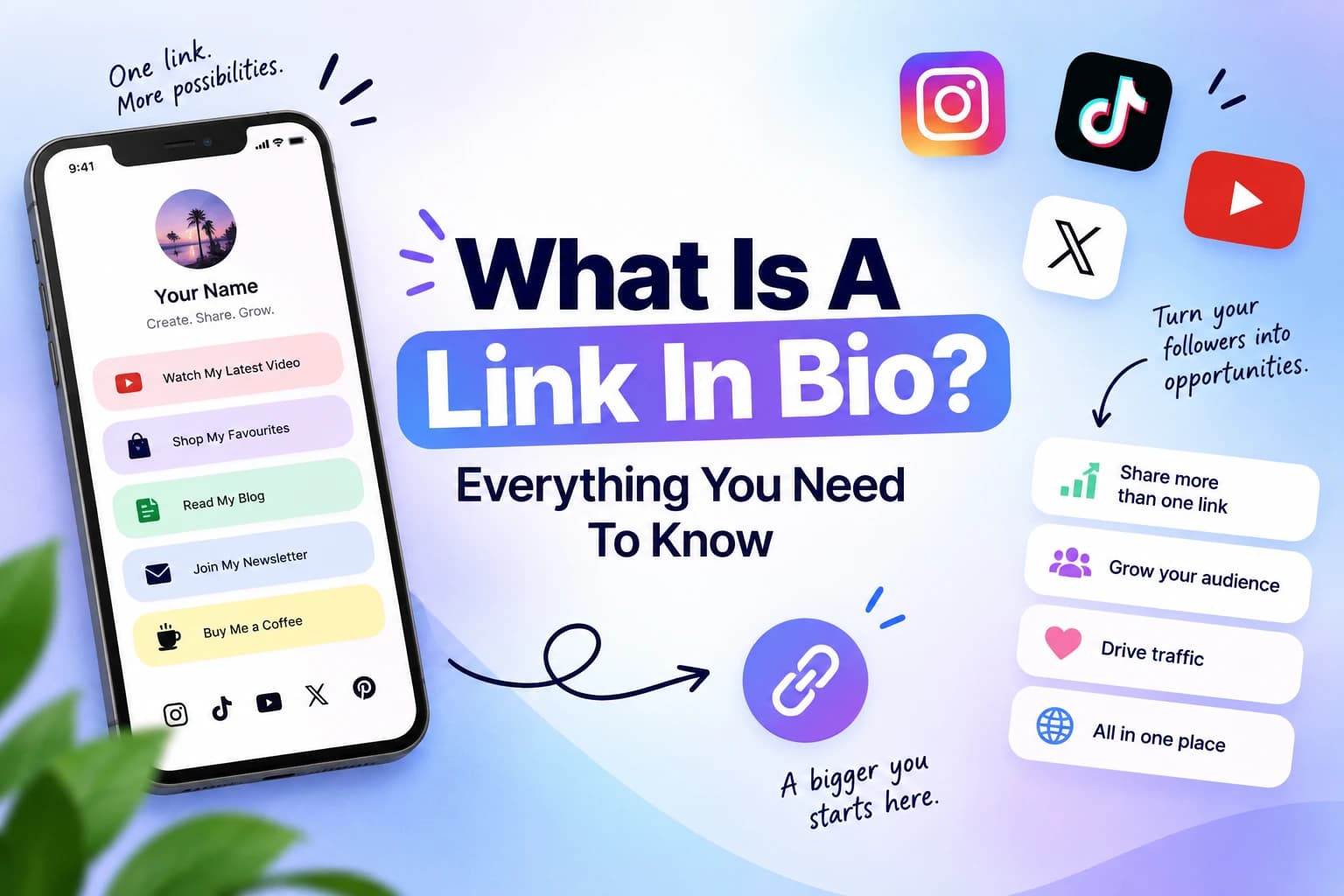
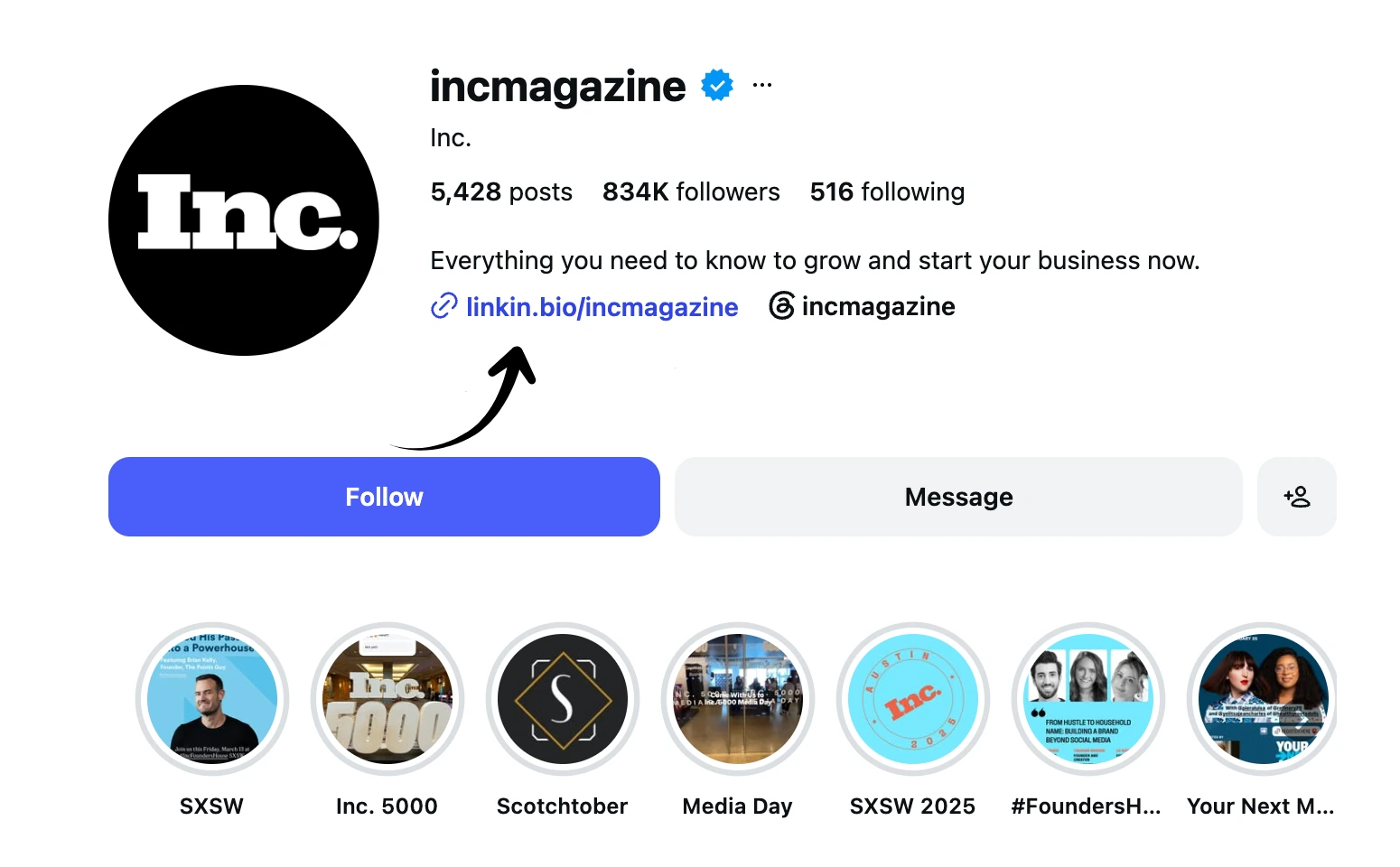
A link in bio is a clickable URL that is placed in the bio section of a social media profile. This link directs visitors from a social media profile to another online destination.
Social media platforms such as Instagram, LinkedIn, TikTok, and X allow users to add these clickable URLs to their profiles. This link can be especially useful for brands and online creators, letting them direct visitors to their website, portfolio, products, services, or any other platform they want to promote.
However, these platforms limit users to one link in their bio; in that case, a link-in-bio tool comes in handy. Instead of sharing a different link every time you have something new to promote, you can also use a link-in-bio tool to add several important links together in one place.
What Is a Link-in-Bio Tool
A link-in-bio tool lets you create a dedicated landing page that brings multiple links together under a single URL. For example, a coffee brand might use a link-in-bio tool on its Instagram handle. The URL could include links to product pages, store locations, the website, other social media profiles, and the latest offerings. A visitor can then select which link they want to be directed to without having to search for these pages separately.
Do You Need a Link in Bio Tool
A link-in-bio tool isn’t just for brands or social media influencers. It can help anyone who uses social media to promote their work, content, small business, or products.
The following are a few ways different users can use a link-in-bio page.
Business and Online stores: A link-in-bio page can almost work like a mini storefront for a business. You can feature ongoing offers, products, new launches, and important links to your website.
Freelancers: For freelancers, a link-in-bio tool can act as an introduction to all their work. You can add selected project links, a portfolio, testimonials, and a way for potential clients to contact you.
Creators and Influencers: If you regularly share new content, the tool gives your followers a place to find more than your latest post. Feature your latest video, link to newsletters, highlight collaborations, or direct followers to your other social platforms.
Artist and Other Creatives: This tool becomes a home for all your creative work. Artists can showcase projects and portfolios, while musicians and podcasters can bring together new releases, episodes, streaming platforms, events, and other important updates.
What To Look For In A Link In Bio Tool
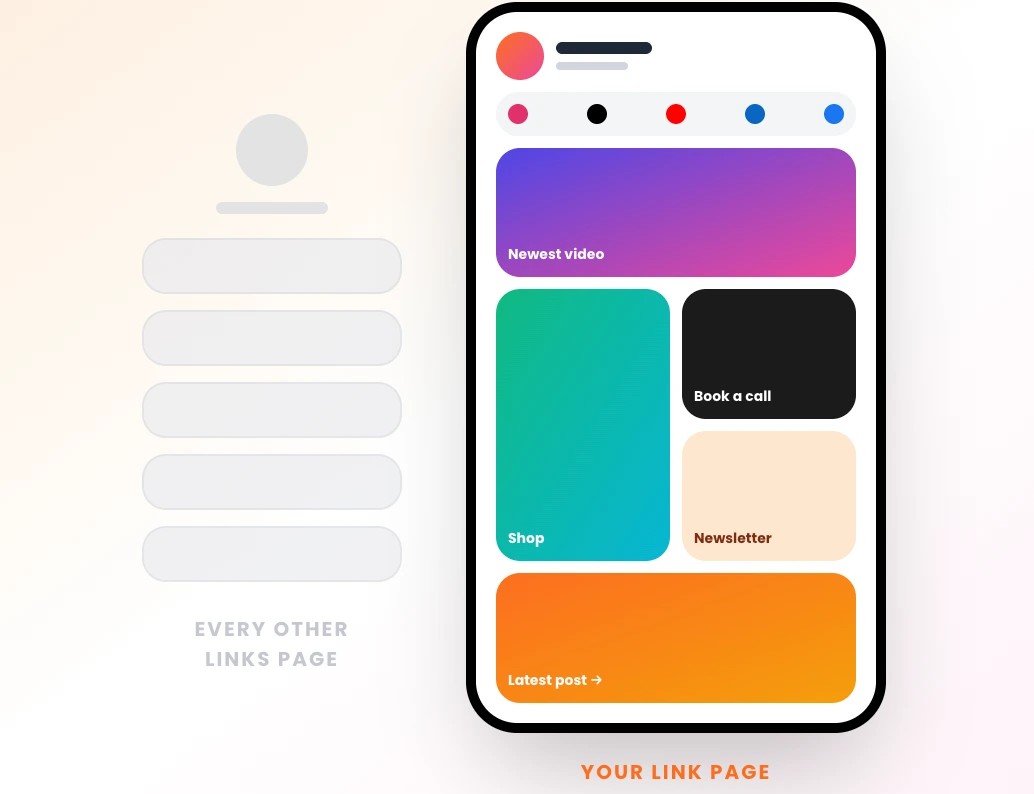
There are several link-in-bio tools out there, but choosing the one with the right set of features can make a big difference in how your page looks and functions. The right tool will keep your links organized and makes it easier to create a page that reflects your brand or personality.
Here are a few things we recommend looking for when choosing a link-in-bio tool:
Ease of Use
You don’t need coding or design experience to create a landing page. A good link-in-bio tool should have an easy-to-use editor; this lets you add, rearrange, remove, and update content easily whenever you need to
Customisation
Look for a tool that lets you customize elements such as backgrounds, layouts, fonts, images, and other design details. Having several design templates is a plus; it helps you choose a desirable template for your landing page instead of designing one from scratch. The Content Anchor link in bio tool lets you choose from 22+ designer templates. It also has complete design control, including 14 ready-made wallpapers, 24 designer fonts, and 12 text animation effects.
Analytics and Insights
Once you set up your link-in-bio URL, the tool should let you see how visitors interact with it. Analytics like page views, link clicks, and CTR can help you understand which links attract the most attention and what your audience cares about.
Mobile Friendly Design
Most visitors clicking your link in bio will do so on their mobile phones. Hence, make sure you use a tool that creates a landing page that is easy to navigate, is responsive, and looks great across all screen sizes.
Price and Features
Most importantly, check what is included in the free and paid plans. Some tools may limit customization, analytics, the number of pages you can create, or certain content types unless you upgrade. Compare these features with what you actually need before choosing a plan.
How To Create a Link In Bio Page
Creating a link-in-bio page is easy, and you don't need any coding or design experience to get started. We will walk you through using Content Anchor's link-in-bio tool, which lets you build and customize a page to bring your links and content together in one place. Here's how to get started:
Sign Up: Visit Content Anchor and click on Sign Up. You can create an account using your Google account or simply sign up with your email id and password.
Open ContentLinks: Once you are logged in, you will land on the main Content Anchor dashboard. Choose Content Links from the list of available apps. Now, on your ContentLinks dashboard, click on the “new link page” button.
Customize Your Page: You can choose to build your page from scratch by adding blocks or tap the “Settings” tab to start with one of the pre-designed templates. From there, add and arrange blocks, customize the content, and adjust the design to create a page that matches your style and highlights the links and information you want to share.
Publish Your Page: Once you are happy with your page, click “Publish” in the top-right corner of your screen to make it live. You can then click on the “Share” tab to copy your page URL.
Share Your LinkPage: Copy the URL and paste it into the bio section of your preferred social media platform. You can share the same link across platforms like LinkedIn, Facebook, Instagram, X, and many more, making it easier for your visitors to access all your content in one place.
How To Add Your Link In Bio Across Socials ( Instagram, LinkedIn, Facebook and X)
Add A Link On Instagram
- Open the Instagram app and tap your profile picture in the bottom-right corner of your screen.
- Tap on the Edit Profile button placed right below your bio section.
- Click on “Links” and then tap on “Add Links”
- Copy the URL you just generated in the Link in Bio tool and paste it into the URL section of this tab.
- Tap on the checkmark to save your changes.
Add A Link on LinkedIn
- Open LinkedIn and click on your profile photo (Me) in the top right corner of your screen.
- Select “View Profile”
- Now click on the pencil icon that appears just below your banner image
- Scroll down and select the website or custom button.
- Paste your link-in-bio URL and save your changes.
Add A Link In Bio on YouTube
- Open the YouTube app on your mobile phone
- Tap on the View Channel tab placed right beside your profile photo
- Now click on the “Edit Channel” button and edit your links
- Tap Add, paste your URL, enter the title, and save your changes
Add A Link In Bio On Facebook
- Open the Facebook app and click on your profile
- Tap on the “Edit Profile” button below your profile photo
- Scroll to the links section and click “ADD”
- Select “Add Website” or “Add Social Link” and paste your Link in Bio URL
- Click on Save
Summing Up
A social media bio may give you limited space, but the link you add can open many more possibilities. A well-organized link-in-bio page gives visitors an easy way to explore more of your content, services, website, or anything else you want to put in the spotlight.
If you are ready to create one, Content Anchor makes it easy to build a link-in-bio page that lets you share everything you want with your visitors.
FAQs
What Is A Link In Bio Tool And Why Should I Use One?
A link in bio tool is a digital application or service that lets you create a URL link for your social media profile. This URL takes visitors to a landing page containing multiple links. As an online creator, influencer, brand, or anyone trying to showcase their work online, a link in bio tool makes it easier to add everything in one place. Portfolio, web pages, website, services, newsletters, and more.
Best Free Link In Bio Tools?
Some of the best free link in bio tools include Content Links by Content Anchor, Linktree, and Beacons. These platforms offer free options that let you create your link-in-bio link; they may also include additional features that may fall under the premium plan.
Best Link In Bio Tools For Instagram Creators?
For Instagram creators, Content Links by Content Anchor is a great link-in-bio tool that keeps all important links in one place. The tool’s bento-style layout helps organize links, images, social profiles, and other content while giving control over how the page looks. It can also track views, clicks, unique visitors, and CTR, which helps creators understand how visitors interact with their page.