In the Instagram bio, you have an option to add just a single link. Maybe one more on TikTok. And behind that one link, you need to fit everything like your latest post, your shop, your newsletter, your portfolio, your booking page, your YouTube, your contact form, and whatever else you are currently promoting.
That is the whole problem a link in bio tool exists to solve. And honestly, most of them have started to look identical. The same vertical stack of identical-sized buttons. The same handful of generic templates. The same feeling of "I built this in five minutes and it shows."
Content Anchor built ContentLinks, a bento-style link in bio page builder that actually lets your page look like you, not like every other creator on the internet.
This guide walks you through what a link in bio tool is, what makes Content Anchor's link in bio different, how it works, and what you actually get with it.
What Is a Link in Bio Tool?
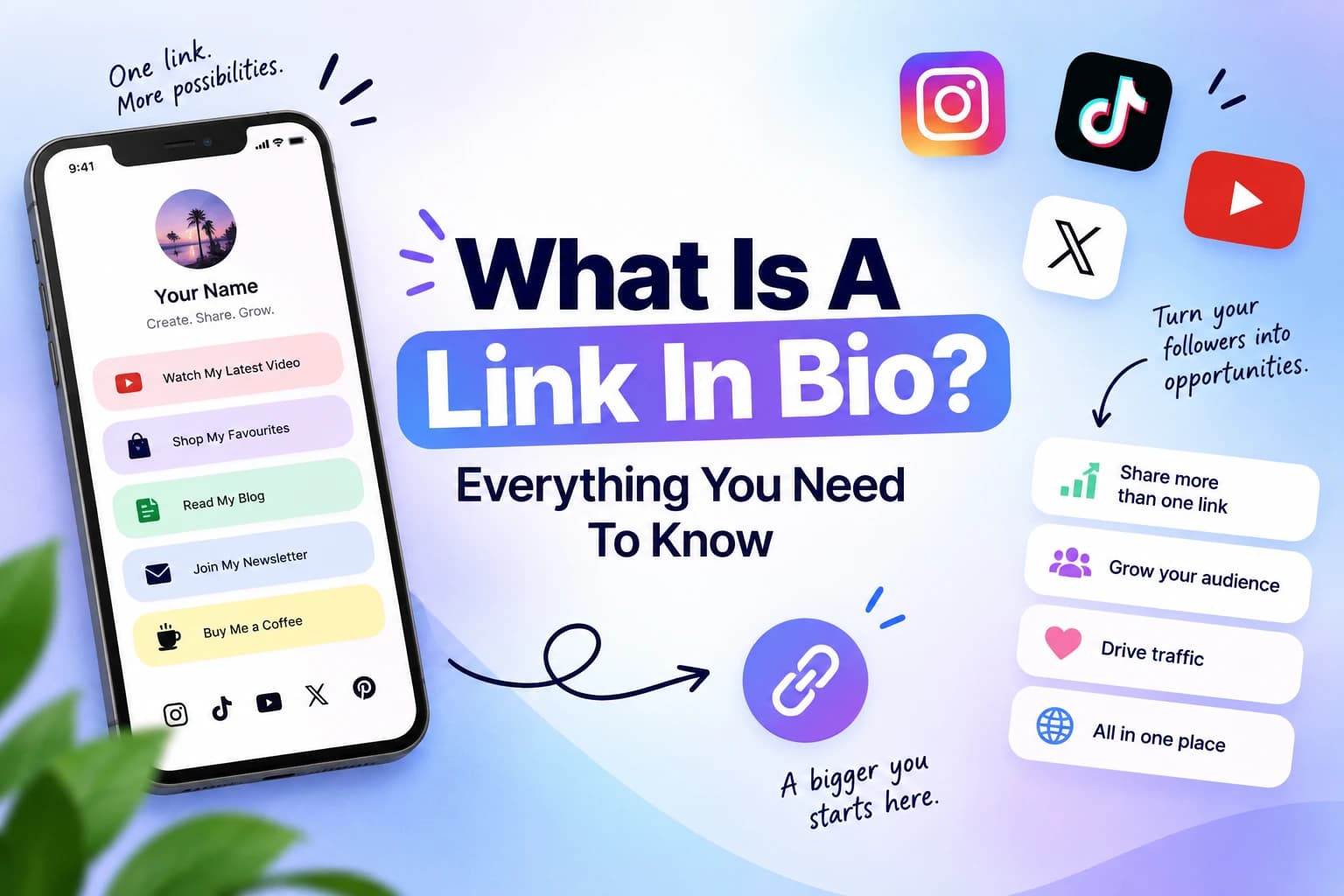
A link in bio tool is a service that lets you create a single landing page hosting multiple links, content, calls to action and so much more, which you can then point to from social media platforms that only allow one URL in your bio.
Instagram, TikTok, YouTube, Threads, Bluesky, X. They all have the same constraint. One link. So creators, brands, and businesses use a link in bio tool to turn that single link into a hub where their audience can find everything else.
A good link in bio page does a few things at once:
- Showcases who you are and what you do
- Routes visitors to the right destination based on what they came looking for
- Looks like an extension of your brand, not a generic template
- Gives you data on what people actually click
A great link in bio tool makes all of that easy without forcing you to learn design software or pay for features that should be free.
What Makes ContentLinks Different
ContentLinks is Content Anchor's link in bio page builder. It is built around one core idea, i.e. your link in bio page should not look like a vertical stack of identical buttons. It should look like something you would actually want to share with fun elements and interesting for anyone who views it.
The biggest difference is the layout system. ContentLinks uses a bento grid, which is a layout pattern made popular by sites like the Apple homepage where content is arranged in a flexible grid of different-sized blocks. Instead of forcing every link into the same rectangular button, ContentLinks lets you size, position, and style each block individually.
The result is a page that has actual visual hierarchy. Your most important link can be a big, attention-grabbing block. Your secondary links can sit in smaller blocks alongside it. A featured image or animated text can break up the layout and pull the eye where you want it.
It is the difference between a list and a real piece of design.
How ContentLinks Works on Content Anchor
Getting your page live takes under five minutes from sign-up to a published URL. Here is the actual process.
Step 1: Sign up for free Go to contentanchor.com/link-in-bio-tool and create an account with just an email and password. No credit card required. You are inside the editor within about 30 seconds.
Step 2: Pick a template or start blank ContentLinks ships with templates designed for different use cases. Portfolio, Shop, Social, Creative Grid, Business Card, Minimal, and more. Each template comes with blocks, colors, and layout already arranged. You can apply one in a single click and then customize from there, or start with a blank canvas if you prefer to build from scratch.
Step 3: Drag your blocks The editor uses a 1 to 4 column bento grid. Drag blocks onto the canvas, resize them, change their colors, swap their fonts, and rearrange the layout however you want. There are over 20 block types covering links, images, headings, descriptions, social embeds, animations, and more. The preview updates as you build.
Step 4: Pick your URL slug Your page lives at contentanchor.com/yourname. Choose your slug, make sure it represents you the way you want, and you are done. Custom domains are coming soon for people who want to host the page on their own URL.
Step 5: Publish Hit publish. Your page goes live immediately. Analytics start collecting from the first visit. You can keep editing whenever you want, and changes appear instantly.
That is the full workflow. No design background needed, no code, no waiting period.
Features That Actually Matter
Most link in bio tools advertise long feature lists. The features that matter day to day are smaller in number and worth understanding properly.
Bento canvas with a real grid system
This is the layout difference that makes ContentLinks feel premium. A flexible 1 to 4 column grid where every block can be resized and rearranged. You are not stacking identical buttons on top of each other. You are composing a page.
25+ designer fonts
Most link in bio tools give you two or three system fonts. ContentLinks ships with over 25 typefaces including Playfair Display, Pacifico, Bebas Neue, Abril Fatface, Lobster, Anton, and Dancing Script. You can switch fonts per block, which means your headline can be in a striking display font while your supporting text stays clean and readable.
Typography is one of the biggest visual signals of whether something looks designed or thrown together. Having a real font library matters more than it sounds like it should.
Animation blocks
Sliding text, marquee, fade-in, pulse, typewriter. Built-in animations that make your page feel alive without writing any CSS. Used sparingly, an animated block draws the eye exactly where you want it, like to your latest release or a limited-time offer.
Real analytics, in the free plan
Most link in bio tools give you a view count and call that analytics. ContentLinks gives you views, clicks, unique visitors, CTR, and a daily timeline for free. You can actually see which links are getting clicked, what your conversion rate looks like, and how traffic changes over time.
For deeper insights like top performing blocks, referrers, devices, countries, and CSV export of up to a year of history, Premium opens that up. But the basics that actually help you decide what to feature on your page are available to everyone.
Templates that do not look templated
Portfolio, Shop, Social Links, Creative Grid, Business Card, Minimal, and Pro Profile Hero and Pro Resume on Premium. Each template uses the bento grid layout, so even when you start from one, the result still looks intentional rather than generic.
Your own clean URL
contentanchor.com/yourname is short, brandable, and shareable. No random characters, no long subdomain prefixes. It looks good in a bio.
Who Should Use a Link in Bio Tool
The short answer is anyone whose audience finds them on social media and needs a way to convert that attention into something useful. The longer version covers a few specific groups.
Creators and influencers. You post on multiple platforms. You sell affiliate products, run a newsletter, drop merch, or promote brand deals. A link in bio page is your hub for all of it. The bento layout lets you make your highest-priority content visually dominant rather than burying it in a list.
Designers and creative professionals. Your portfolio is your most important asset. A link in bio page is a fast, beautiful way to show recent work and link to longer case studies. The 25+ fonts and customizable blocks let your page reflect your actual visual sensibility.
Founders and indie makers. Your link in bio is often the first place people land after seeing you on social. It needs to communicate what you do, what you are building, and where people can sign up or buy.
Freelancers. Quick way to share your services, portfolio, testimonials, and contact form. A polished link in bio page does the job of a small landing page without the work of building one.
E-commerce brands. Shop new arrivals, bestsellers, sale items, and reviews on one page. Promote a current collection prominently while keeping evergreen links accessible.
Musicians and artists. Latest release, streaming links, tour dates, merch. The bento layout makes album art and tour visuals feel like more than just thumbnail buttons.
Local businesses. Restaurants, cafes, salons, and shops use a link in bio page for menus, opening hours, location, online ordering, and reservation links. One QR code on the door takes customers to all of it.
The list doesn't stop here! There are so many more use cases where anyone could use a link page.
Why Bento Layout Beats Stacked Buttons
This is the question people ask most when they first see ContentLinks. Why a bento grid instead of the standard vertical stack of buttons?
A stacked layout treats every link as equal. Same width, same height, same visual weight. That works fine if everything on your page is equally important, but in practice, that is almost never the case.
A bento grid lets you assign visual hierarchy to your links. Your most important content can sit in a large block at the top of the page that people see first. Secondary links can sit in smaller blocks beside it. Visual elements like images, animated text, or featured product blocks can break up the rhythm and draw attention exactly where you want it.
It also makes the page look like a piece of design rather than a list, and more GEN Z and new fashioned rather than a boring vertical link boxes. For creators and brands where visual identity matters, the design and visuals matter! That distinction makes a real difference in whether people perceive you as stylish or generic.
Free vs Premium: What You Actually Get
ContentLinks by Content Anchor is genuinely free to start. No credit card, no trial period that turns into a charge, no asterisks, no hidden things! Just use it!
Free vs Premium: What You Actually Get
ContentLinks is genuinely free to start. No credit card, no trial period that turns into a charge, no asterisks. The free plan includes:
- One link page
- Bento canvas with drag-and-drop blocks
- 25+ designer fonts
- 20+ block types
- Standard templates
- Add GIFS & Videos
- Real analytics including views, clicks, unique visitors, CTR, and a daily timeline
- Your own custom URL at contentanchor.com/yourname
Premium adds the things you tend to need once your link page becomes part of how you actually work:
- Unlimited link pages
- Premium blocks including Title , Description, Tags, and more
- Animation blocks with loop animation
- Hero Image block for blend in hero image section
- Transparent blocks for layouts with no background, just content
- Premium templates
- Full analytics with top blocks, referrers, devices, countries
- Up to a year of analytics history
- CSV export of analytics data
Premium is the best option when trying to attract more users and track for marketing purposes. Visit the ContentAnchor’s pricing page for complete breakdown.
Tips for Building a Link in Bio Page That Performs
Now that the tool side is covered, here is what actually makes a link in bio page work once it is live.
Lead with one clear thing. Visitors decide in about two seconds whether your page is worth scrolling. Make the first block say clearly who you are and what they should do next.
Limit choices. Too many links creates decision paralysis. Pick the four or five things you most want people to click and make those prominent. Everything else can go below in smaller blocks.
Refresh regularly. If you are promoting a new launch, episode, or release, update the top block to reflect it. Pages that stay static lose attention.
Use the analytics. The whole point of having data is to act on it. If a block gets no clicks, swap it out. If something performs well, give it more space.
Match the tone of your social posts. If your content is playful, your link page should be too. If your brand is minimal, keep the page tight. The page should feel like an extension of where the visitor came from.
Add visual breaks. A page of nothing but text blocks is harder to scan than one that mixes text with images, animated elements, and featured product blocks. The bento layout is designed to make this easy.
Frequently Asked Questions
What is the difference between ContentAnchor and ContentLinks? Content Anchor is the parent platform, a suite of free tools for content creators and small teams. ContentLinks is the specific link in bio tool inside Content Anchor. You will see the name ContentLinks inside the editor and dashboard, and your public page lives at contentanchor.com/yourname.
Why bento layout instead of stacked buttons? Because stacked buttons treat all your links as equally important, which they almost never are. Bento layout lets your highest-priority content take more visual space and lets you create real hierarchy on the page. The result looks designed rather than templated.
Can I use my own URL? Your page lives at contentanchor.com/yourname by default, which is a clean, brandable URL. Native support for custom domains is coming soon if you want to host the page on your own URL like yourname.com.
Do I need design experience to make my page look good? No. The templates are designed to look polished out of the box. You can apply a template in one click and publish without changing anything. If you want to customize, the drag-and-drop editor makes it easy without needing any design background.
Is my visitors' data private? Yes. ContentLinks does not show cookie banners or pass visitor data to third-party advertisers. The analytics you see are first-party data collected for your own page.
How long does it take to set up? Under five minutes from creating an account to publishing your page if you start with a template. Starting from scratch and customizing extensively takes longer, but the core workflow is genuinely fast.
Can I have multiple link in bio pages? On the free plan, you have one link page. Premium unlocks unlimited link pages, which is useful if you run multiple projects, brands, or want separate pages for different audiences.
What happens if I do not upgrade to Premium? Nothing. The free plan stays free. Your page stays live. Analytics keep collecting. You do not lose access or get downgraded over time.
Can I edit my page after publishing? Yes. You can edit your page at any time and changes appear live immediately. There is no separate "draft" or "publish" workflow needed for updates.
Does ContentLinks work on mobile? Both the editor and the published pages are fully mobile responsive. You can build your page from a phone if you want, though the drag-and-drop experience is easier on a larger screen. The published page is mobile-optimized by default, which matters because most link in bio traffic comes from mobile.
Ready to Build Yours
A link in bio page is one of those small things that makes a bigger difference than people expect. It is often the first place new followers land after discovering you. A polished, well-organized page sets the tone for everything that comes next.
ContentLinks by Content Anchor gives you a real layout system, a proper typography library, real analytics, and a fast publishing workflow, all on the free plan. Sign up, drag a few blocks, pick a URL, and go.