
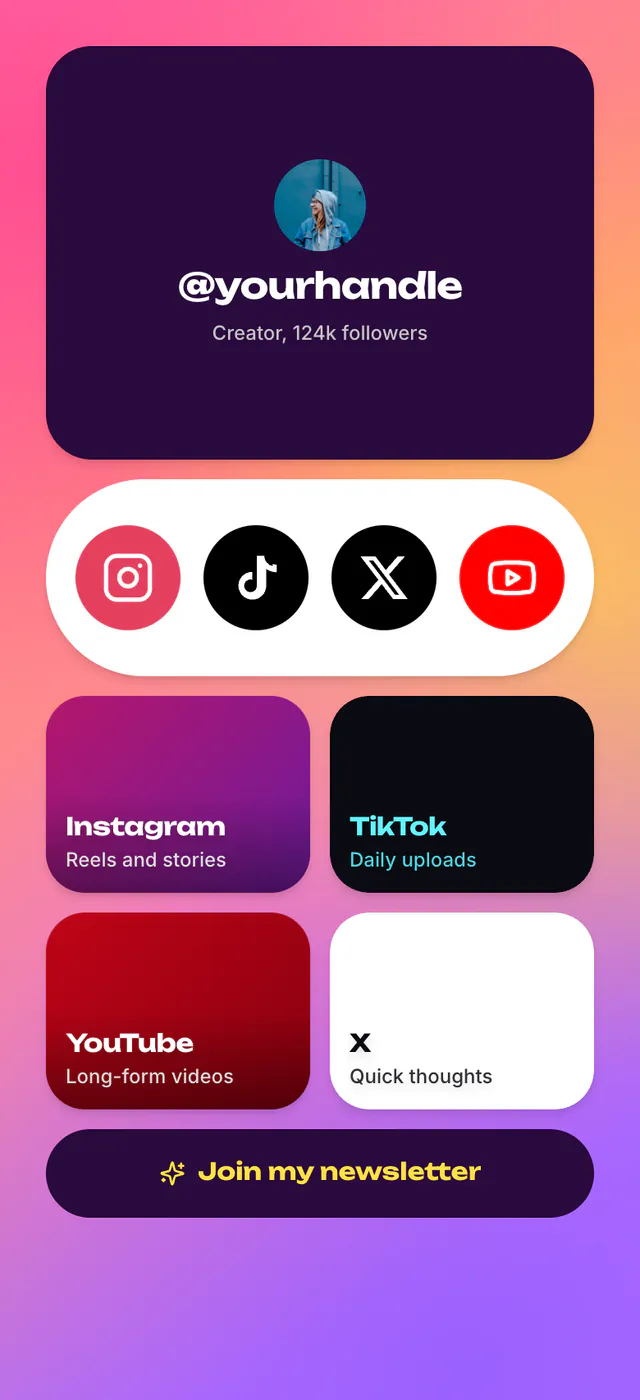
Social Links
CreatorCreator hub with platform tiles and a pinned post
What's inside
- Profile
- Socials
- Link
- Post
- Button
Popular with musicians and podcasters
Link in bio templates
A bento grid that makes your best link the biggest one, a pinned post and every platform in one row. Social Links, Link Hub and Minimal are free. More about the link page builder.
Social Links is free, and stays free.
4 templates
Picked for what a creator's page has to do. 3 of them are free.
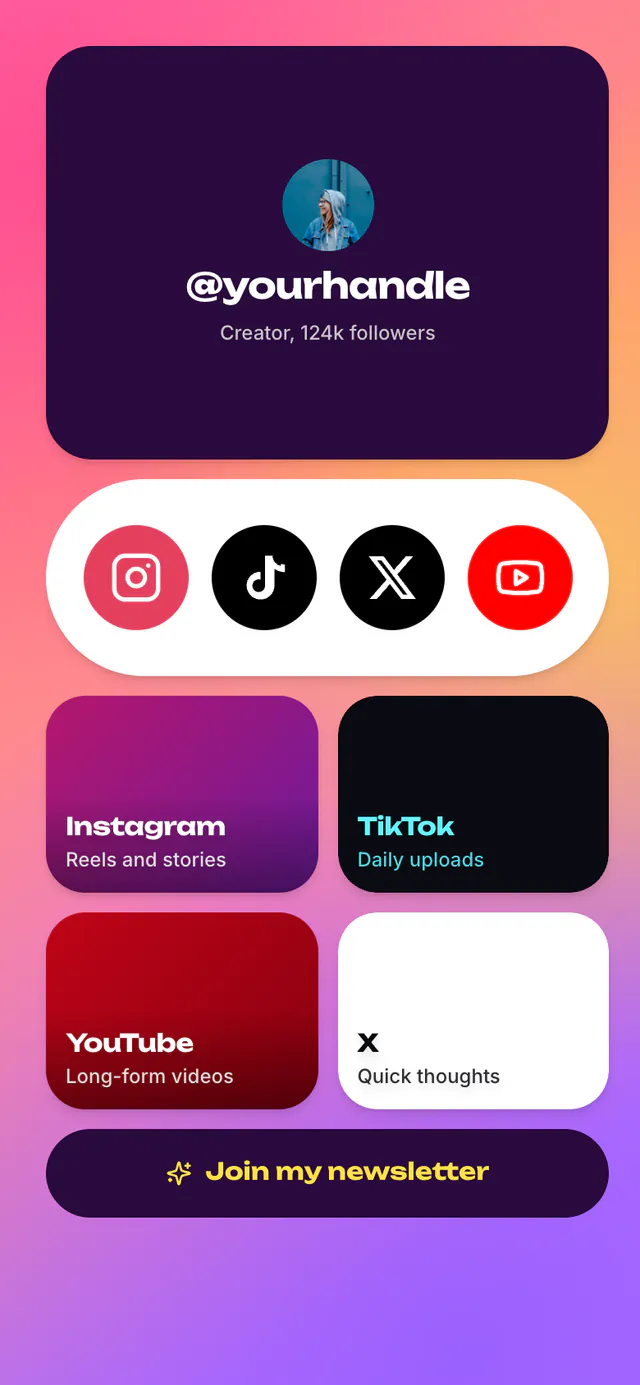
Creator hub with platform tiles and a pinned post
What's inside
Popular with musicians and podcasters
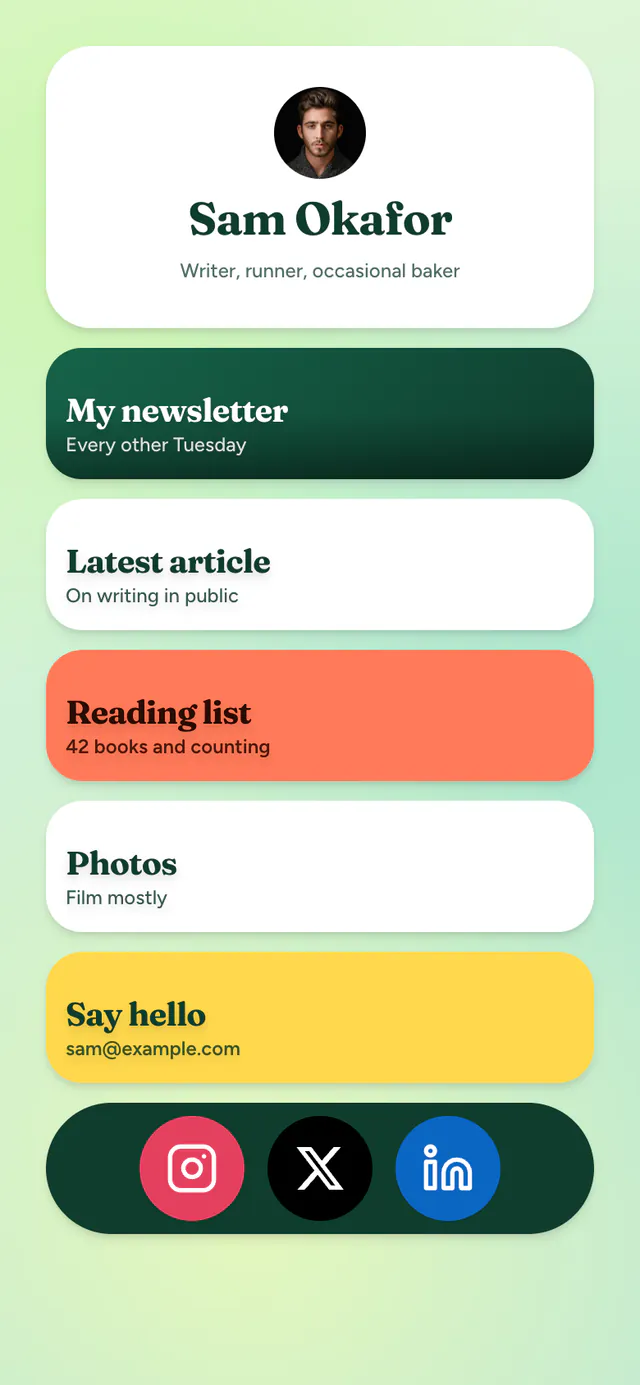
The classic stack: avatar, five links, socials
What's inside
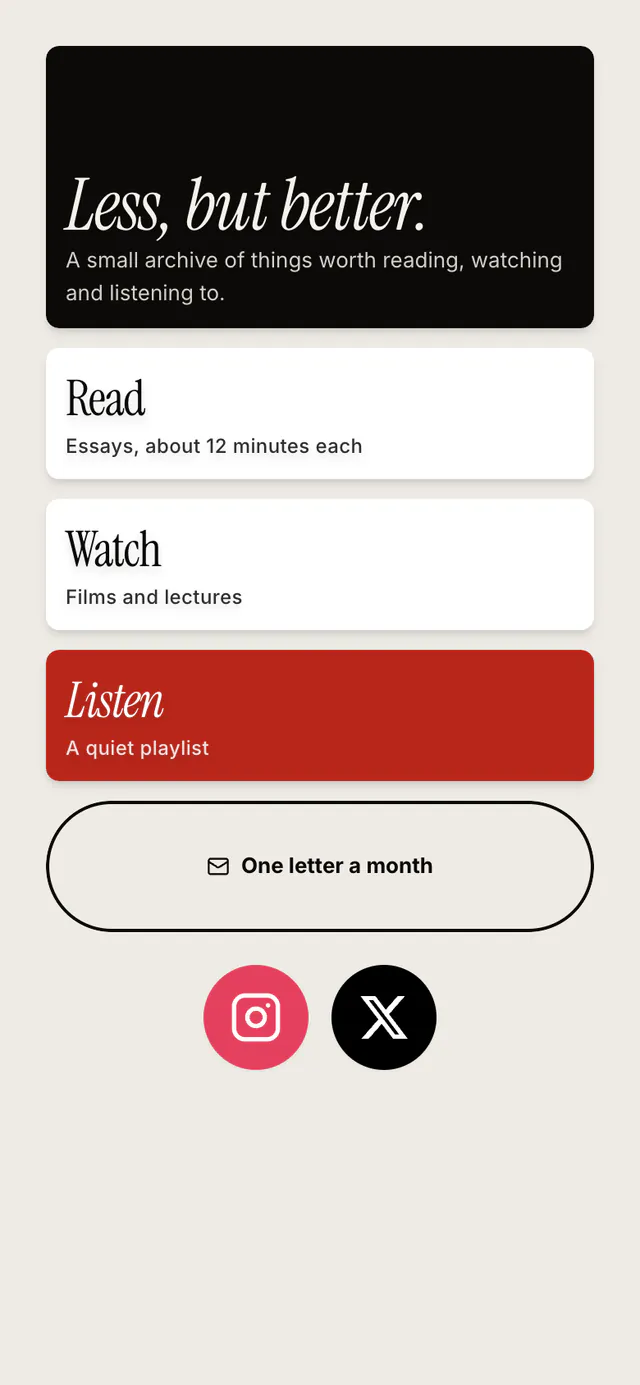
One column, serif headline, nothing spare
What's inside
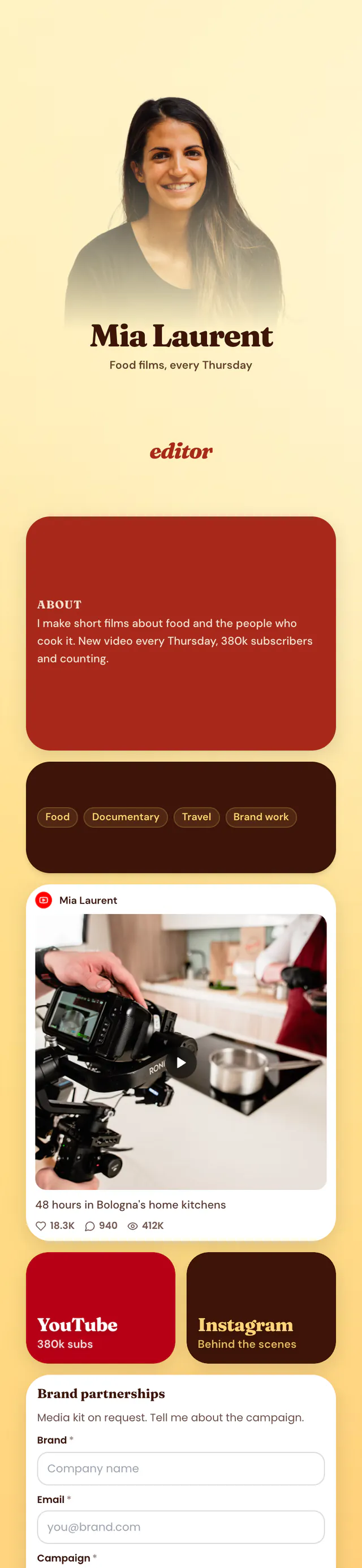
Cutout header, rotating headline, pinned post and inbox
What's inside
Popular with musicians
Want something else? Browse every template.
What goes on it
A tile per platform, sized by how much it matters, and a row of social icons.
Paste a TikTok, YouTube, X or Instagram link into a Post block to pin it to the page.
A newsletter button, or an Email Signup block that keeps the list on your page, free.
Creator Pro puts a cut-out photo of you on the page's colour, with a rotating headline. Premium.
How it works
Or any of the 4 on this page. Preview each one live first.
Swap the sample links for yours, or import your Linktree when you start. Every block can be moved, resized and recoloured.
Share it in your bio, your email signature or on a QR code. Change it any time.
Yes. Paste your Linktree URL when you start a page and your links and social icons come across, styled like the template you picked.
Social Links, Link Hub and Minimal are free. Creator Pro is Premium. Premium templates are free for 14 days on new accounts, no card needed, then $5 a month.
Yes. Views, clicks, unique visitors and click-through rate are free for the last 7 days. Premium adds referrers, countries, devices and up to a year of history.
Yes, from the editor's Templates tab, and your name and photo come with you. See real pages built this way.
More about ContentLinks
Claim your name and start from the Social Links template. You can switch layouts any time.