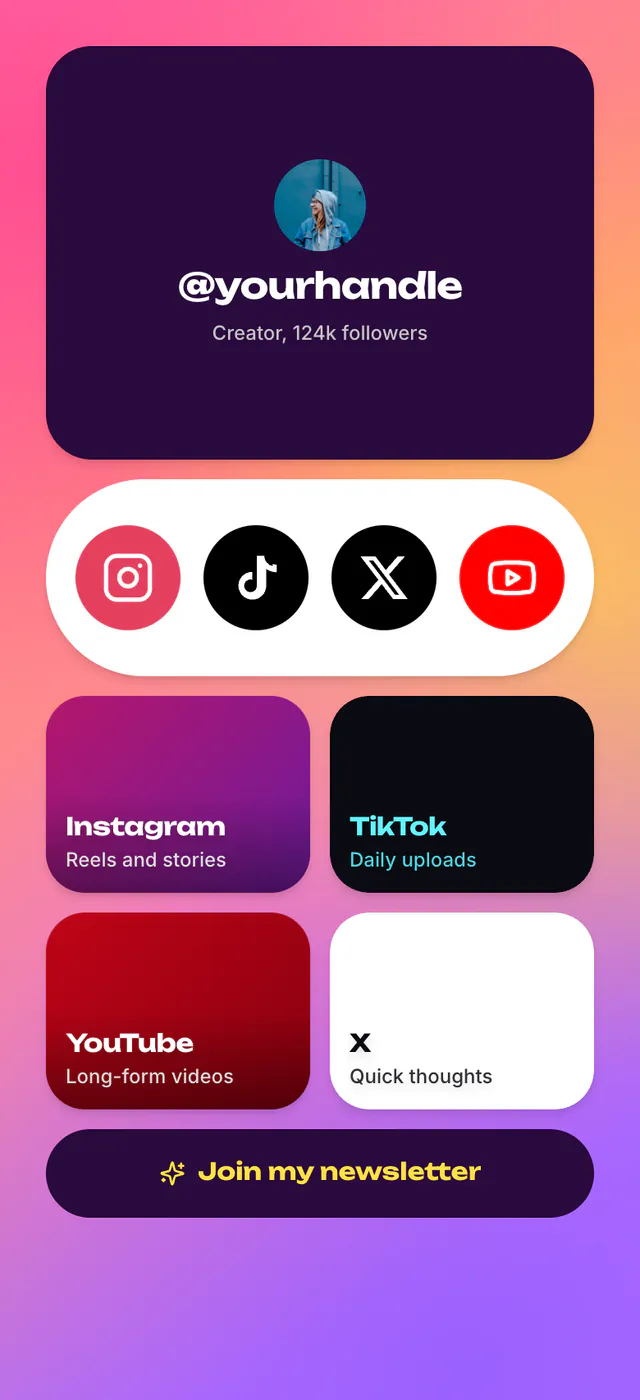
Podcast
CreatorLatest episode up top, every listening app below
What's inside
- Profile
- Post
- Link
- Carousel
- Button
- Socials
Podcast website templates
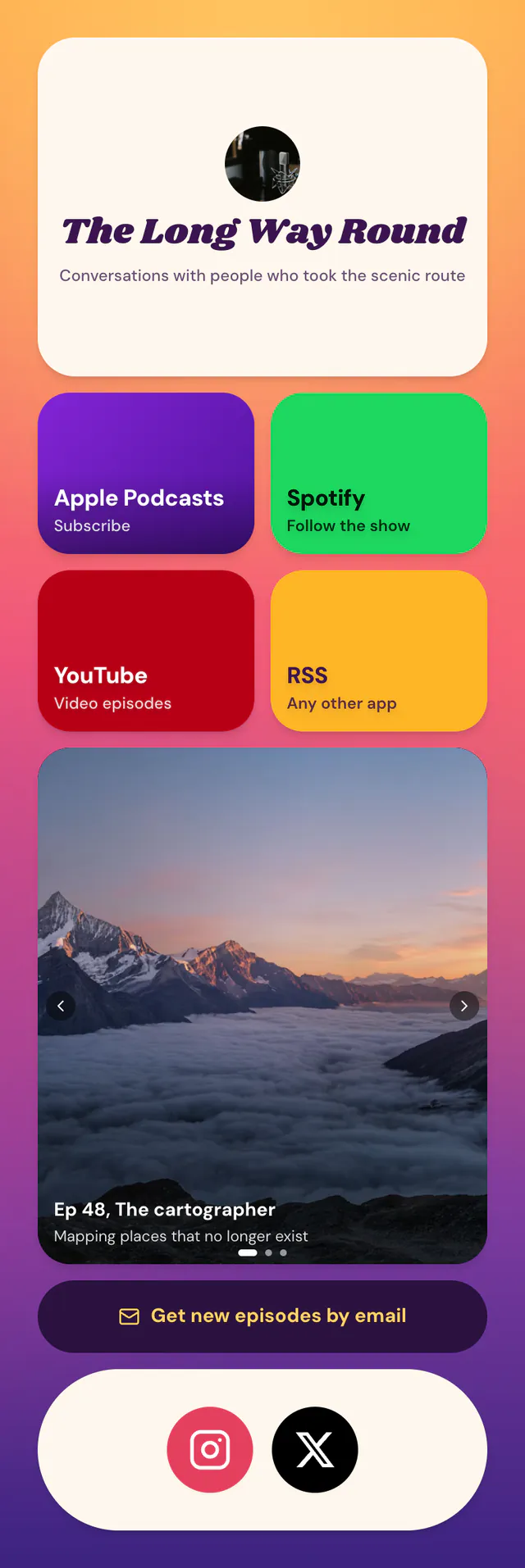
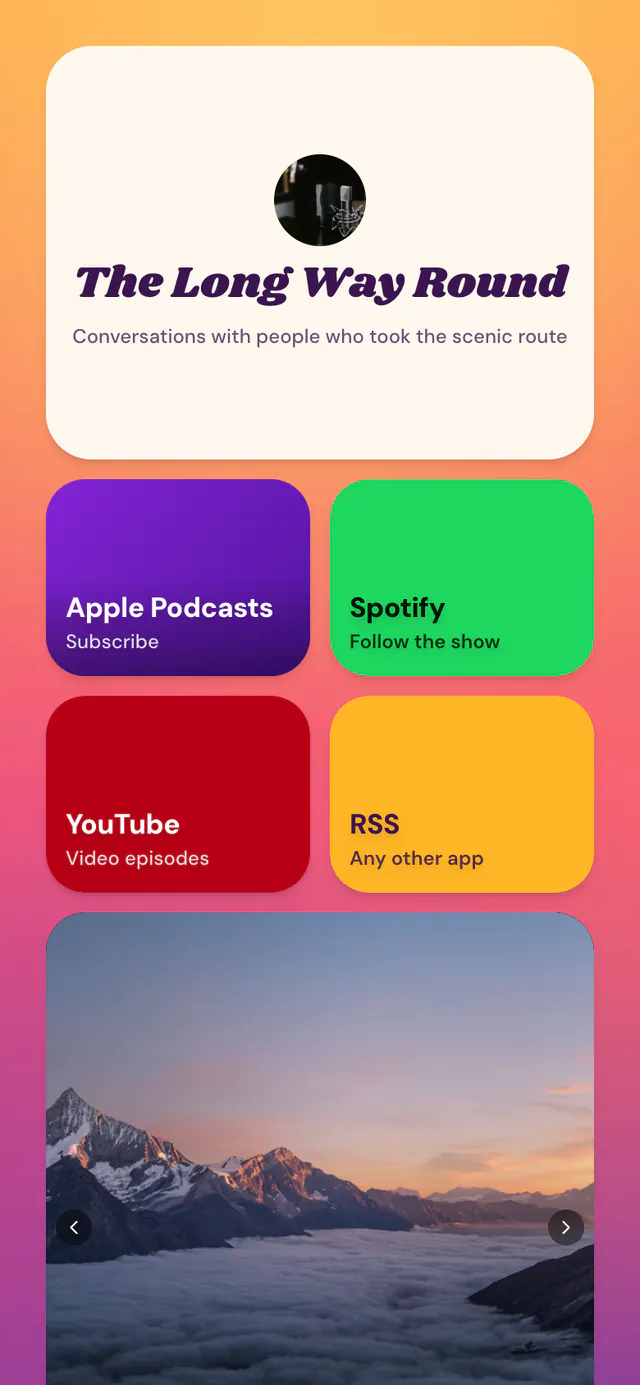
Your latest episode up top, Apple Podcasts, Spotify, YouTube and RSS below, and back episodes to swipe through. The Podcast template is free. Here is how the link page builder works.
Podcast is free, and stays free.
3 templates
Picked for what a podcaster's page has to do. 2 of them are free.
Latest episode up top, every listening app below
What's inside
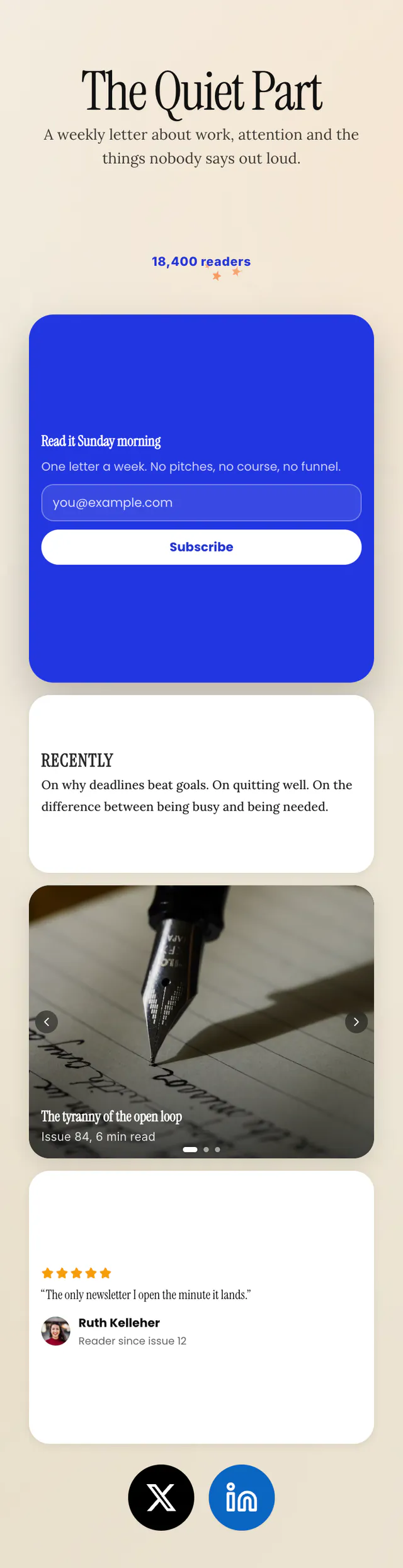
Writer's page built around one big subscribe form
What's inside
Popular with coaches
Want something else? Browse every template.
What goes on it
The Latest block reads your podcast's RSS feed or Apple Podcasts link and always shows the newest episode. The template ships with a Post block you can pin a single episode to instead.
Tiles for Apple Podcasts, Spotify, YouTube and RSS, so nobody has to search for you.
A Carousel of episodes worth starting with.
An Email Signup block that saves subscribers to a list you can export, free.
How it works
Or any of the 3 on this page. Preview each one live first.
Swap the sample links for yours, or import your Linktree when you start. Every block can be moved, resized and recoloured.
Share it in your bio, your email signature or on a QR code. Change it any time.
Yes, with the Latest block: paste your Apple Podcasts link or RSS feed once and it shows the newest episode from then on. It is free.
Yes. Newsletter, built around a big subscribe form, is Premium. Premium templates are free for 14 days on new accounts, no card needed, then $5 a month.
Paste a Spotify or YouTube episode link into a Post block and it shows with its artwork. Other apps open in their own player.
One published page, the free blocks, every font and 7 days of analytics. The Free vs Premium table has the rest.
More about ContentLinks
Claim your name and start from the Podcast template. You can switch layouts any time.