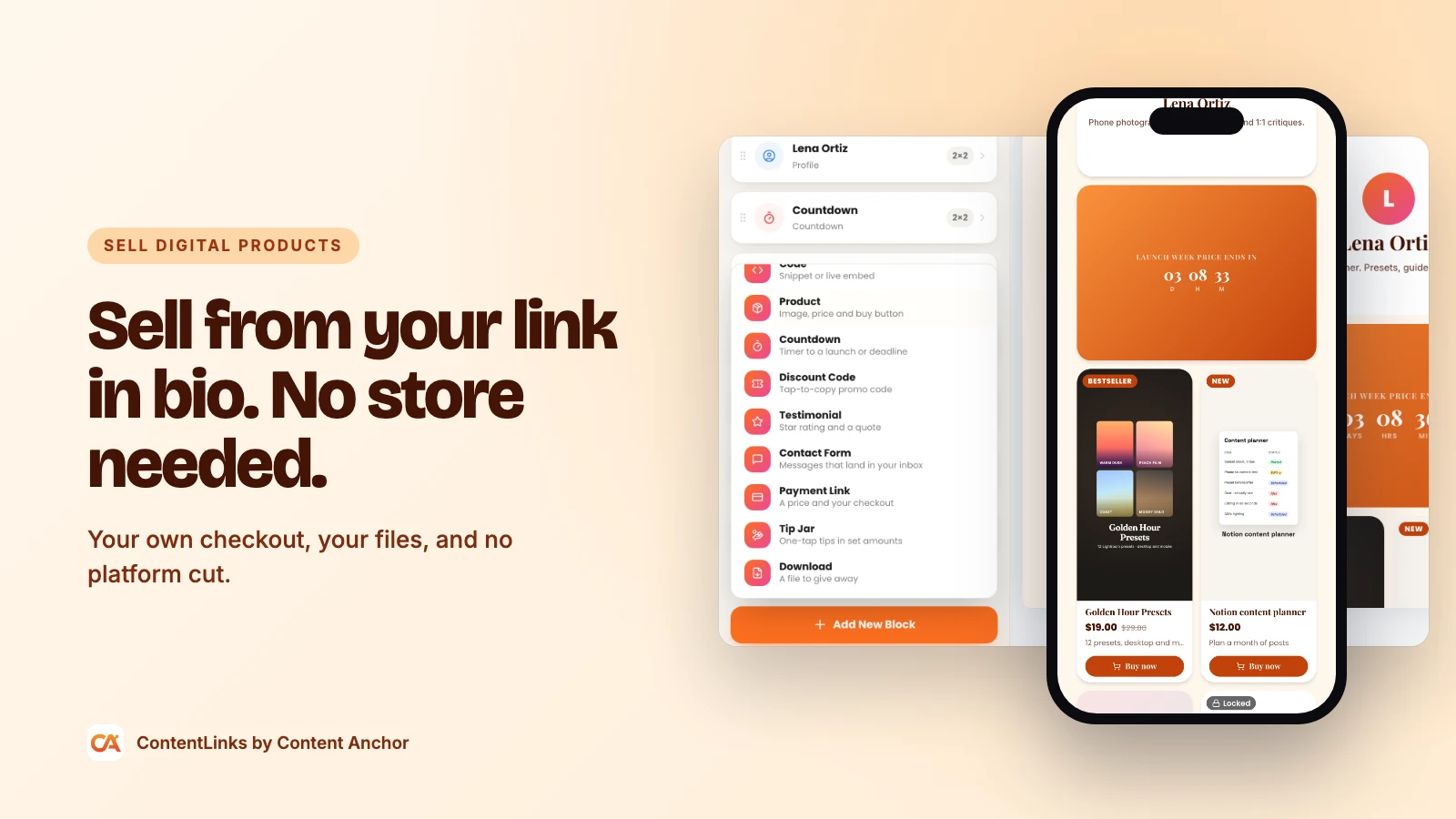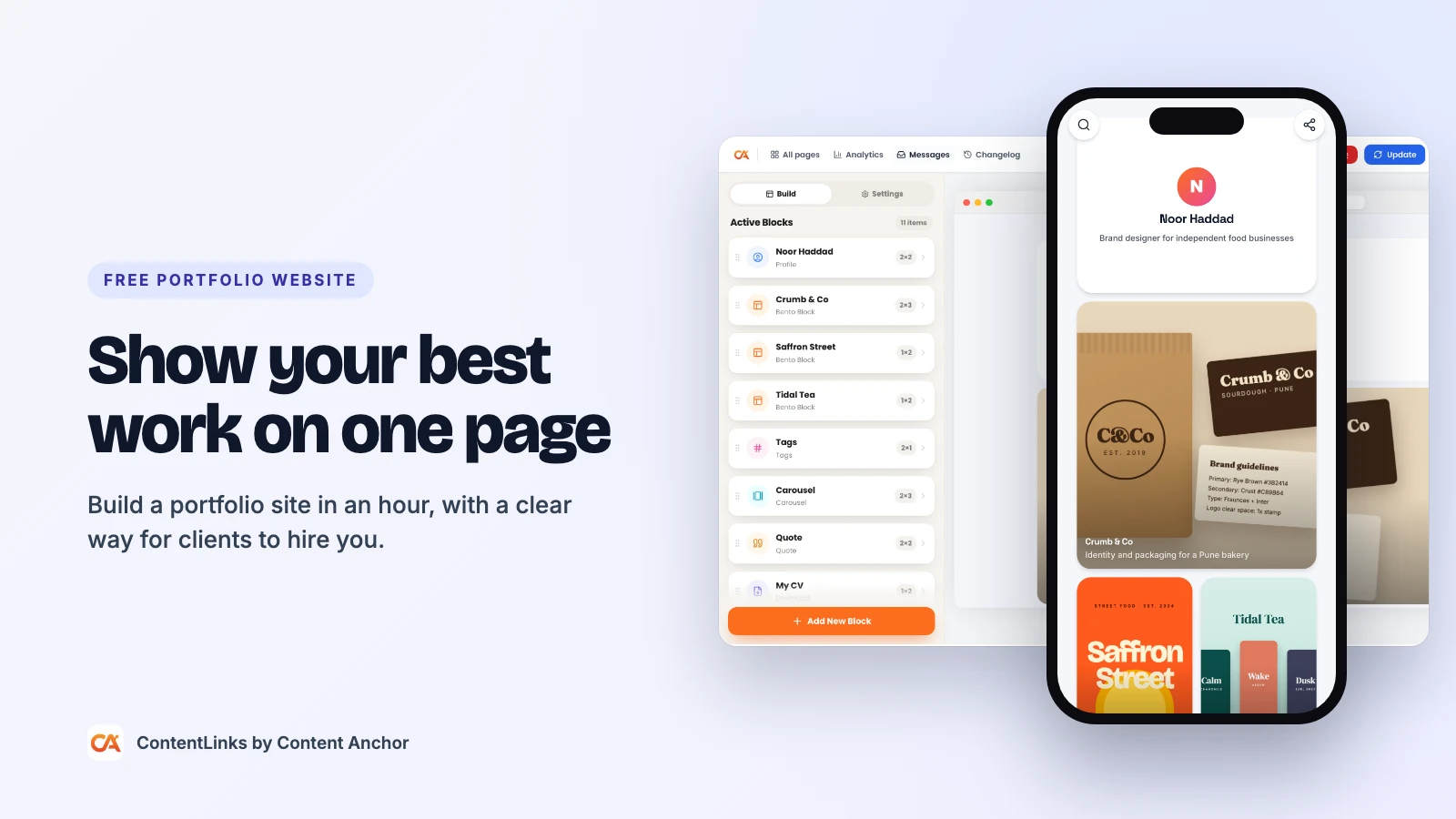
A landing page builder lets you make one page with one job: get a visitor to sign up, register, download or buy. Not browse. Not "learn more". One action. The best landing pages are short, fast and almost boring in how obvious the next step is, and you don't need a designer, a developer or a paid tool to make one.
This guide explains what a landing page is, the sections that make one convert, and how to build yours for free with ContentLinks, the drag-and-drop link page builder that works just as well as a landing page maker.
Short answer: to create a landing page for free, decide the one action you want, start from a minimal template, write a headline about the visitor's result, add a single call to action near the top, back it up with proof and an FAQ, then publish it, share it with tracked links, and watch the click-through rate.
What Is a Landing Page?
A landing page is a standalone page built for a single campaign or goal. People "land" on it from an ad, an email, a social post or a QR code, and the page asks them to do one thing.
It's easy to mix up with two other kinds of page:
| Compare | Homepage | Landing page | Link in bio page |
|---|---|---|---|
| Main goal | Explain who you are | Get one specific action | Route visitors to everything you do |
| Visitors arrive from | Search, word of mouth | An ad, email, post or QR code for one campaign | Your social profiles |
| Number of actions | Many | One, repeated | Many |
| How long it lives | Years | Days to months | Always on, updated often |
When You Need a Landing Page
- A product launch or waitlist. Collect emails before the doors open.
- An event or webinar. One page with the date, what attendees get and a register button.
- A free download. A checklist, template or guide in exchange for an email.
- A paid ad campaign. Sending paid clicks to a busy homepage wastes money. Send them to a page that matches the ad.
- A newsletter. A focused sign-up page converts better than a footer form.
- An app launch. Pair the page with a QR code; our guide to QR codes for app downloads covers that side.
The Anatomy of a Landing Page That Converts
Every effective landing page answers the same questions in the same order. Here's each section and the ContentLinks block that builds it.
| Section | What it does | Block to use |
|---|---|---|
| Headline | States the result in under 10 words | Title (free) or Hero Image (Premium) |
| Subheadline | Says who it's for and how it works | Description (free) |
| Call to action | One clear button, repeated further down | Button (free) or Email Signup (free) |
| Proof | Testimonials, numbers, logos | Quote (free) or Testimonial (Premium) |
| Details | What's included and what happens next | Description, Carousel (free) |
| Objections | Answers to price, time and risk worries | FAQ (free) |
| Urgency | A real deadline or limited spots | Countdown (Premium) or announcement bar (free) |
How to Create a Landing Page for Free in 8 Steps
1. Write down the one action
Finish this sentence before you touch the builder: "This page works if the visitor ___." Joins the waitlist. Registers for Thursday. Downloads the checklist. If you can't pick one, you need two pages.
2. Start from a clean template
Sign up free and choose Minimal on the free plan for a clean single-column start. Premium adds templates built for campaigns: Product Launch, Event, Newsletter and Coach. Each comes with a layout, colors and copy you replace.
3. Write a headline about the visitor, not you
Weak: "Introducing our new planner." Strong: "Plan a week of content in 20 minutes." Put it in a Title block. Under it, a Description block with one or two sentences that say who it's for and what they get.
Want more impact up top? On Premium, the Hero Image block adds a full banner, a cutout or a shape header, and the Animation block adds typing or rotating-word headlines.
4. Put the call to action above the fold
Add a Button block right under the headline and make it wide enough to tap without aiming. Use a verb plus the result: "Get the checklist", "Save my seat", "Join the waitlist". Repeat the same button at the bottom of the page.
5. Capture the lead
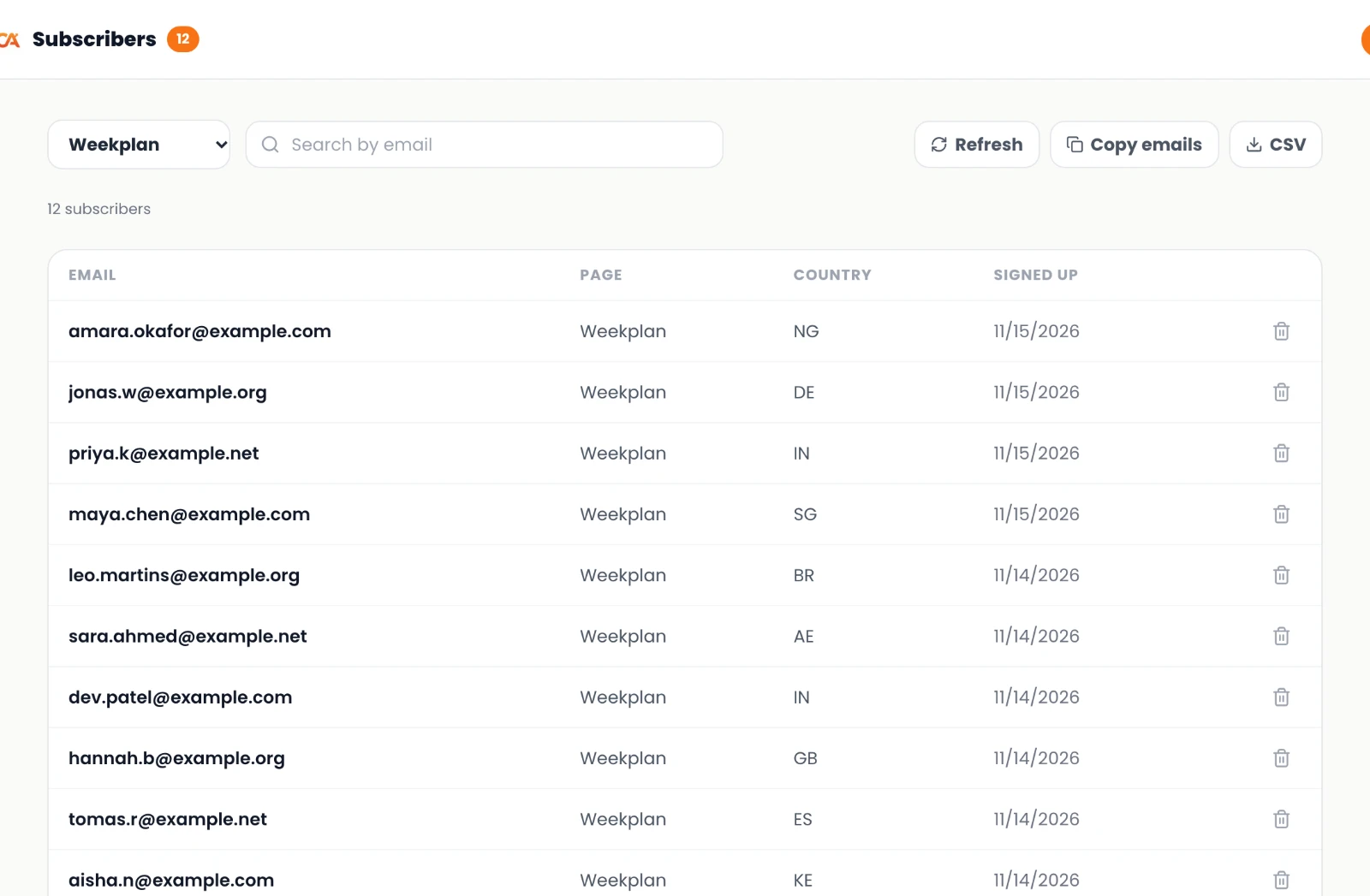
- Email Signup (free): visitors type their email without leaving the page. Every address lands in your subscribers list in the dashboard, you can export them as a CSV, and you get an email when your first subscriber arrives.
- Contact Form (Premium): for higher-value leads, build a short form with text, email, phone, long text and dropdown fields. Each submission is emailed to you and saved in an inbox in your dashboard.
Ask for as little as you can. An email address is enough for a waitlist.
6. Add proof and answer objections
Add one or two Quote blocks from early users, or the Premium Testimonial block with star ratings. Then add an FAQ block with the three questions people ask before signing up, such as "Is it free?", "How long does it take?" and "Can I cancel?".
7. Add honest urgency
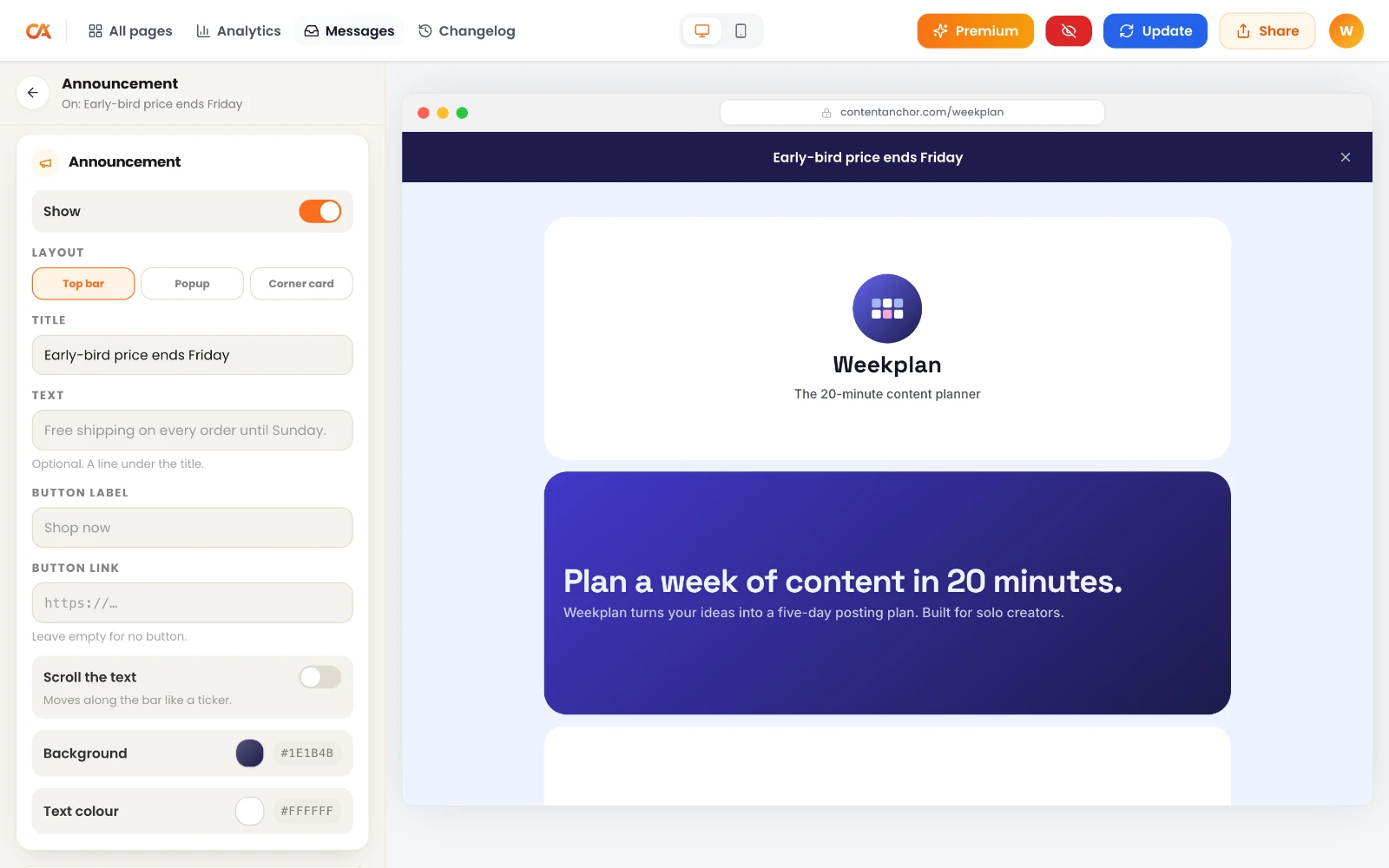
- Announcement bar (free): a strip at the top of the page, like "Early-bird price ends Friday".
- Popup or corner card (Premium): a bigger announcement for launches.
- Countdown (Premium): a live timer to your launch or deadline that can hide itself or show a message when time runs out.
- Scheduled blocks (Premium): a block that only appears between two dates, so your early-bird offer disappears on time without you logging in.
8. Publish and decide on indexing
Pick a URL, like contentanchor.com/yourname, or connect your own domain on Premium (for example launch.yourbrand.com). In Settings, write the meta title and description. If the page is only for ads or email, switch on noindex so it doesn't compete with your main page in search. If it's an evergreen lead magnet, leave it indexable.
Track What Works and Improve It
A landing page is never finished. Measure it, change one thing, measure again.
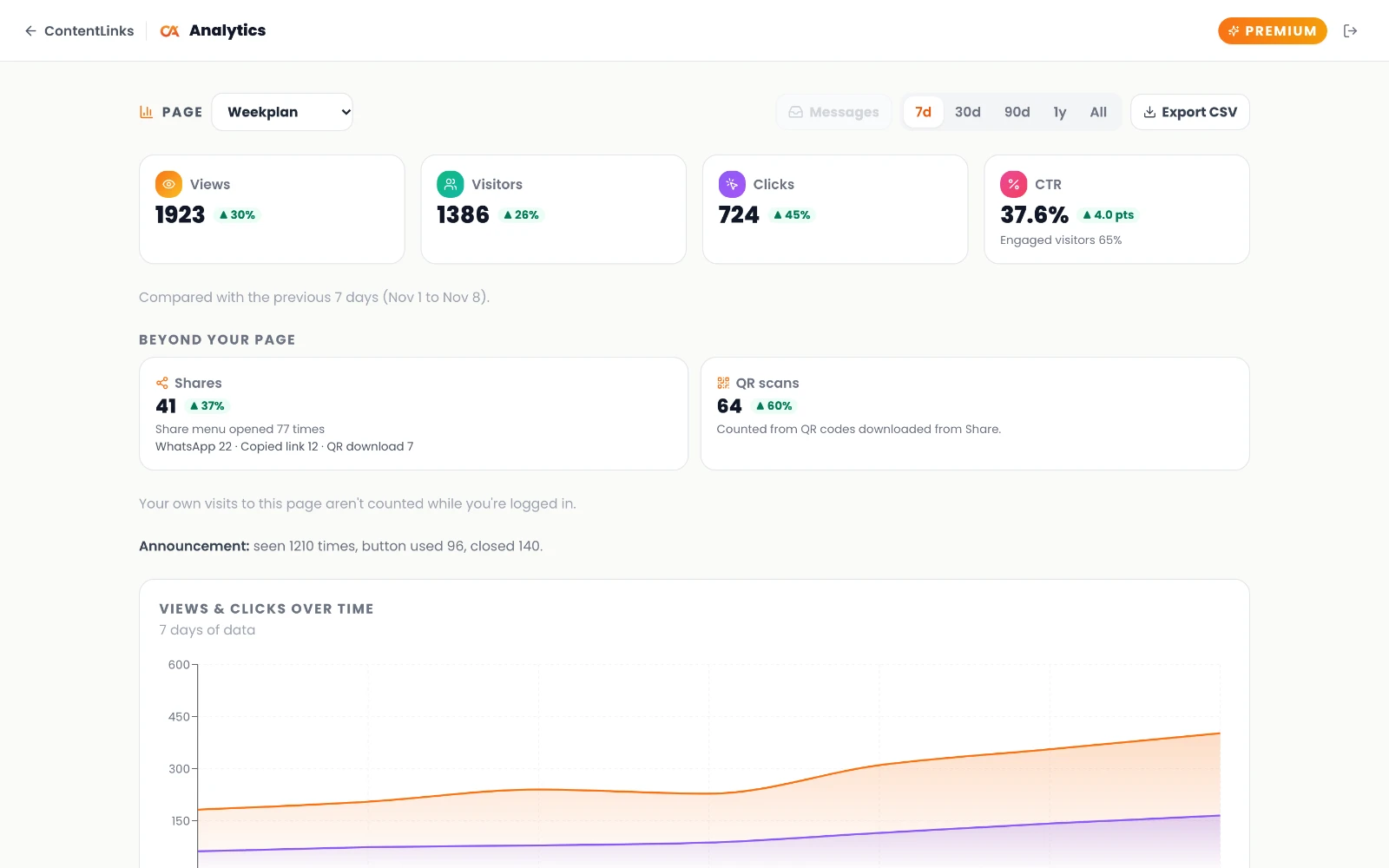
- Free analytics show views, clicks, unique visitors, click-through rate, QR scans and shares, each compared with the previous 7 days. No cookies and no stored IPs, so there's no consent banner to put people off.
- Tracked links. Make a separate link for each channel with the free UTM builder, so you know if email or Instagram sent the sign-ups.
- QR scans are counted separately. Print the page's QR code on flyers or slides and you'll see scans in your stats. Our QR code best practices guide covers size and placement.
- Click goals (free) put a progress bar on a block toward a target number of clicks, which doubles as social proof.
- Premium analytics add per-block click rate, referrers, devices, countries, new versus returning visitors, a live feed of the last 30 minutes, and CSV export. You can also connect your own GA4 property and Meta Pixel, which matters if you run Facebook or Instagram ads to the page.
A simple test without special tools: change only the headline, leave it for a week, and compare click-through rate with the week before.
Make Your Landing Page Look Good When Shared
Most landing page traffic comes through a shared link, so the preview matters as much as the page.
- ContentLinks generates a share image for every page automatically.
- Write a meta title that reads like a headline. The free meta title generator gives options in the right length.
- Check how your link will look on social apps and messengers with the free Open Graph previewer before you post it.
Free vs Premium for Landing Pages
| Feature | Free | Premium |
|---|---|---|
| Published pages | 1 | Unlimited, one per campaign |
| Address | contentanchor.com/yourname | Plus your own domain |
| Email Signup and FAQ | Yes | Yes |
| Announcements | Top bar | Top bar, popup and corner card |
| Countdown, Testimonial, Contact Form | Not included | Included |
| Scheduled and country-aware blocks | Not included | Included |
| Analytics history | Last 7 days | Up to a year or all time, with CSV export |
| GA4 and Meta Pixel | Not included | Included |
| Templates | 10 | 22 |
| "Made with ContentLinks" badge | Shown | Removed |
Landing Page Mistakes to Avoid
- Two goals on one page. "Join the waitlist" and "Follow me on TikTok" compete. Pick one.
- A headline about the product instead of the result. People buy outcomes.
- Long forms. Every extra field costs sign-ups.
- Heavy images. Compress them with the free image compressor so the page loads fast on mobile data.
- Sending ads to your all-purpose page. Paid clicks deserve a page that matches the ad.
Frequently Asked Questions
Is there a truly free landing page builder?
Yes. ContentLinks lets you build and publish a landing page on the free plan, with a headline, buttons, email sign-up, FAQ, an announcement bar and analytics, at contentanchor.com/yourname. You only pay for extras like your own domain or more than one page.
Can I make a landing page without a website?
Yes. A ContentLinks page is a standalone, server-rendered page with its own URL, so you don't need a website, hosting or a CMS behind it.
How is a landing page different from a link in bio page?
A link in bio page routes visitors to many places. A landing page pushes them toward one action. You can build both with the same tool; just remove the extra links from the landing page.
Can I collect emails on a landing page for free?
Yes. The Email Signup block is free. Subscribers are saved in your dashboard and can be exported as a CSV for your email tool.
Can I connect my own domain to a landing page?
Yes, on Premium. Connect a root domain or a subdomain like launch.yourbrand.com, one domain per account.
Can I track ads with Meta Pixel or Google Analytics?
Yes, on Premium. Add your own GA4 property and Meta Pixel to measure and retarget ad traffic. Built-in analytics work on every plan without cookies.
Should my landing page be indexed by Google?
Index evergreen pages, like a free download you'll offer for months. Use the noindex switch for short campaigns and ad-only pages so they don't compete with your main page in search results.
Build Your First Landing Page
Pick the one action, write the headline, and publish today. You can change everything later. Start your free landing page on ContentLinks, or see how the one page website builder side of ContentLinks works first.
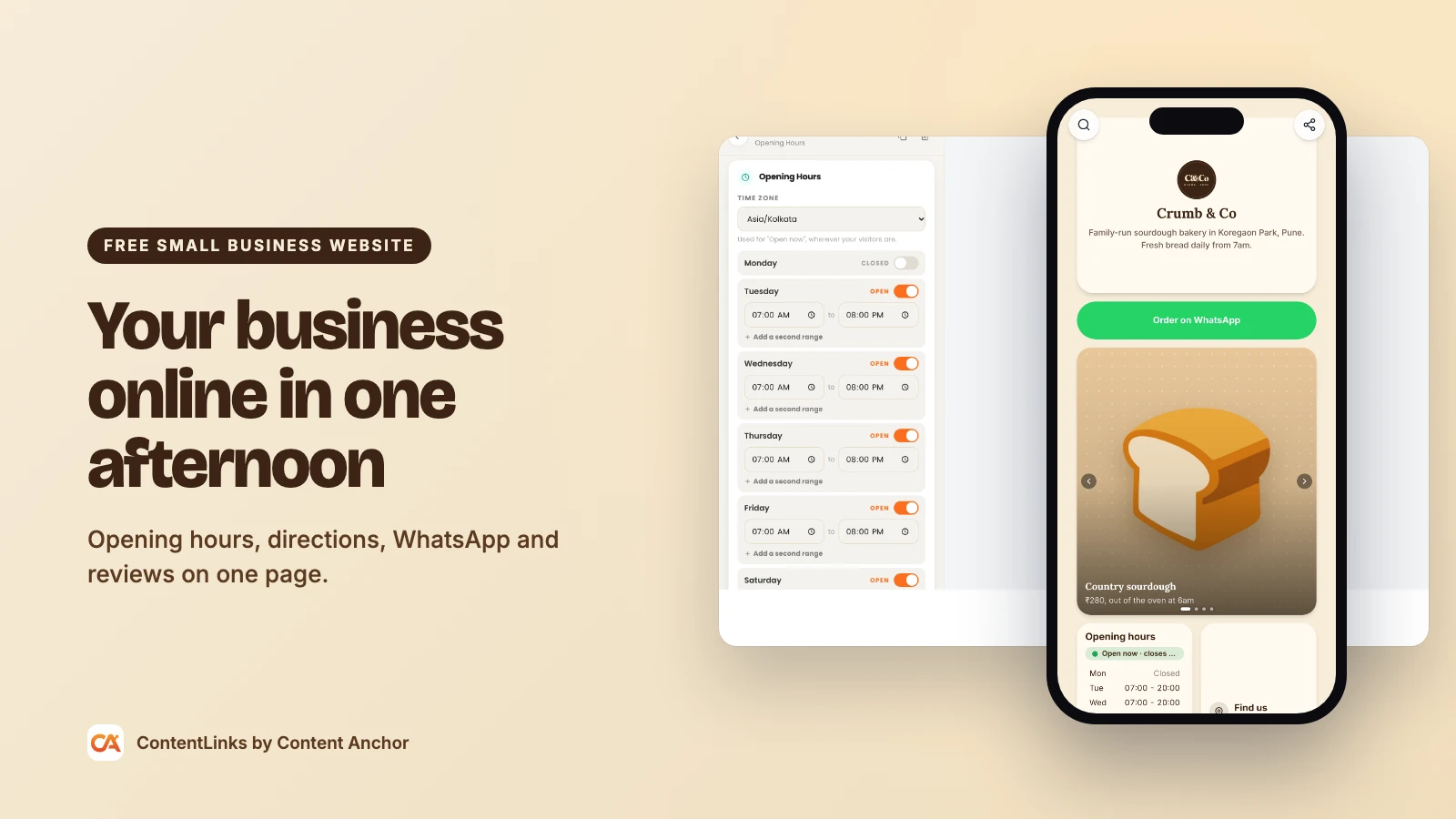
Selling something on that page? Our guide on how to sell digital products covers checkout and delivery. Running a local business? See how to build a free small business website with opening hours, directions and WhatsApp built in.